How to split Excel data into multiple (separated) Worksheets FAST
How to split Excel data into multiple (separated) Worksheets FAST 🡻 Download: https://exceldashboardschool.com/free-excel-add-ins-tools/ In this tutorial, ...

Excel Bootcamp
376.2K views • Oct 9, 2019
About this video
How to split Excel data into multiple (separated) Worksheets FAST
🡻 Download: https://exceldashboardschool.com/free-excel-add-ins-tools/
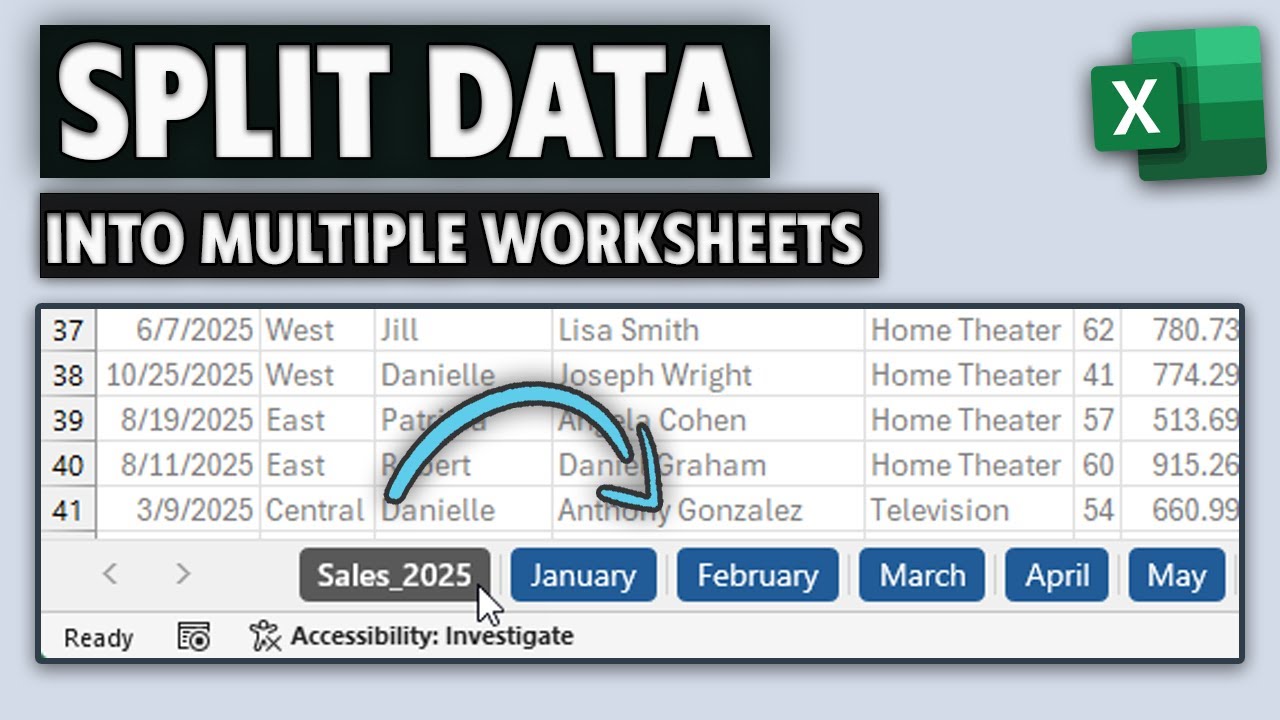
In this tutorial, we'll show you how to use our free DataXL add-in to create multiple sheets based on one-column values and then transfer data on each sheet.
Managing large datasets in Excel can be time-consuming, especially when dealing with monthly reports, sales data, or financial records. Instead of manually copying and pasting data into separate sheets, we'll show you how to automate the process in seconds! We developed this tool for splitting data on multiple worksheets.
💡 You'll learn to split Excel data into 12 separate worksheets representing a different month. Using the free DataXL add-in, you can quickly organize your dataset by a single-column value—months, regions, or categories.
This method is perfect for:
✔ Sales reports by month
✔ Financial data breakdowns
✔ Project tracking over multiple periods
✔ Any dataset that needs to be split into structured sheets
With just a few clicks, you can generate new tabss, each containing only the relevant data for that month—saving you time and reducing errors!
#exceltutorial #exceltips
🡻 Download: https://exceldashboardschool.com/free-excel-add-ins-tools/
In this tutorial, we'll show you how to use our free DataXL add-in to create multiple sheets based on one-column values and then transfer data on each sheet.
Managing large datasets in Excel can be time-consuming, especially when dealing with monthly reports, sales data, or financial records. Instead of manually copying and pasting data into separate sheets, we'll show you how to automate the process in seconds! We developed this tool for splitting data on multiple worksheets.
💡 You'll learn to split Excel data into 12 separate worksheets representing a different month. Using the free DataXL add-in, you can quickly organize your dataset by a single-column value—months, regions, or categories.
This method is perfect for:
✔ Sales reports by month
✔ Financial data breakdowns
✔ Project tracking over multiple periods
✔ Any dataset that needs to be split into structured sheets
With just a few clicks, you can generate new tabss, each containing only the relevant data for that month—saving you time and reducing errors!
#exceltutorial #exceltips
Tags and Topics
Browse our collection to discover more content in these categories.
Video Information
Views
376.2K
Likes
1.2K
Duration
1:22
Published
Oct 9, 2019
User Reviews
4.1
(75) Related Trending Topics
LIVE TRENDSRelated trending topics. Click any trend to explore more videos.
No specific trending topics match this video yet.
Explore All Trends