How to Speed up your PC Computer - Windows 11 speed boost
I walk through how I speed up a slow Windows 11 PC with 12 simple steps that anyone can do. I start with the basics like restarting your computer and disabl...

Howfinity
4.9K views • Dec 17, 2025
About this video
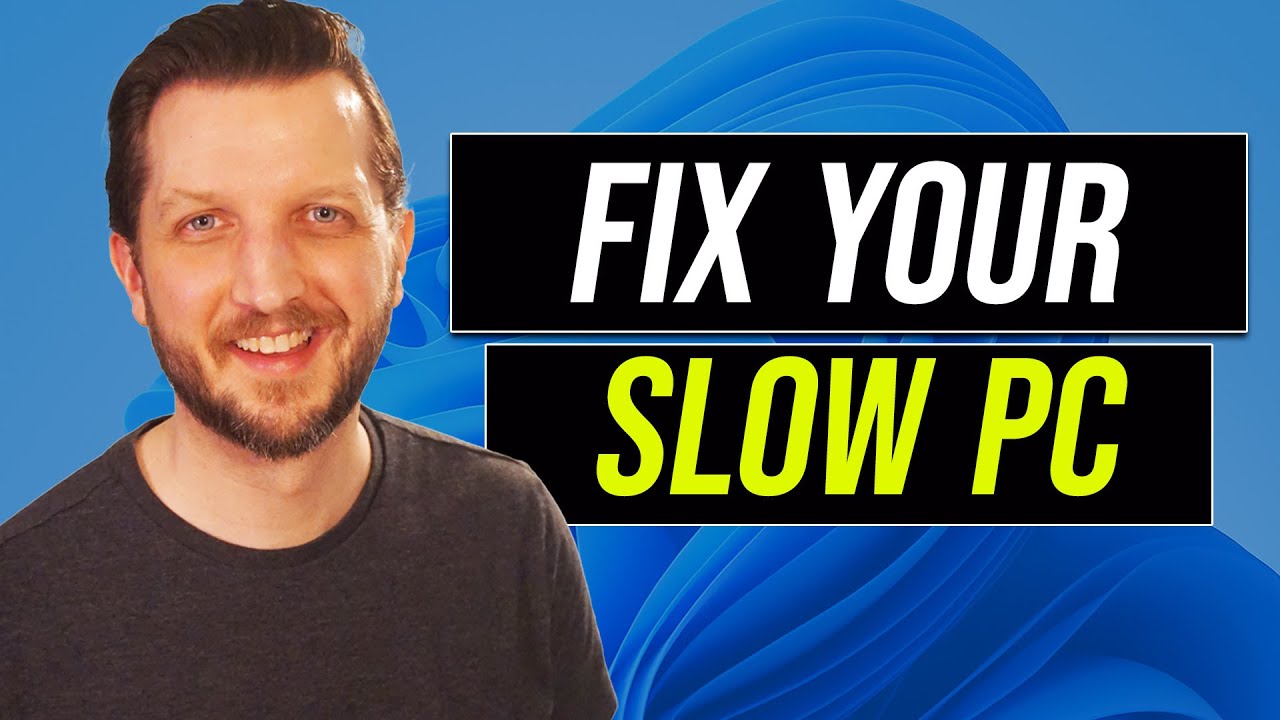
I walk through how I speed up a slow Windows 11 PC with 12 simple steps that anyone can do.
I start with the basics like restarting your computer and disabling startup apps. I also show how to uninstall unused programs, free up disk space, and keep your Windows and drivers updated. If an update causes problems, I explain how to roll it back.
I talk about using the right power settings and graphics options to boost performance. I also show how to turn off visual effects, scan for viruses, and turn on game mode. And if nothing else works, I go over how to do a full factory reset.
These tips help me keep my Windows 11 computer running fast and smooth.
I start with the basics like restarting your computer and disabling startup apps. I also show how to uninstall unused programs, free up disk space, and keep your Windows and drivers updated. If an update causes problems, I explain how to roll it back.
I talk about using the right power settings and graphics options to boost performance. I also show how to turn off visual effects, scan for viruses, and turn on game mode. And if nothing else works, I go over how to do a full factory reset.
These tips help me keep my Windows 11 computer running fast and smooth.
Tags and Topics
Browse our collection to discover more content in these categories.
Video Information
Views
4.9K
Likes
96
Duration
14:22
Published
Dec 17, 2025
User Reviews
4.6
(4) Related Trending Topics
LIVE TRENDSRelated trending topics. Click any trend to explore more videos.
No specific trending topics match this video yet.
Explore All Trends