Record Open-Gate RAW Video on iPhone 📱
Learn to shoot CinemaDNG RAW videos on any iPhone with RAW Cam app—no SSD needed. Step-by-step tutorial included.

Epic Tutorials for Mobile Filmmaking
21.6K views • Dec 19, 2025
About this video
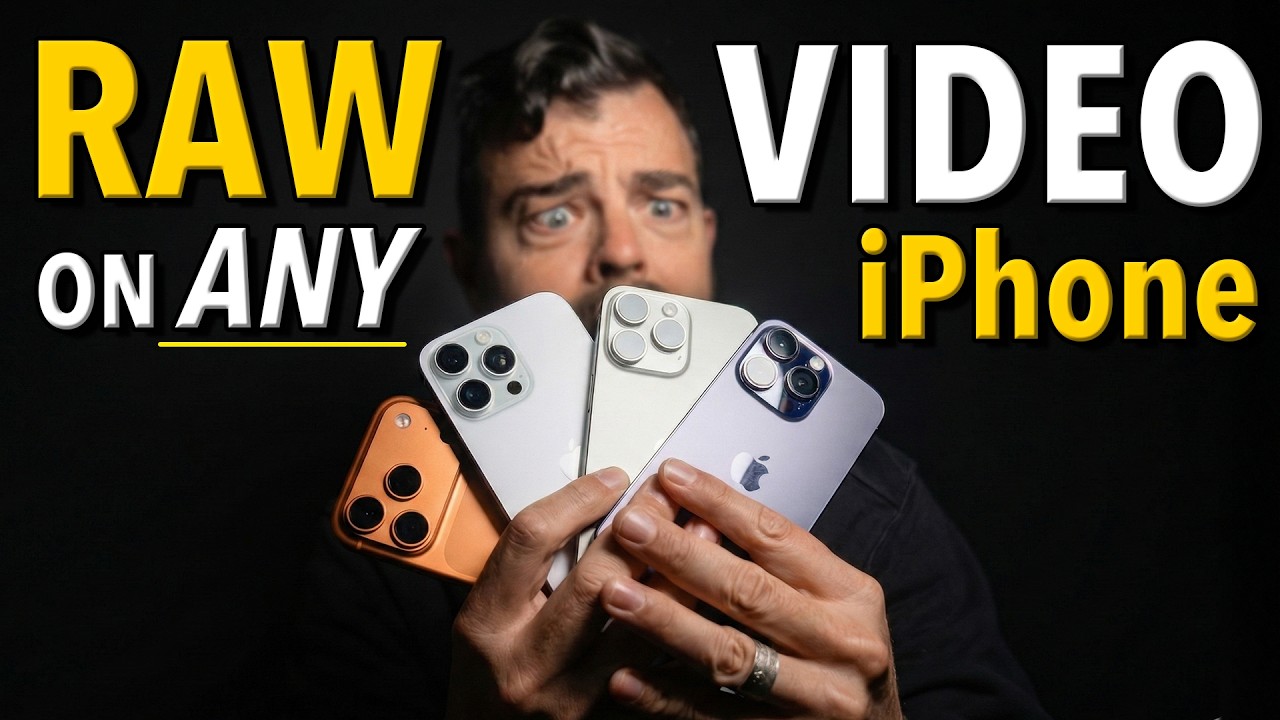
Learn how to record true CinemaDNG RAW video on any model of iPhone using the RAW Cam: Open Gate DNG Video app. In this tutorial, I show how to use the RAW Cam app to record CinemaDNG RAW video internally on iPhone, completely bypassing Apple’s aggressive image signal processing. The result is real RAW sensor data, full access to Camera RAW controls in DaVinci Resolve, and image quality that can rival — and in some cases beat — ProRes RAW on the latest iPhone Pro models.
This video covers:
• What RAW video actually is (and why it matters)
• How RAW Cam works on iPhone (Open Gate CinemaDNG)
• Supported iPhones (any iPhone that runs iOS 17 or later, including iPhone 11, 12, 13, 14, and newer)
• Internal vs external recording (and why SSDs aren’t required)
• Exposure, ISO, focus, and clipping indicators explained
• Converting MCRAW → CinemaDNG on Mac & Windows
• A complete DaVinci Resolve RAW grading workflow
• Side-by-side comparisons vs the native iPhone camera
• Limitations you must understand before shooting RAW on iPhone
Unlike Apple Log or ProRes RAW, RAW Cam removes Apple’s ISP entirely, giving you minimally processed Bayer sensor data. That means better highlight recovery, no baked-in sharpening, cleaner color, and the ability to convert your footage to ARRI LogC, Blackmagic Film Gen 5, or any professional color space for grading — even on older iPhones like the iPhone 11. RAW Cam app has revived my iPhone 14 Pro as a legitimate pocket cinema camera after it sat wasting away in a draw collecting dust!
⚠️ RAW video on iPhone is extremely demanding. I also cover dropped frames, record-time limits, lack of stabilization, focus limitations, massive file sizes, and why RAW is not always the right choice.
If you want the maximum possible image quality from an iPhone, especially models that don’t support Apple Log, this app can turn your phone into a legitimate pocket cinema camera.
📂 Downloads
📍RAW Cam DNG Video app for iPhone: https://apps.apple.com/us/app/raw-cam-open-gate-dng-video/id6755047834
📌MotionCam Tools (Mac/Windows): https://www.motioncamapp.com/
📍MotionCam Fuse (Mac): https://drive.google.com/file/d/1k6SvzqVc8uC6zQau12YrxbecicPFcrGH/view
💻 MotionCam Fuse (Windows): https://github.com/LeonardSander/motioncam-fs/releases
📌 MotionCam Player (Mac) https://drive.google.com/drive/folders/1kV_9hymi497lDUU_EmsPZ4FmPQAwSljW?usp=sharing
🎓 And there is no better place to learn about shooting RAW video in .MCRAW format than the @MotionCam Discord community: https://discord.com/invite/Vy4gQNEdNS
🔥 Get the GLOAT for Apple Log: https://epictutorials.com/products/gloat-lut-apple-log-greatest-lut-of-all-time
📱📽️ Best Smartphone Cinema Rigs from Budget to Premium:
📌🥉 Budget Rig – K&F Magnetic ND Filter System
✔️ 67mm metal K&F filter mount: https://geni.us/eQZn8m
✔️ Value NDs for filmic motion blur: https://geni.us/ZUlGj
✔️ Best universal tripod clamp: https://geni.us/tqtJ0
✔️ Lexar SSD for ProRes RAW: https://geni.us/AJE5bs
📌🥈 Intermediate Rig – Neewer Universal Lens Clamp
☑️ Neewer Universal Smartphone Rig (ND +: Lens Adapter) https://tinyurl.com/neewersmartphonerig
☑️ Best Fixed ND Filters from Freewell (40% off!) + save 10% with code EPIC at checkout: https://tinyurl.com/freewellM2ND
☑️ Lexar SSD for ProRes RAW: https://geni.us/AJE5bs
☑️ 17mm Smartphone Lens: https://tinyurl.com/133xanamorphic & https://tinyurl.com/17xtelephoto
📌🥇 Premium Rig – Freewell Pro Filmmaker Case
✅ Freewell Pro Filmmaker Case for iPhone 17 Pro/Pro Max: https://tinyurl.com/profilmmakercaseiPhone17Pro (save 10% with code EPIC)
✅ Pro Hybrid VND kit with drop-in filters: https://tinyurl.com/ProHybridVNDFilterKit (save 10% with code EPIC)
✅ Best Premium SSD from Zike (supports ProRes RAW 120fps): https://tinyurl.com/zikessd (
🚨 SAVE 20% OFF ZIKE WITH THE CODE: EPIC91C 🚨
✅ Freewell iPhone Camera Grip: https://tinyurl.com/iphonecameragrip (save 10% with code EPIC)
✅ 17mm Smartphone Lens: https://tinyurl.com/133xanamorphic & https://tinyurl.com/17xtelephoto (save 10% with code EPIC)
Chapters:
00:00 Shoot Open-Gate RAW on Any iPhone
00:44 iPhone 14 RAW vs iPhone 17 ProRes RAW
01:04 RAW Cam App Overview (iPhone)
02:03 Why Shoot RAW Video on iPhone
02:28 Native Camera App vs RAW Cam Quality
03:12 RAW Cam Tutorial – Shooting RAW on iPhone
06:55 MCRAW File Format Explained
07:11 How to Play MCRAW Files
07:36 Convert MCRAW to CinemaDNG
08:21 Import RAW Footage into DaVinci Resolve
08:38 Using Camera RAW Controls in Resolve
09:38 RAW Video Limitations on iPhone
#RAWCam #iPhoneRAW #OpenGate #CinemaDNG #MobileFilmmaking
This video covers:
• What RAW video actually is (and why it matters)
• How RAW Cam works on iPhone (Open Gate CinemaDNG)
• Supported iPhones (any iPhone that runs iOS 17 or later, including iPhone 11, 12, 13, 14, and newer)
• Internal vs external recording (and why SSDs aren’t required)
• Exposure, ISO, focus, and clipping indicators explained
• Converting MCRAW → CinemaDNG on Mac & Windows
• A complete DaVinci Resolve RAW grading workflow
• Side-by-side comparisons vs the native iPhone camera
• Limitations you must understand before shooting RAW on iPhone
Unlike Apple Log or ProRes RAW, RAW Cam removes Apple’s ISP entirely, giving you minimally processed Bayer sensor data. That means better highlight recovery, no baked-in sharpening, cleaner color, and the ability to convert your footage to ARRI LogC, Blackmagic Film Gen 5, or any professional color space for grading — even on older iPhones like the iPhone 11. RAW Cam app has revived my iPhone 14 Pro as a legitimate pocket cinema camera after it sat wasting away in a draw collecting dust!
⚠️ RAW video on iPhone is extremely demanding. I also cover dropped frames, record-time limits, lack of stabilization, focus limitations, massive file sizes, and why RAW is not always the right choice.
If you want the maximum possible image quality from an iPhone, especially models that don’t support Apple Log, this app can turn your phone into a legitimate pocket cinema camera.
📂 Downloads
📍RAW Cam DNG Video app for iPhone: https://apps.apple.com/us/app/raw-cam-open-gate-dng-video/id6755047834
📌MotionCam Tools (Mac/Windows): https://www.motioncamapp.com/
📍MotionCam Fuse (Mac): https://drive.google.com/file/d/1k6SvzqVc8uC6zQau12YrxbecicPFcrGH/view
💻 MotionCam Fuse (Windows): https://github.com/LeonardSander/motioncam-fs/releases
📌 MotionCam Player (Mac) https://drive.google.com/drive/folders/1kV_9hymi497lDUU_EmsPZ4FmPQAwSljW?usp=sharing
🎓 And there is no better place to learn about shooting RAW video in .MCRAW format than the @MotionCam Discord community: https://discord.com/invite/Vy4gQNEdNS
🔥 Get the GLOAT for Apple Log: https://epictutorials.com/products/gloat-lut-apple-log-greatest-lut-of-all-time
📱📽️ Best Smartphone Cinema Rigs from Budget to Premium:
📌🥉 Budget Rig – K&F Magnetic ND Filter System
✔️ 67mm metal K&F filter mount: https://geni.us/eQZn8m
✔️ Value NDs for filmic motion blur: https://geni.us/ZUlGj
✔️ Best universal tripod clamp: https://geni.us/tqtJ0
✔️ Lexar SSD for ProRes RAW: https://geni.us/AJE5bs
📌🥈 Intermediate Rig – Neewer Universal Lens Clamp
☑️ Neewer Universal Smartphone Rig (ND +: Lens Adapter) https://tinyurl.com/neewersmartphonerig
☑️ Best Fixed ND Filters from Freewell (40% off!) + save 10% with code EPIC at checkout: https://tinyurl.com/freewellM2ND
☑️ Lexar SSD for ProRes RAW: https://geni.us/AJE5bs
☑️ 17mm Smartphone Lens: https://tinyurl.com/133xanamorphic & https://tinyurl.com/17xtelephoto
📌🥇 Premium Rig – Freewell Pro Filmmaker Case
✅ Freewell Pro Filmmaker Case for iPhone 17 Pro/Pro Max: https://tinyurl.com/profilmmakercaseiPhone17Pro (save 10% with code EPIC)
✅ Pro Hybrid VND kit with drop-in filters: https://tinyurl.com/ProHybridVNDFilterKit (save 10% with code EPIC)
✅ Best Premium SSD from Zike (supports ProRes RAW 120fps): https://tinyurl.com/zikessd (
🚨 SAVE 20% OFF ZIKE WITH THE CODE: EPIC91C 🚨
✅ Freewell iPhone Camera Grip: https://tinyurl.com/iphonecameragrip (save 10% with code EPIC)
✅ 17mm Smartphone Lens: https://tinyurl.com/133xanamorphic & https://tinyurl.com/17xtelephoto (save 10% with code EPIC)
Chapters:
00:00 Shoot Open-Gate RAW on Any iPhone
00:44 iPhone 14 RAW vs iPhone 17 ProRes RAW
01:04 RAW Cam App Overview (iPhone)
02:03 Why Shoot RAW Video on iPhone
02:28 Native Camera App vs RAW Cam Quality
03:12 RAW Cam Tutorial – Shooting RAW on iPhone
06:55 MCRAW File Format Explained
07:11 How to Play MCRAW Files
07:36 Convert MCRAW to CinemaDNG
08:21 Import RAW Footage into DaVinci Resolve
08:38 Using Camera RAW Controls in Resolve
09:38 RAW Video Limitations on iPhone
#RAWCam #iPhoneRAW #OpenGate #CinemaDNG #MobileFilmmaking
Tags and Topics
Browse our collection to discover more content in these categories.
Video Information
Views
21.6K
Likes
925
Duration
12:12
Published
Dec 19, 2025
User Reviews
4.6
(4) Related Trending Topics
LIVE TRENDSRelated trending topics. Click any trend to explore more videos.
No specific trending topics match this video yet.
Explore All Trends