How to Set Up Yuzu Emulator & Play Princess Peach Showtime on PC 🎮
Learn step-by-step how to install the Yuzu emulator and enjoy Princess Peach Showtime on your PC. Follow this easy tutorial to relive classic Nintendo moments before Yuzu was taken down!
Ubergaijin
251 views • Mar 5, 2024
About this video
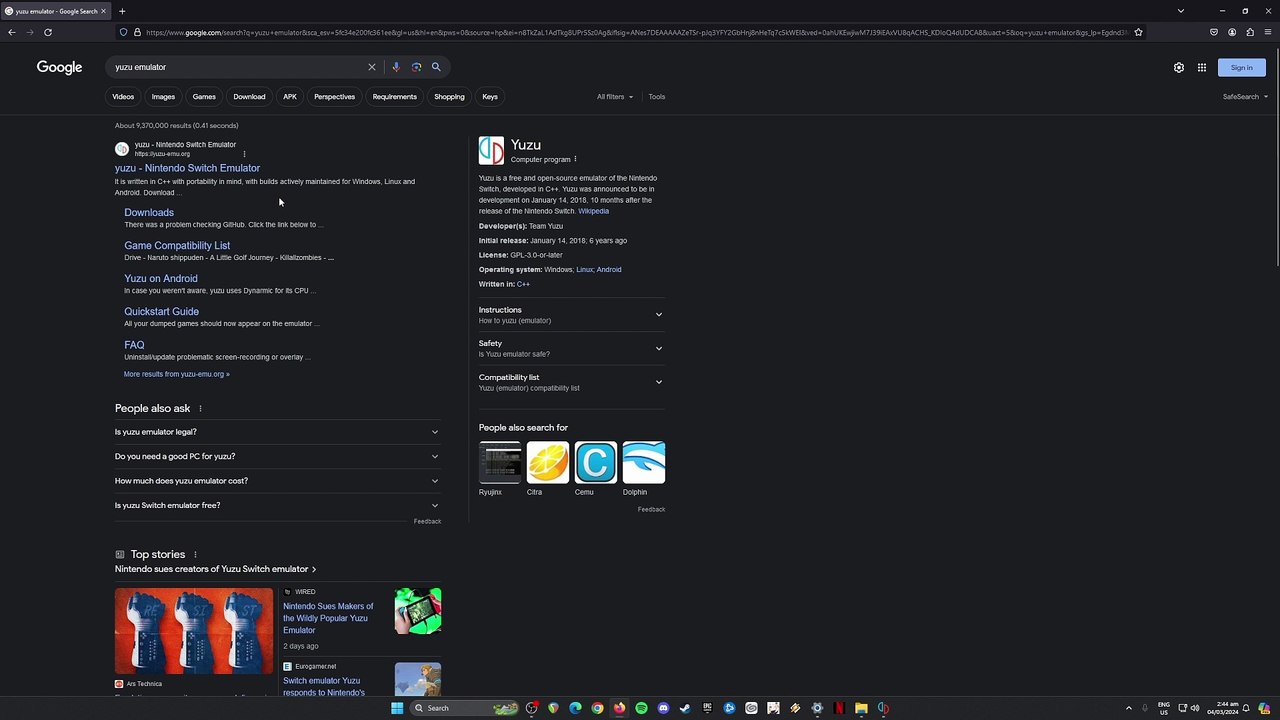
I have recorded this video tutorial before Yuzu was taken down by Nintendo, but fret not you can still find an installer of it by searching it on google from archive sites or by using the alternative app called Ryujinx Emulator. The installation process of it is the same with Yuzu and it runs and function much better with Yuzu too. So be sure that you have a PC specs that has an OpenGL 4.6 capable GPU and a CPU that has high single-core performance with 8 GB of RAM.<br /><br />Official Site https://approms.com/ppeachshowtimeryuzu/<br /><br />#PrincessPeachShowtime #PrincessPeach #YuzuEmulator
Video Information
Views
251
Duration
8:11
Published
Mar 5, 2024
Related Trending Topics
LIVE TRENDSRelated trending topics. Click any trend to explore more videos.
No specific trending topics match this video yet.
Explore All Trends