How to send a mass email with personalized attachments in Gmail (2 minute demo)
Need to send a mass email campaign where an individual file is sent along with each email? Now you can do that right inside Gmail. You'll need: 1. A Gmail a...
GMass
114.1K views • May 27, 2020
About this video
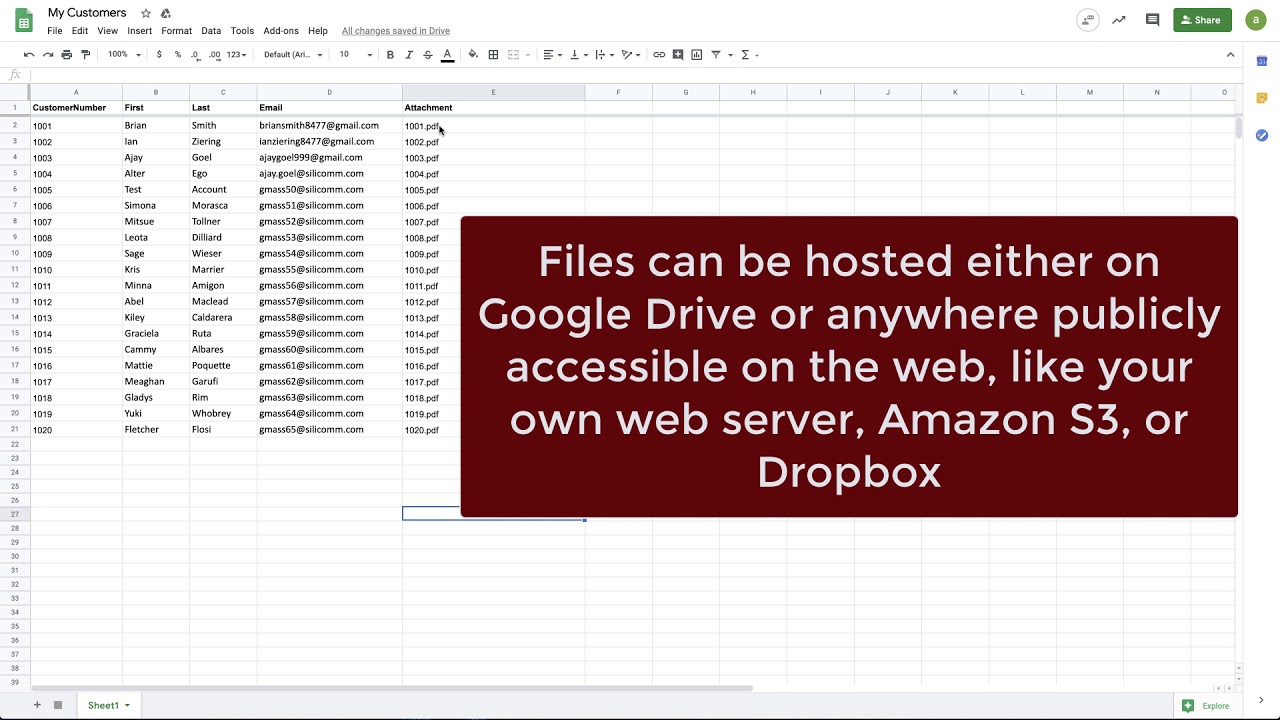
Need to send a mass email campaign where an individual file is sent along with each email? Now you can do that right inside Gmail. You'll need:
1. A Gmail account
2. A Google Sheet
3. Your files on Google Drive (or hosted somewhere on the web).
4. GMass installed
Full documentation on this new feature: https://www.gmass.co/blog/mass-email-with-personalized-attachments/
Install GMass here: https://chrome.google.com/webstore/detail/gmass-powerful-mail-merge/ehomdgjhgmbidokdgicgmdiedadncbgf?hl=en-US
It's free to send up to 50 emails/day. Paid plans for unlimited sending also available at https://www.gmass.co/pricing
1. A Gmail account
2. A Google Sheet
3. Your files on Google Drive (or hosted somewhere on the web).
4. GMass installed
Full documentation on this new feature: https://www.gmass.co/blog/mass-email-with-personalized-attachments/
Install GMass here: https://chrome.google.com/webstore/detail/gmass-powerful-mail-merge/ehomdgjhgmbidokdgicgmdiedadncbgf?hl=en-US
It's free to send up to 50 emails/day. Paid plans for unlimited sending also available at https://www.gmass.co/pricing
Video Information
Views
114.1K
Likes
729
Duration
2:32
Published
May 27, 2020
User Reviews
4.2
(22) Related Trending Topics
LIVE TRENDSRelated trending topics. Click any trend to explore more videos.
Trending Now