Run Android Apps on Ubuntu with Genymotion 📱
Learn how to use Genymotion to run Android apps on Ubuntu for testing and development easily.

Computer Everywhere
61.6K views • Jun 20, 2025
About this video
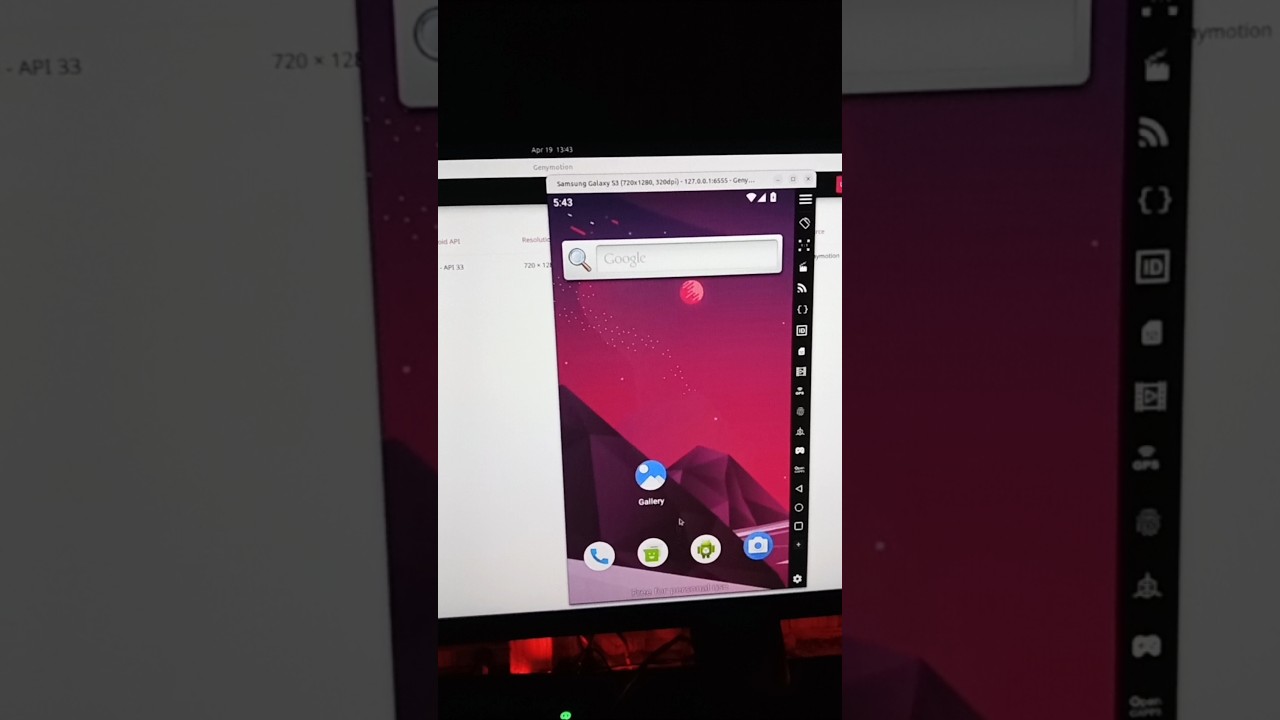
Genymotion is a powerful Android emulator used by developers and testers to simulate Android devices on their computers. It allows users to test apps, games, and other software in a virtual environment without needing physical devices.
In this video, I will guide you step-by-step on how to install Genymotion Desktop on Ubuntu 24.04.
What you'll learn:
1. Install Genymotion on Ubuntu
a. How to update your system to ensure all packages are up-to-date
b. How to visit the official Genymotion download page and choose the version of Genymotion Desktop compatible with Linux
c. How to download the .bin file
d. How to make the bin file executable and run it's installer
e. How to complete the installation process
2. Getting Started with Genymotion on Ubuntu
a. How to launch Genymotion
b. How to create and log in with your Genymotion account
c. How you can start downloading virtual devices and testing your applications
d. How to create a new device
e. How to Select the Android version and device model you want to emulate
f. How to complete the setup
g. How to create virtual device
h. How to start your virtual device
3. Remove Genymotion from Ubuntu
a. How you can easily remove Genymotion on your Ubuntu 24.04 system
b. How to delete the installation directory
c. How to remove configuration files and virtual device data
d. How to remove Genymotion desktop entry
---
🔥 Download Opera GX (Gamer’s Browser): https://offergate-software12.com/2-ctv4r-b1eq-cv5u-e541
🌍 Try Opera One (Multigeo): https://nefabop.com/6-11g1fd-c1hm-gv5u-j5ma
💸 Every install supports COMPUTER EVERYWHERE — thank you!
---
#computereverywhere #howtorun #androidapps #ubuntu #genymotion #androidemulator
In this video, I will guide you step-by-step on how to install Genymotion Desktop on Ubuntu 24.04.
What you'll learn:
1. Install Genymotion on Ubuntu
a. How to update your system to ensure all packages are up-to-date
b. How to visit the official Genymotion download page and choose the version of Genymotion Desktop compatible with Linux
c. How to download the .bin file
d. How to make the bin file executable and run it's installer
e. How to complete the installation process
2. Getting Started with Genymotion on Ubuntu
a. How to launch Genymotion
b. How to create and log in with your Genymotion account
c. How you can start downloading virtual devices and testing your applications
d. How to create a new device
e. How to Select the Android version and device model you want to emulate
f. How to complete the setup
g. How to create virtual device
h. How to start your virtual device
3. Remove Genymotion from Ubuntu
a. How you can easily remove Genymotion on your Ubuntu 24.04 system
b. How to delete the installation directory
c. How to remove configuration files and virtual device data
d. How to remove Genymotion desktop entry
---
🔥 Download Opera GX (Gamer’s Browser): https://offergate-software12.com/2-ctv4r-b1eq-cv5u-e541
🌍 Try Opera One (Multigeo): https://nefabop.com/6-11g1fd-c1hm-gv5u-j5ma
💸 Every install supports COMPUTER EVERYWHERE — thank you!
---
#computereverywhere #howtorun #androidapps #ubuntu #genymotion #androidemulator
Video Information
Views
61.6K
Likes
424
Duration
0:16
Published
Jun 20, 2025
User Reviews
4.2
(12) Related Trending Topics
LIVE TRENDSRelated trending topics. Click any trend to explore more videos.
No specific trending topics match this video yet.
Explore All Trends