Run Marked Code or Whole Script in MATLAB ⚡
Learn quick shortcuts to run selected code or entire scripts in MATLAB and boost your coding efficiency! 💻

WiredWhite
51.6K views • May 14, 2024
About this video
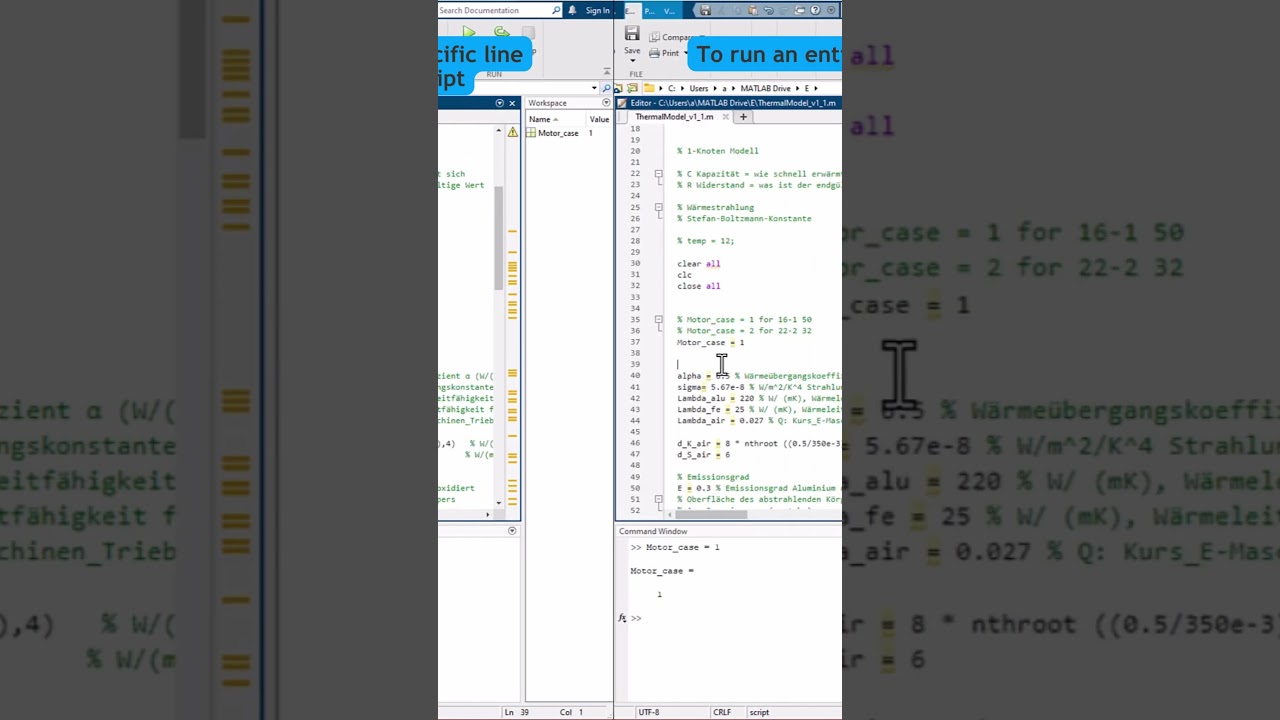
⚡ Want to speed up your coding game? Here are the shortcuts you need to run marked code or the entire script in a flash! 💻🎯
1️⃣ Marked Code: F9 ✅
Simply select the lines of code you want to run, then hit F9 on your keyboard. Watch as MATLAB executes your marked code with lightning speed! 🏃♀️
2️⃣ Entire Script: F5 ✅
To run your entire script in one go, press the F5 key. MATLAB will work its magic, executing your script from start to finish.
These handy shortcuts will save you time and boost your productivity, allowing you to focus on what truly matters: coding like a pro! 💪💡
So, are you ready to unleash the power of MATLAB with these quick shortcuts? Share your coding adventures and tag us to showcase your MATLAB mastery! 🎓💻
#MATLABShortcuts #CodeLikeAPro #EfficiencyBoost #RunWithEase #MATLABMagic
1️⃣ Marked Code: F9 ✅
Simply select the lines of code you want to run, then hit F9 on your keyboard. Watch as MATLAB executes your marked code with lightning speed! 🏃♀️
2️⃣ Entire Script: F5 ✅
To run your entire script in one go, press the F5 key. MATLAB will work its magic, executing your script from start to finish.
These handy shortcuts will save you time and boost your productivity, allowing you to focus on what truly matters: coding like a pro! 💪💡
So, are you ready to unleash the power of MATLAB with these quick shortcuts? Share your coding adventures and tag us to showcase your MATLAB mastery! 🎓💻
#MATLABShortcuts #CodeLikeAPro #EfficiencyBoost #RunWithEase #MATLABMagic
Video Information
Views
51.6K
Likes
253
Duration
0:20
Published
May 14, 2024
User Reviews
4.1
(10) Related Trending Topics
LIVE TRENDSRelated trending topics. Click any trend to explore more videos.