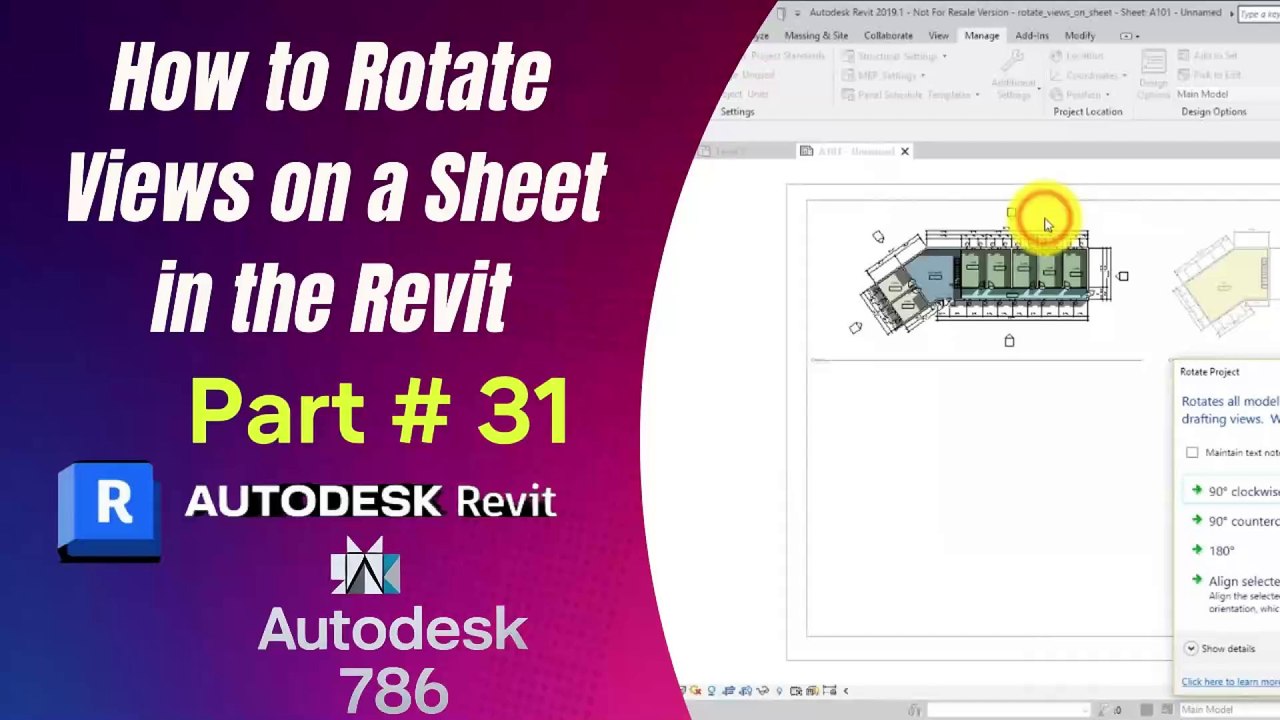
How to Rotate Views on a Sheet in Revit | Part 31
Learn how to rotate views on a sheet in Revit using different methods to adjust your layout effectively.
Autodesk786
658 views • Mar 1, 2025
About this video
How to Rotate Views on a Sheet in Revit<br />If you need to rotate a view on a sheet in Revit, there are several ways to do it. Follow these methods to adjust your view orientation properly.<br /><br />1. Rotate View Using View Properties (Recommended)<br />Select the Viewport on the sheet.<br />In the Properties Panel, look for "Rotation on Sheet."<br />Choose one of the following options:<br />None (0°) – Default orientation.<br />90° Counterclockwise – Rotates left.<br />90° Clockwise – Rotates right.<br />180° – Flips upside down.<br />The view will rotate while keeping annotations aligned.<br />2. Rotate View Inside the Model (Before Placing on Sheet)<br />If the above method does not work as needed, you can rotate the view within the model.<br /><br />Open the View from the Project Browser.<br />Use the View Cube (top-right) to rotate to a new orientation.<br />If needed, go to Properties Orientation and set it to True North or Project North.<br />Place the rotated view onto the sheet.<br />3. Rotate View by Rotating a Crop Region (For Custom Angles)<br />Open the View (not the sheet).<br />Click the Crop Region (if not visible, enable Crop View in the Properties Panel).<br />Select the Rotate (R) tool from the toolbar.<br />Click a base point, then drag to rotate the view.<br />Save and place the view back on the sheet.<br />4. Rotate the Title Block (Not Recommended for View Rotation)<br />If you need to rotate everything on the sheet (including the title block), go to Manag Rotate Project North, but this is not recommended for simple view adjustments.<br />Final Tip:<br />If you need precise control, use the Crop Region rotation method inside the view instead of rotating the entire sheet.
Video Information
Views
658
Duration
2:44
Published
Mar 1, 2025
Related Trending Topics
LIVE TRENDSRelated trending topics. Click any trend to explore more videos.