Easiest Android Root Guide 2026 📱
Learn how to root Android devices running 13, 14, or 15 with Magisk in simple steps for 2025 and beyond.

Tech Jarves
183.1K views • Apr 6, 2025
About this video
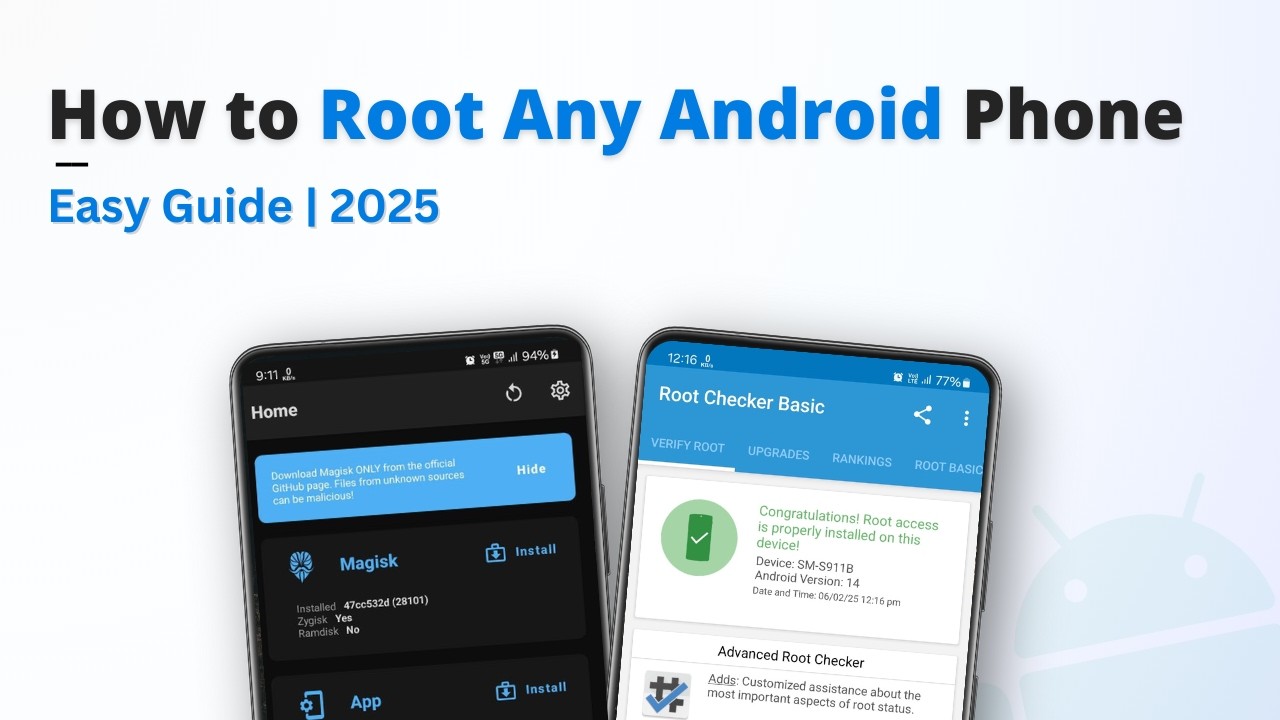
Root ANY Android Phone Easily in 2025! This comprehensive guide covers how to root Android device running Android 13, 14, or 15 using Magisk. This step-by-step tutorial applies to phones like OnePlus, Poco, Redmi, Samsung, Realme, and Nothing.
Unlock the full potential of your Android device by rooting it with this easy-to-follow guide. Learn how to unlock your bootloader, set up ADB/Fastboot, and flash Magisk step-by-step using a PC (Windows, Mac, or Linux). #AndroidRoot #Magisk #HowToRoot
In this video, you'll learn:
✅ How to unlock your bootloader
✅ How to patch your firmware with Magisk
✅ How to flash the patched file using Fastboot
✅ Verify root access with Magisk Manager
⚠️ IMPORTANT:
- Rooting voids your warranty & can be risky. Proceed at your own risk!
- Requires a PC (Windows, Mac, or Linux) & USB Cable.
- NOT for Samsung devices (uses Fastboot).
- Your device MUST have an unlockable bootloader.
🔗 Samsung Rooting Video: https://youtu.be/HRCOMYwZIrs
📥 Download Links:
Platform Tools (ADB & Fastboot): https://developer.android.com/tools/releases/platform-tools
Magisk App: https://github.com/topjohnwu/Magisk/releases/tag/v28.1
Root Checker App: https://root-checker.en.uptodown.com/android
📅 Timestamps:
00:00 – Intro to Rooting in 2025
00:23 – Supported Devices + Disclaimer
01:00 – Prerequisites & Required Files
01:54 – Unlocking Bootloader (Step-by-Step)
06:49 – Downloading Firmware & Extracting boot.img
08:40 – Patch Boot Image with Magisk
09:37 – Flashing the Magisk-patched file
11:16 – Verifying Root with Magisk & Root Checker
🤝 Connect with Us:
Channel Membership: https://www.youtube.com/channel/UCbekhhidkzkGryM7mi5Ys_w/join
Telegram: https://t.me/techjarves
YouTube: https://www.youtube.com/techjarves
Instagram: https://www.instagram.com/jarves.usaram/
Twitter: https://twitter.com/jarves_usaram
💡 If you found this video helpful, give it a thumbs up, and don't forget to subscribe for more tech tips and tutorials. See you in the next one!
⚠️ Disclaimer: Rooting your device voids the warranty and may cause issues if not done correctly. Please back up your important data before proceeding. This method works well for many devices, but rooting for Oppo and Vivo phones is not recommended. Follow the steps carefully, and proceed at your own risk.
🔍 User Queries Covered || Tags:
how to install magisk, install magisk, magisk install, how to install magisk 23.0, how to install magisk, How to root Android 14, Android rooting tutorial 2025, Unlock bootloader on Android,
Root your Android phone, How to root any Android with PC, How to flash Magisk in Android Mobile,
The easiest way to root Android phones, Root Android phone with Magisk, How to root Android using Magisk.
Unlock the full potential of your Android device by rooting it with this easy-to-follow guide. Learn how to unlock your bootloader, set up ADB/Fastboot, and flash Magisk step-by-step using a PC (Windows, Mac, or Linux). #AndroidRoot #Magisk #HowToRoot
In this video, you'll learn:
✅ How to unlock your bootloader
✅ How to patch your firmware with Magisk
✅ How to flash the patched file using Fastboot
✅ Verify root access with Magisk Manager
⚠️ IMPORTANT:
- Rooting voids your warranty & can be risky. Proceed at your own risk!
- Requires a PC (Windows, Mac, or Linux) & USB Cable.
- NOT for Samsung devices (uses Fastboot).
- Your device MUST have an unlockable bootloader.
🔗 Samsung Rooting Video: https://youtu.be/HRCOMYwZIrs
📥 Download Links:
Platform Tools (ADB & Fastboot): https://developer.android.com/tools/releases/platform-tools
Magisk App: https://github.com/topjohnwu/Magisk/releases/tag/v28.1
Root Checker App: https://root-checker.en.uptodown.com/android
📅 Timestamps:
00:00 – Intro to Rooting in 2025
00:23 – Supported Devices + Disclaimer
01:00 – Prerequisites & Required Files
01:54 – Unlocking Bootloader (Step-by-Step)
06:49 – Downloading Firmware & Extracting boot.img
08:40 – Patch Boot Image with Magisk
09:37 – Flashing the Magisk-patched file
11:16 – Verifying Root with Magisk & Root Checker
🤝 Connect with Us:
Channel Membership: https://www.youtube.com/channel/UCbekhhidkzkGryM7mi5Ys_w/join
Telegram: https://t.me/techjarves
YouTube: https://www.youtube.com/techjarves
Instagram: https://www.instagram.com/jarves.usaram/
Twitter: https://twitter.com/jarves_usaram
💡 If you found this video helpful, give it a thumbs up, and don't forget to subscribe for more tech tips and tutorials. See you in the next one!
⚠️ Disclaimer: Rooting your device voids the warranty and may cause issues if not done correctly. Please back up your important data before proceeding. This method works well for many devices, but rooting for Oppo and Vivo phones is not recommended. Follow the steps carefully, and proceed at your own risk.
🔍 User Queries Covered || Tags:
how to install magisk, install magisk, magisk install, how to install magisk 23.0, how to install magisk, How to root Android 14, Android rooting tutorial 2025, Unlock bootloader on Android,
Root your Android phone, How to root any Android with PC, How to flash Magisk in Android Mobile,
The easiest way to root Android phones, Root Android phone with Magisk, How to root Android using Magisk.
Tags and Topics
Browse our collection to discover more content in these categories.
Video Information
Views
183.1K
Likes
2.6K
Duration
12:28
Published
Apr 6, 2025
User Reviews
4.6
(36) Related Trending Topics
LIVE TRENDSRelated trending topics. Click any trend to explore more videos.
No specific trending topics match this video yet.
Explore All Trends