How to Reset MacBook Password (M1 & Above) | Works on Older MacBooks Too!
Forgot your MacBook password? This guide shows you how to reset it using recovery mode, which is compatible with the MacBook M1 series and newer models, as w...
Worth it Repairs
1.9M views • Dec 10, 2024
About this video
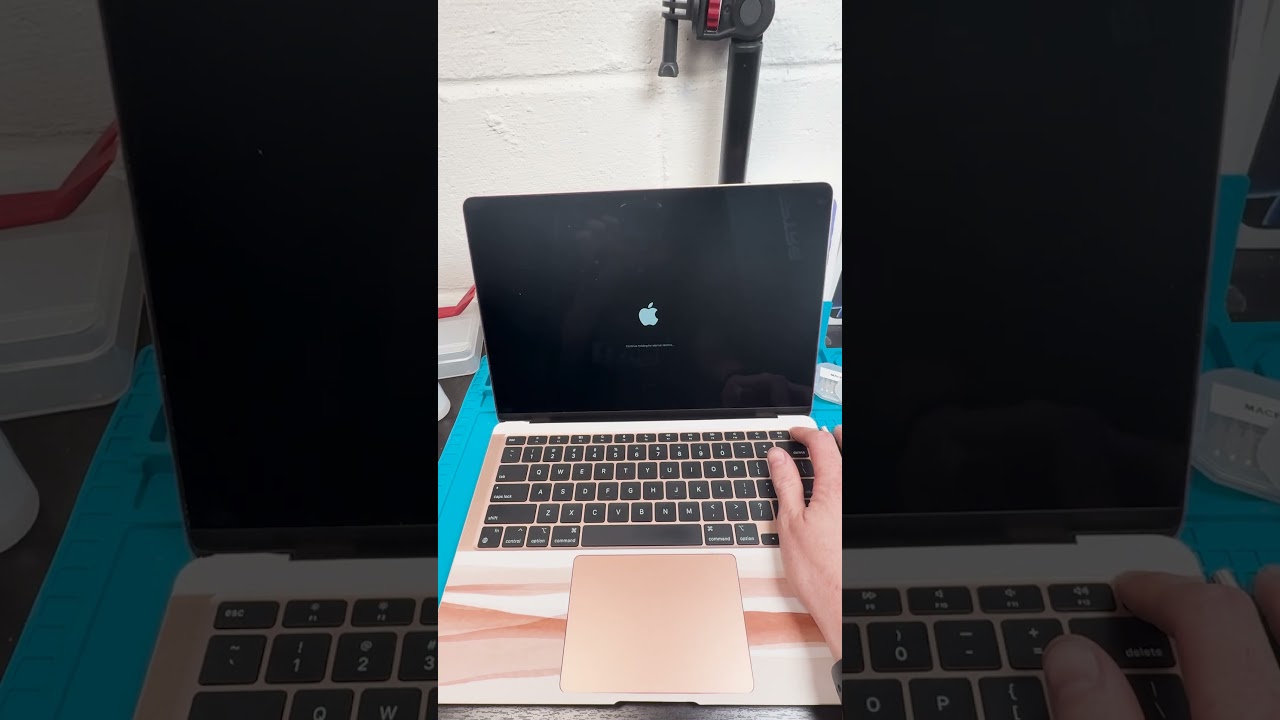
Forgot your MacBook password? This guide shows you how to reset it using recovery mode, which is compatible with the MacBook M1 series and newer models, as well as older MacBooks without the T2 Chip restriction. You’ll need your Apple ID login and a Wi-Fi connection for this process to work. If you cannot reset your password, a full reset or reinstall of macOS may be necessary, so always back up your MacBook using iCloud or Time Machine.
👉 This method is great for models without the T2 chip, as they’re not tied to an Apple ID for recovery.
📌 Watch now and learn how to regain access to your MacBook!
👉 This method is great for models without the T2 chip, as they’re not tied to an Apple ID for recovery.
📌 Watch now and learn how to regain access to your MacBook!
Video Information
Views
1.9M
Likes
20.8K
Duration
0:52
Published
Dec 10, 2024
User Reviews
4.6
(374) Related Trending Topics
LIVE TRENDSRelated trending topics. Click any trend to explore more videos.
No specific trending topics match this video yet.
Explore All Trends