How to Reprint JAMB 2026 Examination Slip | Check Exam Date, Time & Venue for JAMB 2026
Are you ready for the 2026 UTME? In this video, we provide a step-by-step guide on how to reprint your JAMB 2026 Examination Slip to check your specific Exam...
CharisnovaEduconsult
4.5K views • Apr 9, 2026
About this video
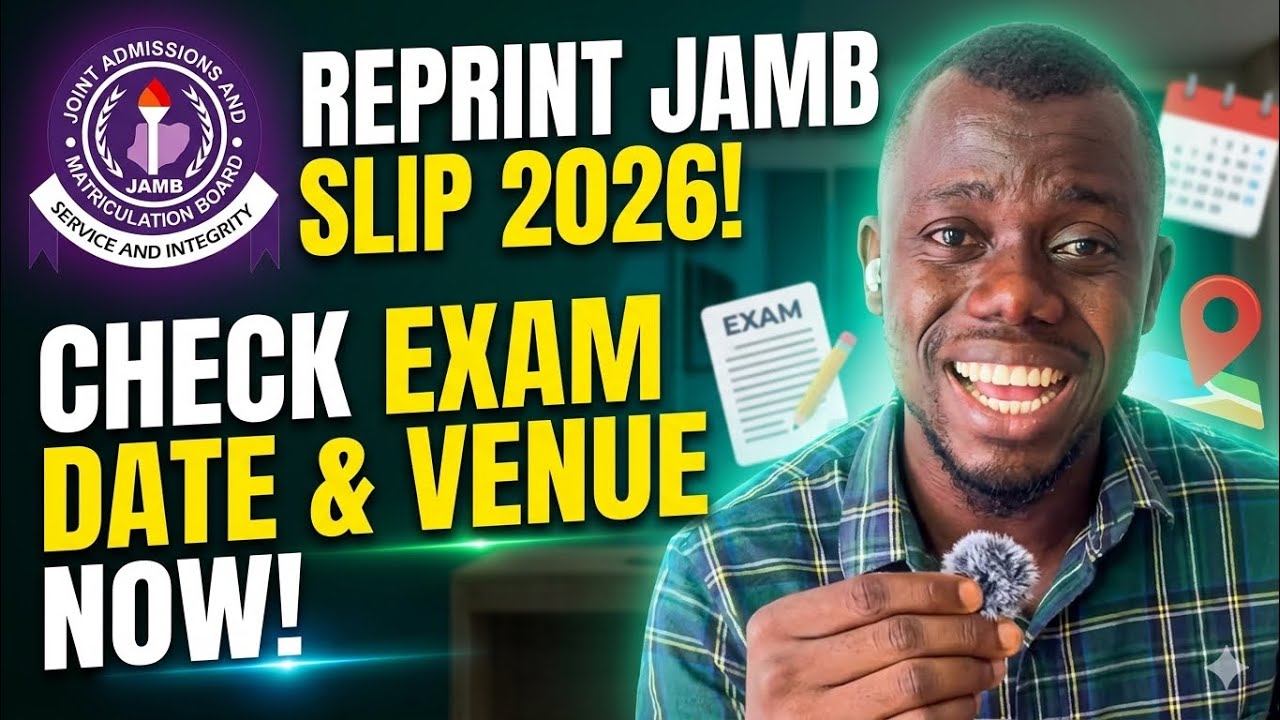
Are you ready for the 2026 UTME? In this video, we provide a step-by-step guide on how to reprint your JAMB 2026 Examination Slip to check your specific Exam Date, Time, and Venue.
The Joint Admissions and Matriculation Board (JAMB) has scheduled the 2026 main UTME to begin on April 16, 2026. Reprinting usually commences approximately 7–10 days before the exam start date. Don't wait until the last minute—learn how to access your slip via the official JAMB e-Facility portal or the dedicated reprinting link.
In this video, you will learn:
* How to access the official JAMB 2026 reprinting portal.
* How to print your slip using only your Registration Number or Email.
* What to do if you get the "Examination Slip Printing Not Allowed" error.
* Vital details to check on your slip (CBT Center address and Session time).
* Important documents to take to the exam center.
Quick Steps to Reprint:
1. Visit the official JAMB portal at https://slipsprinting.jamb.gov.ng/PrintExaminationSlip.
2. Enter your JAMB Registration Number, Email, or Phone Number.
3. Click on "Print Examination Slip".
4. Allow the pop-up to display your slip and click print (or save as PDF).
Note: Ensure you have a stable internet connection. If the portal is slow due to high traffic, try reprinting late at night or early in the morning.
Subscribe for more JAMB updates, CBT tips, and admission guidance!
#JAMB2026 #UTME2026 #JAMBReprinting #JAMBExamSlip #CheckJAMBVenue
The Joint Admissions and Matriculation Board (JAMB) has scheduled the 2026 main UTME to begin on April 16, 2026. Reprinting usually commences approximately 7–10 days before the exam start date. Don't wait until the last minute—learn how to access your slip via the official JAMB e-Facility portal or the dedicated reprinting link.
In this video, you will learn:
* How to access the official JAMB 2026 reprinting portal.
* How to print your slip using only your Registration Number or Email.
* What to do if you get the "Examination Slip Printing Not Allowed" error.
* Vital details to check on your slip (CBT Center address and Session time).
* Important documents to take to the exam center.
Quick Steps to Reprint:
1. Visit the official JAMB portal at https://slipsprinting.jamb.gov.ng/PrintExaminationSlip.
2. Enter your JAMB Registration Number, Email, or Phone Number.
3. Click on "Print Examination Slip".
4. Allow the pop-up to display your slip and click print (or save as PDF).
Note: Ensure you have a stable internet connection. If the portal is slow due to high traffic, try reprinting late at night or early in the morning.
Subscribe for more JAMB updates, CBT tips, and admission guidance!
#JAMB2026 #UTME2026 #JAMBReprinting #JAMBExamSlip #CheckJAMBVenue
Tags and Topics
Browse our collection to discover more content in these categories.
Video Information
Views
4.5K
Likes
183
Duration
5:36
Published
Apr 9, 2026
User Reviews
4.6
(4) Related Trending Topics
LIVE TRENDSRelated trending topics. Click any trend to explore more videos.
No specific trending topics match this video yet.
Explore All Trends