Remove PDF Password on Windows 11 Free & Easy
Learn how to unlock password-protected PDFs on Windows 11 without any software, quickly and for free. 🔓

ezGYD
482 views • Jan 14, 2026
About this video
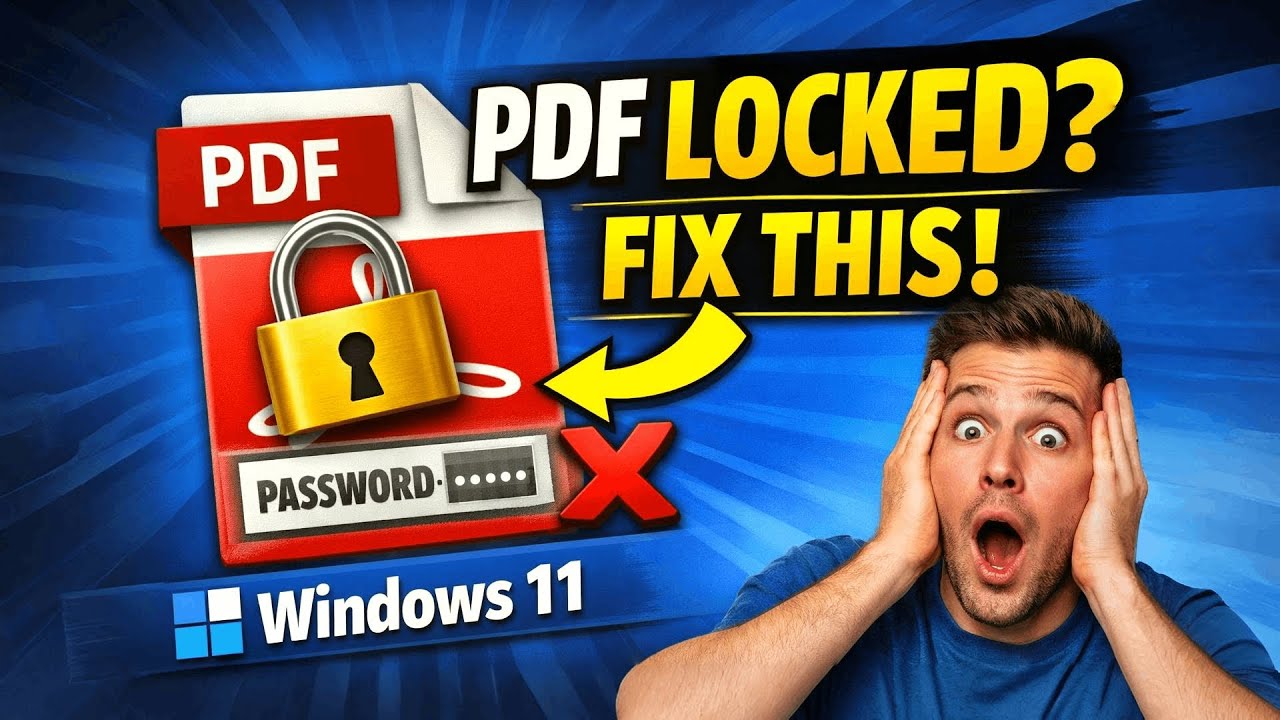
Learn how to remove password from PDF file in Windows 11 for free without using any software.
Are you trying to open a password-protected PDF file on Windows 11 and want to remove the password permanently so it never asks again? In this video, I will show you how to remove a password from a PDF file in Windows 11 for FREE, using a very simple and safe method that does not require any software, apps, or online tools. This tutorial is specially made for complete beginners and newbies who may not be very technical, so every step is explained clearly and slowly.
Many people think you need paid software like Adobe Acrobat Pro or risky online PDF unlock websites to remove a PDF password, but that is not true. In this video, you will learn how to unlock and remove the password from a PDF using tools that are already available on your Windows 11 PC, such as Google Chrome, Microsoft Edge, or any modern web browser. This method works perfectly if you already know the password of the PDF and simply want to remove it for future use.
This tutorial is extremely helpful if you frequently work with PDF files, documents, invoices, study notes, office files, or scanned PDFs and you are tired of entering the password again and again. After following this guide, you will have a new PDF file that opens instantly without asking for any password. The original file remains unchanged, and your data stays safe on your computer.
✔ No software download
✔ No paid tools
✔ No online website upload
✔ Works on Windows 11
✔ Beginner-friendly and easy method
This video is perfect for:
Students
Office workers
Teachers
Freelancers
Anyone using Windows 11
Anyone dealing with locked PDF files
If you are searching for terms like “remove PDF password Windows 11”, “unlock PDF free”, “remove password from PDF without software”, or “PDF password remover Windows 11”, then this video is exactly what you need.
If you find this tutorial useful, please like the video, subscribe to the channel, and share it with anyone who might need help with PDF files. I regularly upload simple and practical tutorials related to Windows, PDFs, and everyday computer problems.
🏫 Adobe Illustrator Complete Course: https://www.youtube.com/playlist?list=PLkIB53RCt1PD88tnXXNzi-DXrqKteuJ6k
⏲ 3 Minute Introduction for Adobe Illustrator Beginners Tutorial:
https://youtu.be/7HIxx9aiVGk
Follow Us:
https://www.youtube.com/channel/UC-zx9Ex9KDPxs18NuNF8mHg?sub_confirmation=1
https://web.facebook.com/EZGyd/
https://twitter.com/EZGyd
Subscribe | Like | Share | Comment
Are you trying to open a password-protected PDF file on Windows 11 and want to remove the password permanently so it never asks again? In this video, I will show you how to remove a password from a PDF file in Windows 11 for FREE, using a very simple and safe method that does not require any software, apps, or online tools. This tutorial is specially made for complete beginners and newbies who may not be very technical, so every step is explained clearly and slowly.
Many people think you need paid software like Adobe Acrobat Pro or risky online PDF unlock websites to remove a PDF password, but that is not true. In this video, you will learn how to unlock and remove the password from a PDF using tools that are already available on your Windows 11 PC, such as Google Chrome, Microsoft Edge, or any modern web browser. This method works perfectly if you already know the password of the PDF and simply want to remove it for future use.
This tutorial is extremely helpful if you frequently work with PDF files, documents, invoices, study notes, office files, or scanned PDFs and you are tired of entering the password again and again. After following this guide, you will have a new PDF file that opens instantly without asking for any password. The original file remains unchanged, and your data stays safe on your computer.
✔ No software download
✔ No paid tools
✔ No online website upload
✔ Works on Windows 11
✔ Beginner-friendly and easy method
This video is perfect for:
Students
Office workers
Teachers
Freelancers
Anyone using Windows 11
Anyone dealing with locked PDF files
If you are searching for terms like “remove PDF password Windows 11”, “unlock PDF free”, “remove password from PDF without software”, or “PDF password remover Windows 11”, then this video is exactly what you need.
If you find this tutorial useful, please like the video, subscribe to the channel, and share it with anyone who might need help with PDF files. I regularly upload simple and practical tutorials related to Windows, PDFs, and everyday computer problems.
🏫 Adobe Illustrator Complete Course: https://www.youtube.com/playlist?list=PLkIB53RCt1PD88tnXXNzi-DXrqKteuJ6k
⏲ 3 Minute Introduction for Adobe Illustrator Beginners Tutorial:
https://youtu.be/7HIxx9aiVGk
Follow Us:
https://www.youtube.com/channel/UC-zx9Ex9KDPxs18NuNF8mHg?sub_confirmation=1
https://web.facebook.com/EZGyd/
https://twitter.com/EZGyd
Subscribe | Like | Share | Comment
Tags and Topics
Browse our collection to discover more content in these categories.
Video Information
Views
482
Likes
5
Duration
2:31
Published
Jan 14, 2026
Related Trending Topics
LIVE TRENDSRelated trending topics. Click any trend to explore more videos.
No specific trending topics match this video yet.
Explore All Trends