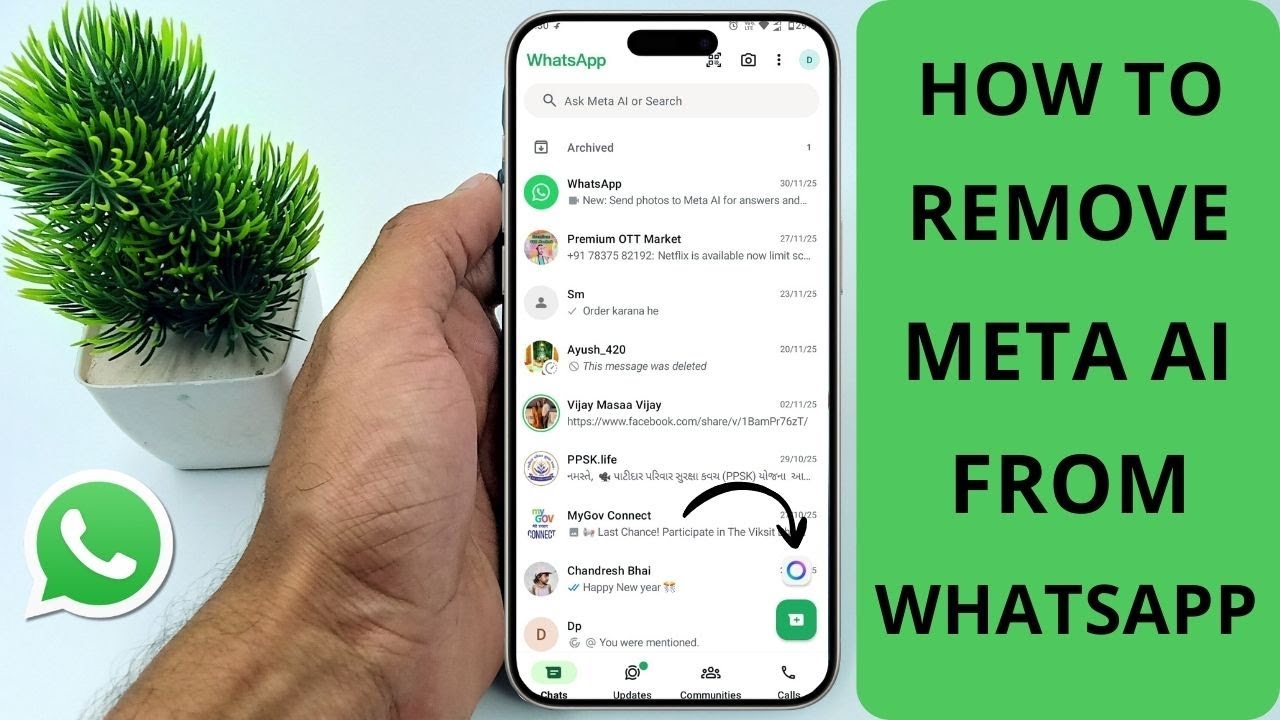
How to Remove Meta AI On Whatsapp
#whatsapp #metaai #android Want to remove Meta AI from WhatsApp? 🤖❌ After the latest 2025 update, WhatsApp added the Meta AI button to the search bar and c...

iTechHub
364 views • Dec 4, 2025
About this video
#whatsapp #metaai #android
Want to remove Meta AI from WhatsApp? 🤖❌
After the latest 2025 update, WhatsApp added the Meta AI button to the search bar and chat screen — but many users don’t want it.
In this video, I’ll show you the step-by-step method to disable or hide the Meta AI feature on WhatsApp for both Android and iPhone.
📱 In This Video You Will Learn:
✅ How to remove Meta AI from WhatsApp search
✅ How to disable Meta AI chat on iPhone & Android
✅ How to turn off Meta AI suggestions
✅ How to get the old WhatsApp layout back
✅ Works for WhatsApp Messenger & WhatsApp Business
These methods work after the latest WhatsApp updates in 2024–2025, and no third-party apps are required.
💡 Watch the full video for a 100% working solution to remove Meta AI from WhatsApp!
🌟 Thank you for watching! If you found this tutorial helpful, please consider supporting us by subscribing to our channel, giving it a thumbs up, leaving a comment, and sharing it with others who might benefit. Your support means a lot! 🌟
🛒 Check out our sponsor for the best protective and quality cases for iPhones! 📱 Visit https://casesafe.in/ to explore a range of options.
🚀 Explore More Content on Our Channels:
- [iTH_Hindi] (https://www.youtube.com/@ith_hindi )
📢 Connect With Us:
Instagram: https://www.instagram.com/_i_techhub_
👍 Don't forget to LIKE this video if you find it helpful, SUBSCRIBE for more tutorials, and hit the BELL icon to stay updated on our latest content!
📧 For business inquiries and sponsorship opportunities, please contact us at technicalbadshsh0151@gmail.com. Include "Sponsor" in the email subject.
🌟 Thank you for your support!
Want to remove Meta AI from WhatsApp? 🤖❌
After the latest 2025 update, WhatsApp added the Meta AI button to the search bar and chat screen — but many users don’t want it.
In this video, I’ll show you the step-by-step method to disable or hide the Meta AI feature on WhatsApp for both Android and iPhone.
📱 In This Video You Will Learn:
✅ How to remove Meta AI from WhatsApp search
✅ How to disable Meta AI chat on iPhone & Android
✅ How to turn off Meta AI suggestions
✅ How to get the old WhatsApp layout back
✅ Works for WhatsApp Messenger & WhatsApp Business
These methods work after the latest WhatsApp updates in 2024–2025, and no third-party apps are required.
💡 Watch the full video for a 100% working solution to remove Meta AI from WhatsApp!
🌟 Thank you for watching! If you found this tutorial helpful, please consider supporting us by subscribing to our channel, giving it a thumbs up, leaving a comment, and sharing it with others who might benefit. Your support means a lot! 🌟
🛒 Check out our sponsor for the best protective and quality cases for iPhones! 📱 Visit https://casesafe.in/ to explore a range of options.
🚀 Explore More Content on Our Channels:
- [iTH_Hindi] (https://www.youtube.com/@ith_hindi )
📢 Connect With Us:
Instagram: https://www.instagram.com/_i_techhub_
👍 Don't forget to LIKE this video if you find it helpful, SUBSCRIBE for more tutorials, and hit the BELL icon to stay updated on our latest content!
📧 For business inquiries and sponsorship opportunities, please contact us at technicalbadshsh0151@gmail.com. Include "Sponsor" in the email subject.
🌟 Thank you for your support!
Tags and Topics
Browse our collection to discover more content in these categories.
Video Information
Views
364
Duration
1:26
Published
Dec 4, 2025
Related Trending Topics
LIVE TRENDSRelated trending topics. Click any trend to explore more videos.
Trending Now