Remove Meta AI from WhatsApp on Android 📱
Learn how to quickly disable or remove Meta AI features from WhatsApp on your Android device with this easy guide.

AI Survival Tales
110 views • May 24, 2025
About this video
How to Remove Meta AI on WhatsApp in Android | Quick Guide
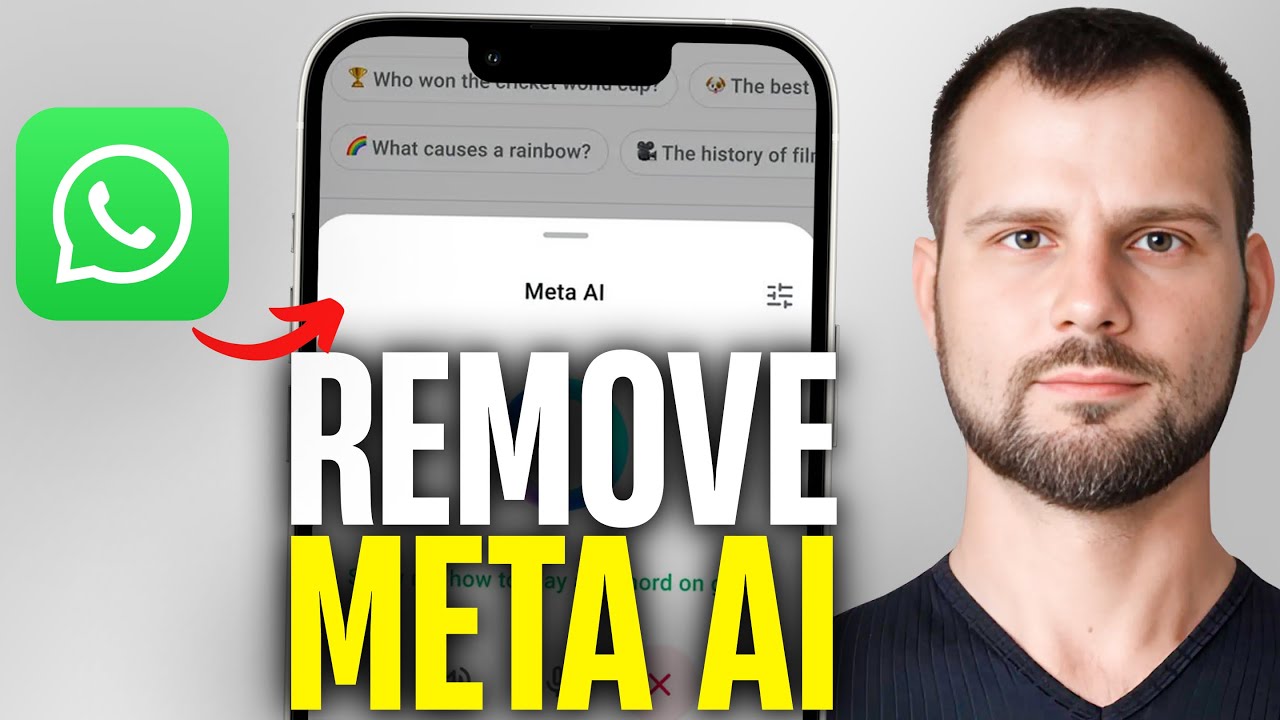
Not a fan of the new Meta AI features on WhatsApp? Want to disable or remove it on your Android device? This quick and easy guide shows you exactly how to turn off or remove Meta AI in WhatsApp on Android — step by step!
🤖 In this video, you’ll learn:
What Meta AI on WhatsApp means
How to disable AI chat features
Tips to customize or opt out of AI suggestions
Workarounds if the option isn’t directly available
Keep your WhatsApp clean & AI-free
✅ Works on latest WhatsApp versions (2025)
✅ Simple steps for any Android phone
✅ No root or special apps needed
Subscribe to Fix My Tech for more solutions to your problems!
If this video helped you, please leave a like and leave a comment below if it worked for you. Thank you!
Not a fan of the new Meta AI features on WhatsApp? Want to disable or remove it on your Android device? This quick and easy guide shows you exactly how to turn off or remove Meta AI in WhatsApp on Android — step by step!
🤖 In this video, you’ll learn:
What Meta AI on WhatsApp means
How to disable AI chat features
Tips to customize or opt out of AI suggestions
Workarounds if the option isn’t directly available
Keep your WhatsApp clean & AI-free
✅ Works on latest WhatsApp versions (2025)
✅ Simple steps for any Android phone
✅ No root or special apps needed
Subscribe to Fix My Tech for more solutions to your problems!
If this video helped you, please leave a like and leave a comment below if it worked for you. Thank you!
Tags and Topics
Browse our collection to discover more content in these categories.
Video Information
Views
110
Duration
1:04
Published
May 24, 2025
Related Trending Topics
LIVE TRENDSRelated trending topics. Click any trend to explore more videos.
No specific trending topics match this video yet.
Explore All Trends