How to Remove Background Noise in Audacity (Free Software)
Learn how to clean up and remove background noise from your recordings using Audacity. This quick and easy guide covers the steps to improve audio quality with free software.

Content Creator Pod
52 views • Jan 17, 2022
About this video
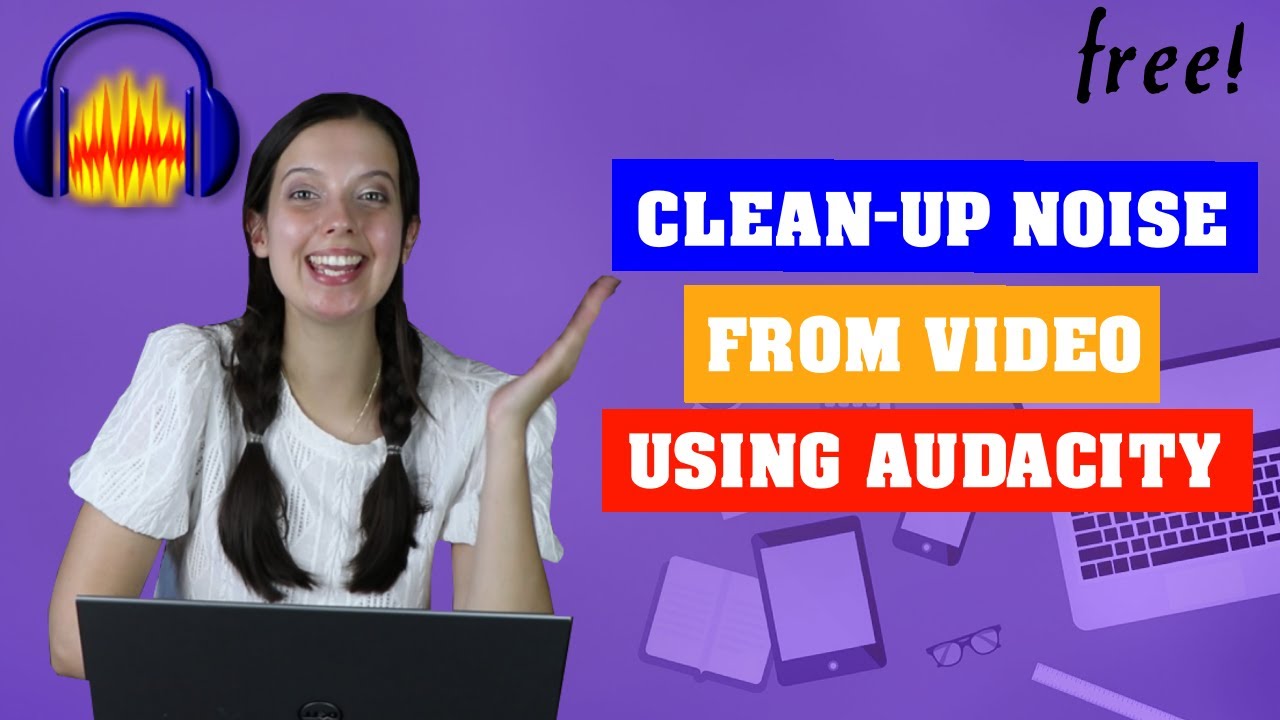
This is how to clean up and remove background noise from your videos using a free software, Audacity.
This is a quick and easy way.
If you are recording using your phone or have any mp4 or mp3 files, the first step is to download the ffmpeg library. I will show you this in the first step.
The second part I will show you how to remove any background noise with a few clicks.
Please give it a thumbs up and subscribe if this was useful!
Equipment we use to film*:
Canon EOS 80D camera: https://amzn.to/3WLFOTd
Scarlett condenser microphone: https://amzn.to/3Goz3BJ
Softbox lighting: https://amzn.to/3I8z2mI
Laptop: https://amzn.to/3GnWknh
0:00 Introducing Audacity
1:07 How to use mp4 and mp3 in Audacity. Fix complex and ffmpeg errors
2:48 How to clean up audio in audacity
--
Content Creator Pod is your hub for all things YouTube! We are here to share everything we learn about content creating! So you can grow your channel and become a full time content creator!
💜 Subscribe for weekly podcasts! We bring a lot of different Youtubers to share their tips and tricks. We also post tutorials. Let us know what you would like to learn!
🎙 Follow our podcast so that you can learn on the go! Available where you listen to your podcasts:
Spotify: https://spoti.fi/3mZTDht
Google Podcast: https://bit.ly/3HCM8Vw
Apple Podcasts: https://apple.co/3JDy4x7
📸 Our Social Media:
Instagram: https://www.instagram.com/contentcreatorpod/
Tiktok: https://www.tiktok.com/@contentcreatorpod
This is a quick and easy way.
If you are recording using your phone or have any mp4 or mp3 files, the first step is to download the ffmpeg library. I will show you this in the first step.
The second part I will show you how to remove any background noise with a few clicks.
Please give it a thumbs up and subscribe if this was useful!
Equipment we use to film*:
Canon EOS 80D camera: https://amzn.to/3WLFOTd
Scarlett condenser microphone: https://amzn.to/3Goz3BJ
Softbox lighting: https://amzn.to/3I8z2mI
Laptop: https://amzn.to/3GnWknh
0:00 Introducing Audacity
1:07 How to use mp4 and mp3 in Audacity. Fix complex and ffmpeg errors
2:48 How to clean up audio in audacity
--
Content Creator Pod is your hub for all things YouTube! We are here to share everything we learn about content creating! So you can grow your channel and become a full time content creator!
💜 Subscribe for weekly podcasts! We bring a lot of different Youtubers to share their tips and tricks. We also post tutorials. Let us know what you would like to learn!
🎙 Follow our podcast so that you can learn on the go! Available where you listen to your podcasts:
Spotify: https://spoti.fi/3mZTDht
Google Podcast: https://bit.ly/3HCM8Vw
Apple Podcasts: https://apple.co/3JDy4x7
📸 Our Social Media:
Instagram: https://www.instagram.com/contentcreatorpod/
Tiktok: https://www.tiktok.com/@contentcreatorpod
Tags and Topics
Browse our collection to discover more content in these categories.
Video Information
Views
52
Likes
12
Duration
6:51
Published
Jan 17, 2022
Related Trending Topics
LIVE TRENDSRelated trending topics. Click any trend to explore more videos.
No specific trending topics match this video yet.
Explore All Trends