Side-by-Side Tables in Google Docs 📊
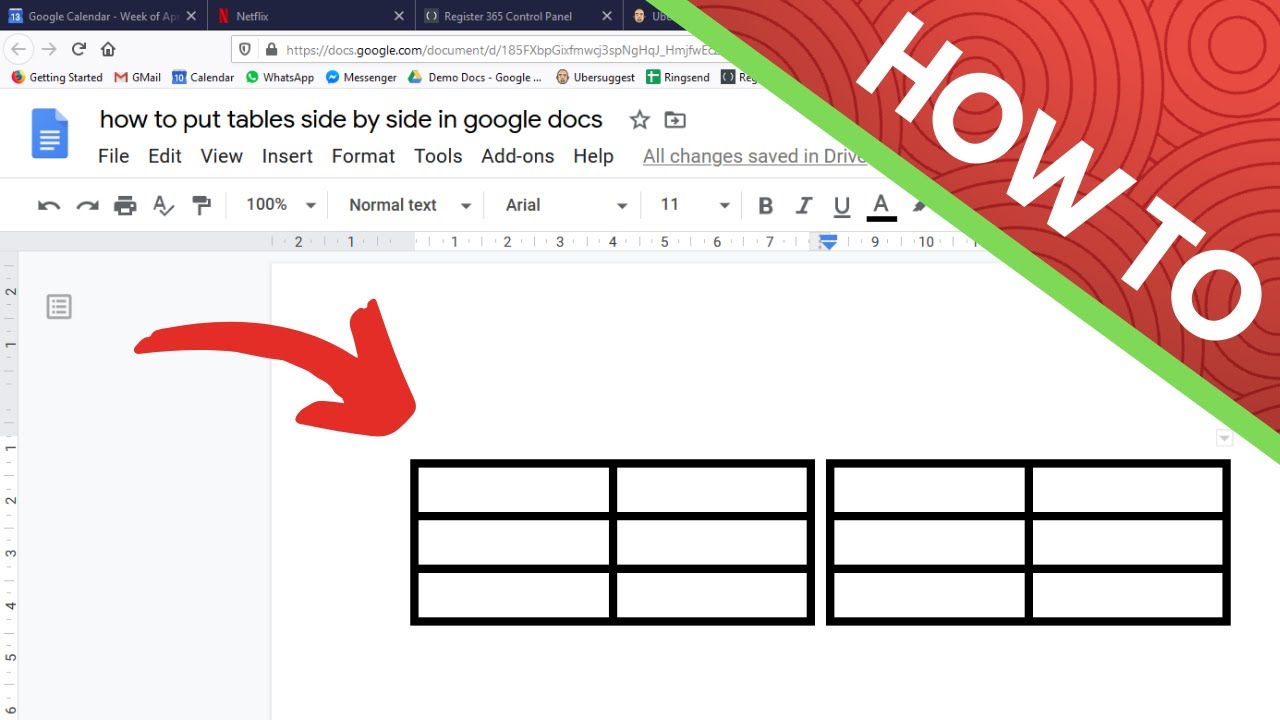
Learn how to display two tables side by side in Google Docs by inserting a container table with two cells and placing tables inside.

Tiger Tips
175.6K views • Apr 13, 2020
About this video
To place two tables side by side in Google Docs, you need to insert a containing table with 2 cells and one row. Then place a new table in the containing tables left cell and another new table in the containing tables right cell. Then set the outline of the containing table to zero width so the containing table is no longer seen.
Tags and Topics
Browse our collection to discover more content in these categories.
Video Information
Views
175.6K
Likes
1.5K
Duration
0:58
Published
Apr 13, 2020
User Reviews
4.4
(35) Related Trending Topics
LIVE TRENDSRelated trending topics. Click any trend to explore more videos.
Trending Now