How to Place Text Behind a Person or Object in CapCut PC 🎥
Learn the simple steps to add and position words behind a person or object in CapCut PC. Follow this easy tutorial to enhance your video editing skills!
Mr. Devotor
548 views • Apr 23, 2025
About this video
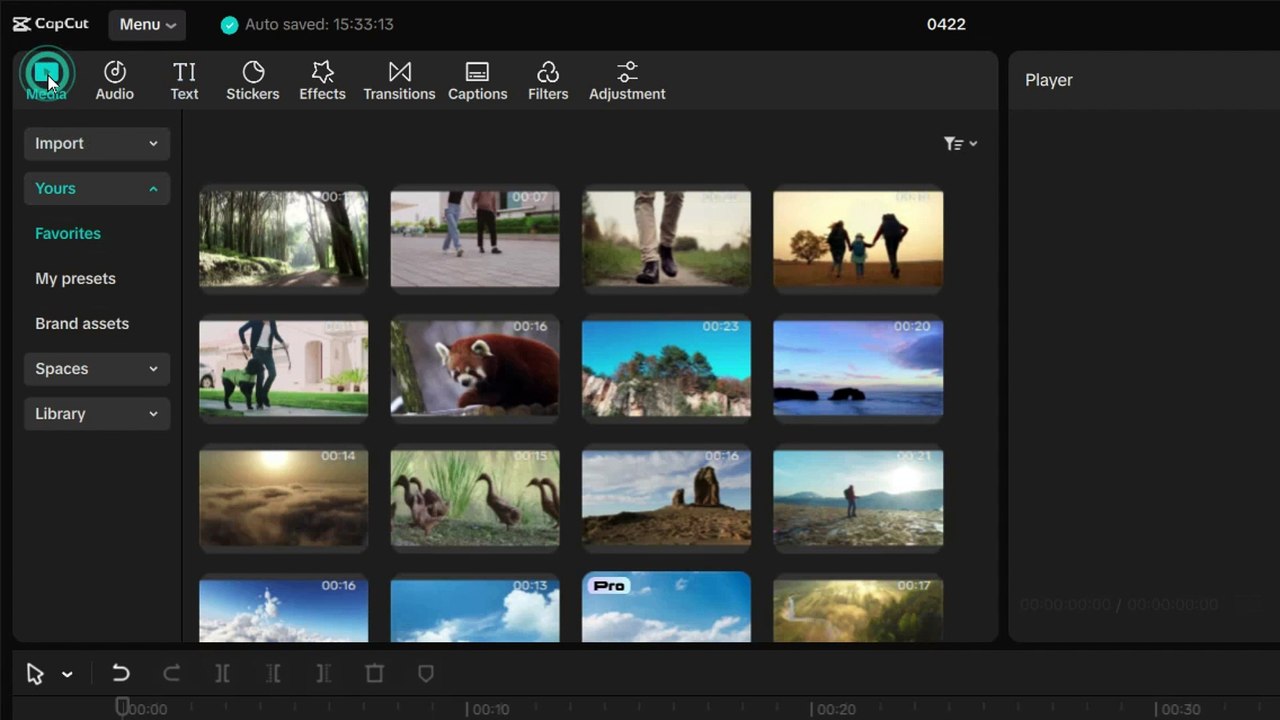
Want to learn how to place words or text behind a person or object in CapCut PC? In this easy step-by-step tutorial, I'll show you how to use CapCut’s keyframe and masking tools to create this awesome effect that gives your videos a cinematic look.<br /><br />💻 Whether you're a beginner or intermediate user, this tutorial will help you make your edits more creative and professional!<br /><br />🔧 In this video you'll learn:<br /><br />How to add text behind objects<br /><br />Masking & keyframing techniques<br /><br />Layer adjustments for perfect timing<br /><br />📥 Don’t forget to like, comment, and subscribe for more CapCut PC tutorials!<br /><br />I hope you like the video of How to put Words behind a video on CapCut PC (Like a Pro!). <br /><br />#CapCutPC #TextBehindVideo #CapCutTutorial #VideoEditingTips #CapCutEffects #CapCutTextEffect #CapCutEditing #CapCutForPC #VideoEditingTutorial #TextMaskEffect
Video Information
Views
548
Duration
1:42
Published
Apr 23, 2025