Create Hyperlinks to Multiple Files in Excel 📁
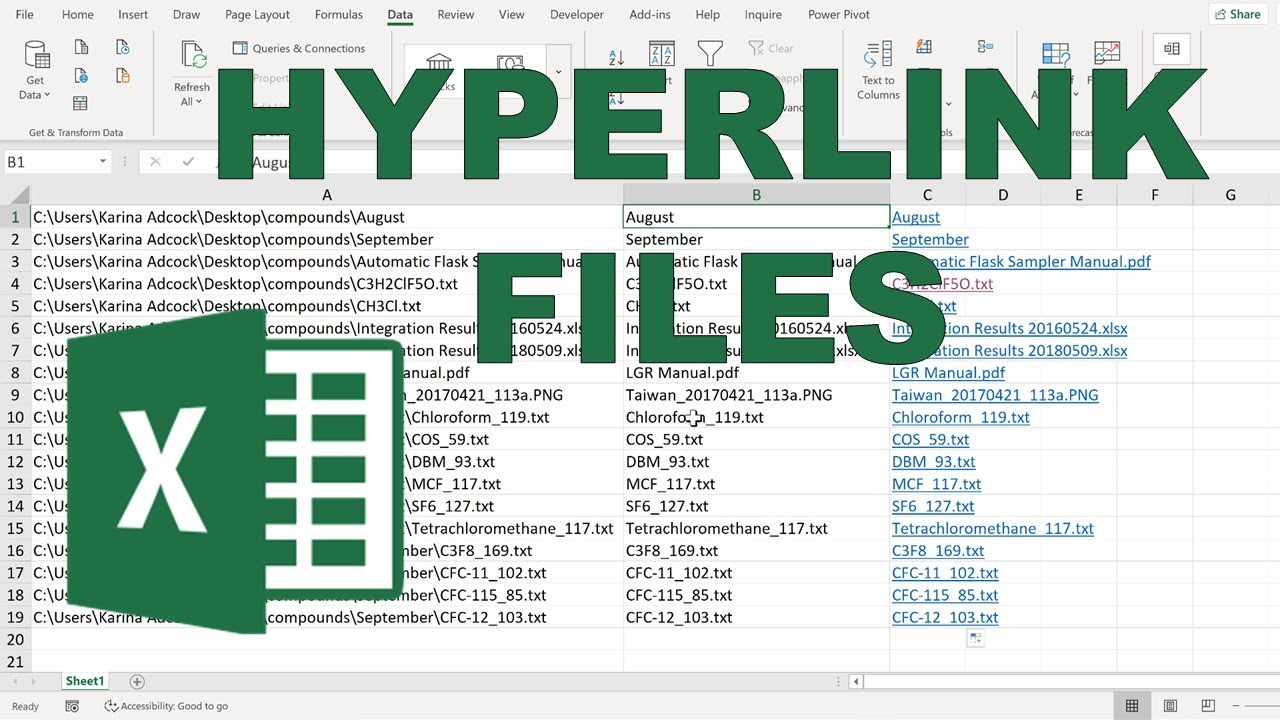
Learn to link multiple files in Excel using HYPERLINK() and command prompt for file paths, including folder and sub-folder links.

Karina Adcock
123.3K views • Feb 10, 2021
About this video
=HYPERLINK() formula
Links to all the files in a folder and sub-folders.
Use windows command prompt to get a list of file names with their file paths. Use Text to Columns to get the file names on their own.
dir/b/s/o | clip
---------------------------------------------------------------------------------
IF YOU LIKED THIS VIDEO YOU MAY ALSO LIKE:
- List of filenames from folder into Excel (Windows) https://youtu.be/771XysaD1DU
Links to all the files in a folder and sub-folders.
Use windows command prompt to get a list of file names with their file paths. Use Text to Columns to get the file names on their own.
dir/b/s/o | clip
---------------------------------------------------------------------------------
IF YOU LIKED THIS VIDEO YOU MAY ALSO LIKE:
- List of filenames from folder into Excel (Windows) https://youtu.be/771XysaD1DU
Tags and Topics
Browse our collection to discover more content in these categories.
Video Information
Views
123.3K
Likes
965
Duration
3:41
Published
Feb 10, 2021
User Reviews
4.3
(24) Related Trending Topics
LIVE TRENDSRelated trending topics. Click any trend to explore more videos.
No specific trending topics match this video yet.
Explore All Trends