Make Scanned PDFs Searchable & Editable with OCR 📝
Learn how to convert scanned PDFs into editable and searchable files using OCR in this simple guide.
Tweak Library
540 views • Feb 16, 2026
About this video
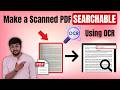
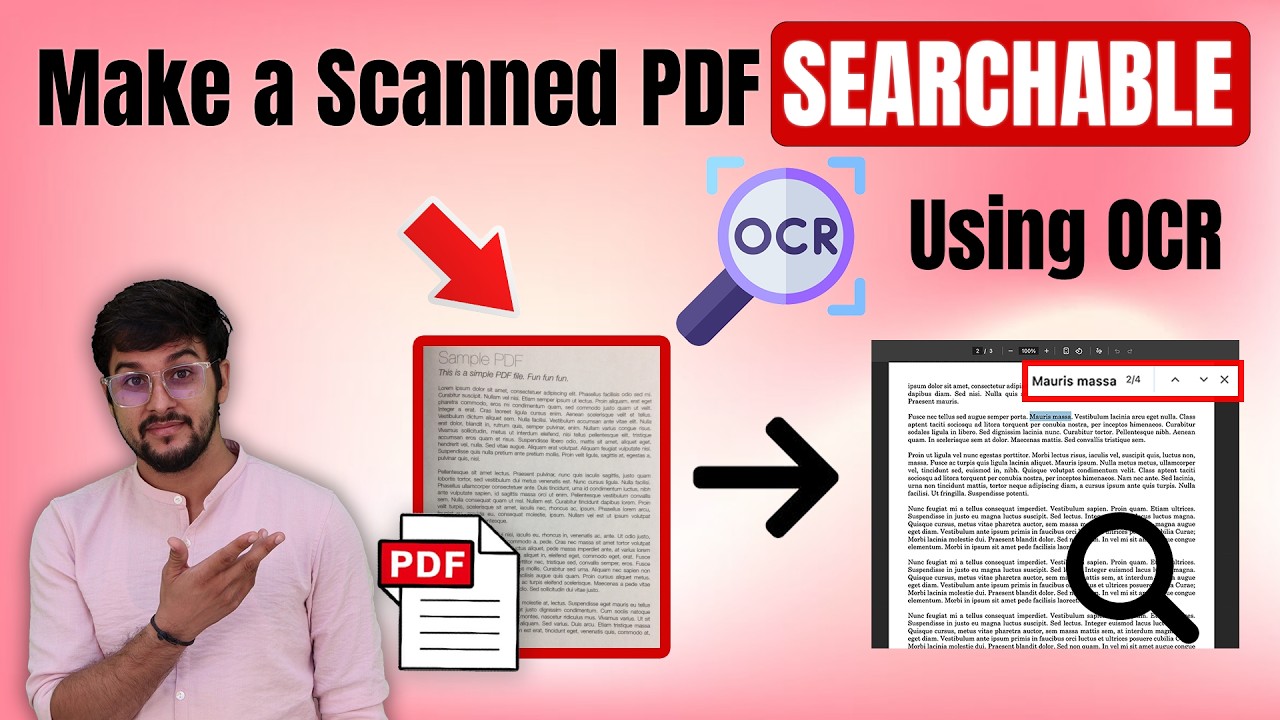
Do you have a scanned PDF that you can't edit or search? In this video, you'll learn how to make a scanned PDF searchable or editable with a simple, effective tool Systweak PDF Editor.
In this video, you’ll learn how to make a scanned PDF searchable using OCR (Optical Character Recognition) in a simple, easy way. If you have a scanned document or image-based PDF that doesn’t allow you to copy, edit, or search text, this step-by-step tutorial will help you convert it into a fully searchable and editable PDF file. OCR technology extracts text from scanned images and turns it into selectable text, making your PDF easier to edit, search, and manage. This guide is perfect for students, office users, and anyone working with scanned documents. Follow along to quickly convert a scanned PDF to a searchable PDF and improve your productivity.
Download Systweak PDF Editor - https://bit.ly/4bTfXDU
#ScannedPDF #SearchablePDF #OCR #systweakpdfeditor #PDFOCR #ConvertPDF #EditablePDF #PDFTutorial
------------------------------------------------------------------------------------------------
⬇️ Connect With us:
Facebook: https://www.facebook.com/TweakLibrary/
Instagram: https://instagram.com/tweaklibrary/
WhatsApp Channel: https://www.whatsapp.com/channel/0029Va4J0xoAzNbyD26KB11R
Check out our blog (https://tweaklibrary.com/) for more interesting How-to articles, troubleshooting guides, latest tech reviews & much more.
-------------------------------------------------------
Subscribe to Tweak Library for more interesting tips, tricks, how-to videos & other troubleshooting guides! Stay Tuned!
In this video, you’ll learn how to make a scanned PDF searchable using OCR (Optical Character Recognition) in a simple, easy way. If you have a scanned document or image-based PDF that doesn’t allow you to copy, edit, or search text, this step-by-step tutorial will help you convert it into a fully searchable and editable PDF file. OCR technology extracts text from scanned images and turns it into selectable text, making your PDF easier to edit, search, and manage. This guide is perfect for students, office users, and anyone working with scanned documents. Follow along to quickly convert a scanned PDF to a searchable PDF and improve your productivity.
Download Systweak PDF Editor - https://bit.ly/4bTfXDU
#ScannedPDF #SearchablePDF #OCR #systweakpdfeditor #PDFOCR #ConvertPDF #EditablePDF #PDFTutorial
------------------------------------------------------------------------------------------------
⬇️ Connect With us:
Facebook: https://www.facebook.com/TweakLibrary/
Instagram: https://instagram.com/tweaklibrary/
WhatsApp Channel: https://www.whatsapp.com/channel/0029Va4J0xoAzNbyD26KB11R
Check out our blog (https://tweaklibrary.com/) for more interesting How-to articles, troubleshooting guides, latest tech reviews & much more.
-------------------------------------------------------
Subscribe to Tweak Library for more interesting tips, tricks, how-to videos & other troubleshooting guides! Stay Tuned!
Tags and Topics
Browse our collection to discover more content in these categories.
Video Information
Views
540
Likes
8
Duration
1:59
Published
Feb 16, 2026
Related Trending Topics
LIVE TRENDSRelated trending topics. Click any trend to explore more videos.
No specific trending topics match this video yet.
Explore All Trends