How to Installing XSS Validator and using XSS Validator Extention on Burp suite
How to Installing XSS Validator and using XSS Validator Extention on Burp suite 1. Download and install phantomjs https://phantomjs.org/download.html Extra...
Phuong Nguyen
628 views • Nov 2, 2023
About this video
How to Installing XSS Validator and using XSS Validator Extention on Burp suite
1. Download and install phantomjs
https://phantomjs.org/download.html
Extract and running phantomjs
Download file xss.js
https://github.com/NetSPI/xssValidator/blob/master/xss-detector/xss.js
2. Install and Using XSS Validator
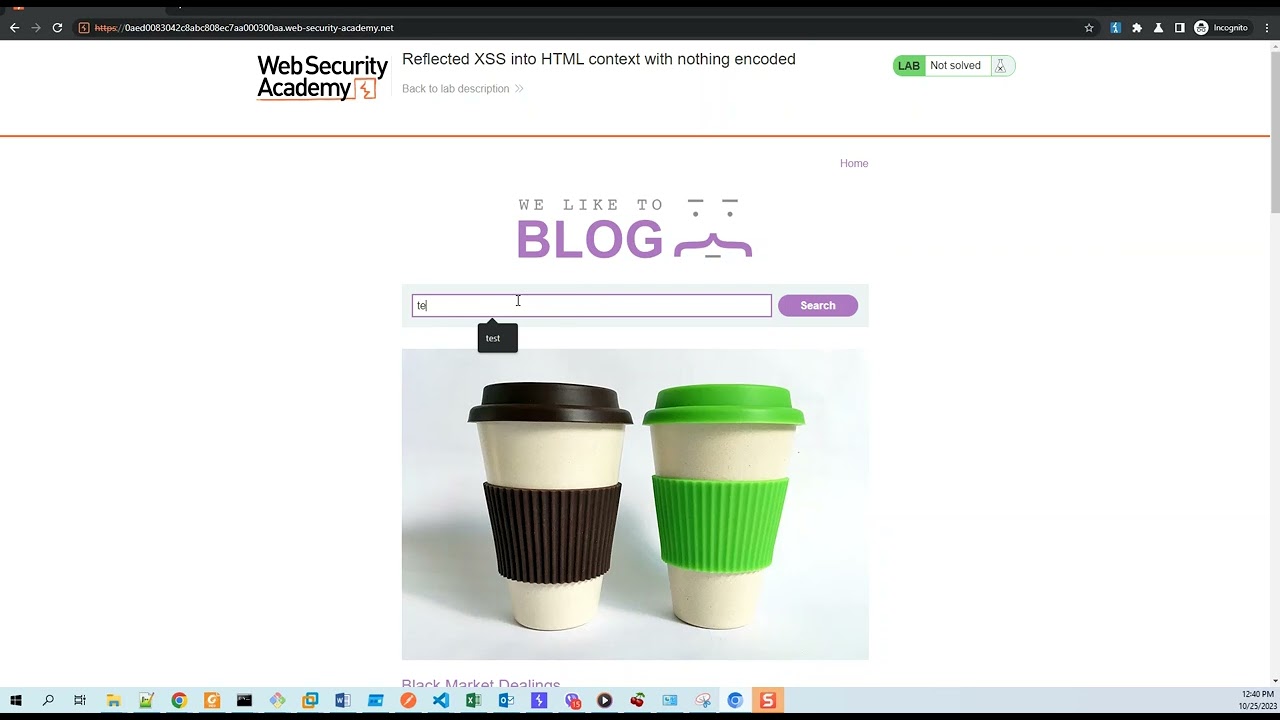
3. Example with lab on Portswigger
thanks for watching
1. Download and install phantomjs
https://phantomjs.org/download.html
Extract and running phantomjs
Download file xss.js
https://github.com/NetSPI/xssValidator/blob/master/xss-detector/xss.js
2. Install and Using XSS Validator
3. Example with lab on Portswigger
thanks for watching
Video Information
Views
628
Likes
9
Duration
7:22
Published
Nov 2, 2023
Related Trending Topics
LIVE TRENDSRelated trending topics. Click any trend to explore more videos.