Install Windows Server 2016 Desktop from USB
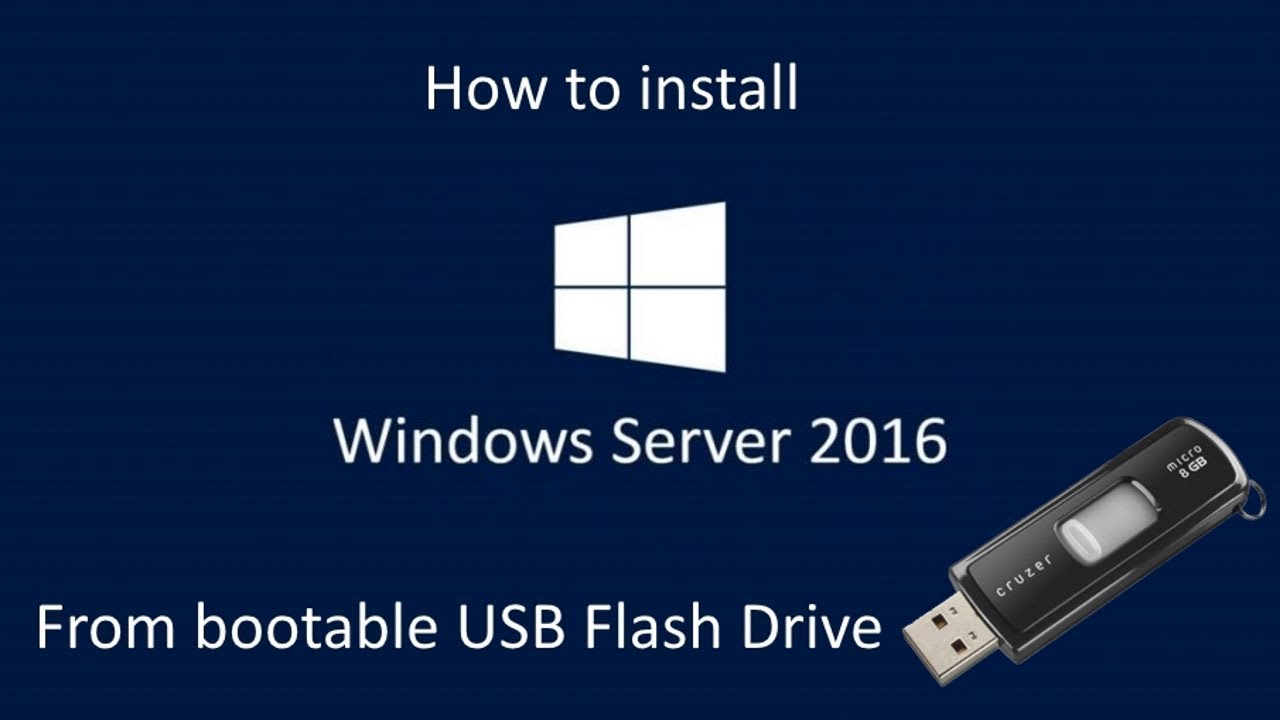
Guide to install Windows Server 2016 Desktop Experience using a bootable USB flash drive. ⚠️ Note: Installation quality may vary.
U.S Computer Solutions
33.8K views • Feb 24, 2019
About this video
How to install Windows Server 2016 Desktop Experience From a Bootable USB Flash Drive.
⚠️NOTE: I know the quality of the installation of Windows are low because I am recording the screen of the device while installing I just think it is better this way due to education purpose to see everything from scratch rather just to do it from a VM where u can just see the desktop only for now I'm not going to use Virtual Machines.
👉To Know How To Create The Bootable Media Go To :
https://youtu.be/3wstQG_-niU
(All Amazon Links Are Affiliated)
👉To Buy Windows Server 2016
https://amzn.to/3nuvnSn
********************************************************************************
My Gear:
👉My Panasonic 4K Camera Go To:
https://amzn.to/3f6pkk6
👉Buy Audio Interface For Crisp Mic Sound Device Go To:
https://amzn.to/392OBdr
👉My Mic 1 (I Use This For PC On Screen Recording )
https://amzn.to/36mzmZi
👉My Sony Clip Mic 2 (I use this to connect to my cam to record videos)
https://amzn.to/36BCMK0
👉You, Will Need This XLR Cable To Connect That Mic To The Interface For The PC Recording .
https://amzn.to/35ZBMPh
🙏Thank You For Watching!
😇If This Video Helped You Please Consider Subscribing, Give Us A Thumbs Up👍, Comment & Share.
👉FOR MORE INFORMATION PLEASE VISIT OUR WEBSITE
https://csa4u.com/tech-tutorials/
👍Follow US
https://www.facebook.com/uscstutorials
⚠️NOTE: I know the quality of the installation of Windows are low because I am recording the screen of the device while installing I just think it is better this way due to education purpose to see everything from scratch rather just to do it from a VM where u can just see the desktop only for now I'm not going to use Virtual Machines.
👉To Know How To Create The Bootable Media Go To :
https://youtu.be/3wstQG_-niU
(All Amazon Links Are Affiliated)
👉To Buy Windows Server 2016
https://amzn.to/3nuvnSn
********************************************************************************
My Gear:
👉My Panasonic 4K Camera Go To:
https://amzn.to/3f6pkk6
👉Buy Audio Interface For Crisp Mic Sound Device Go To:
https://amzn.to/392OBdr
👉My Mic 1 (I Use This For PC On Screen Recording )
https://amzn.to/36mzmZi
👉My Sony Clip Mic 2 (I use this to connect to my cam to record videos)
https://amzn.to/36BCMK0
👉You, Will Need This XLR Cable To Connect That Mic To The Interface For The PC Recording .
https://amzn.to/35ZBMPh
🙏Thank You For Watching!
😇If This Video Helped You Please Consider Subscribing, Give Us A Thumbs Up👍, Comment & Share.
👉FOR MORE INFORMATION PLEASE VISIT OUR WEBSITE
https://csa4u.com/tech-tutorials/
👍Follow US
https://www.facebook.com/uscstutorials
Tags and Topics
Browse our collection to discover more content in these categories.
Video Information
Views
33.8K
Likes
184
Duration
6:05
Published
Feb 24, 2019
User Reviews
4.1
(6) Related Trending Topics
LIVE TRENDSRelated trending topics. Click any trend to explore more videos.
No specific trending topics match this video yet.
Explore All Trends