Install Turbo C++ on Windows 10/11 (2026 Guide) 💻
Learn how to download and install Turbo C++ on Windows 10/11 for C and C++ programming with this step-by-step guide.

Geeky Script
11.1K views • Jan 19, 2026
About this video
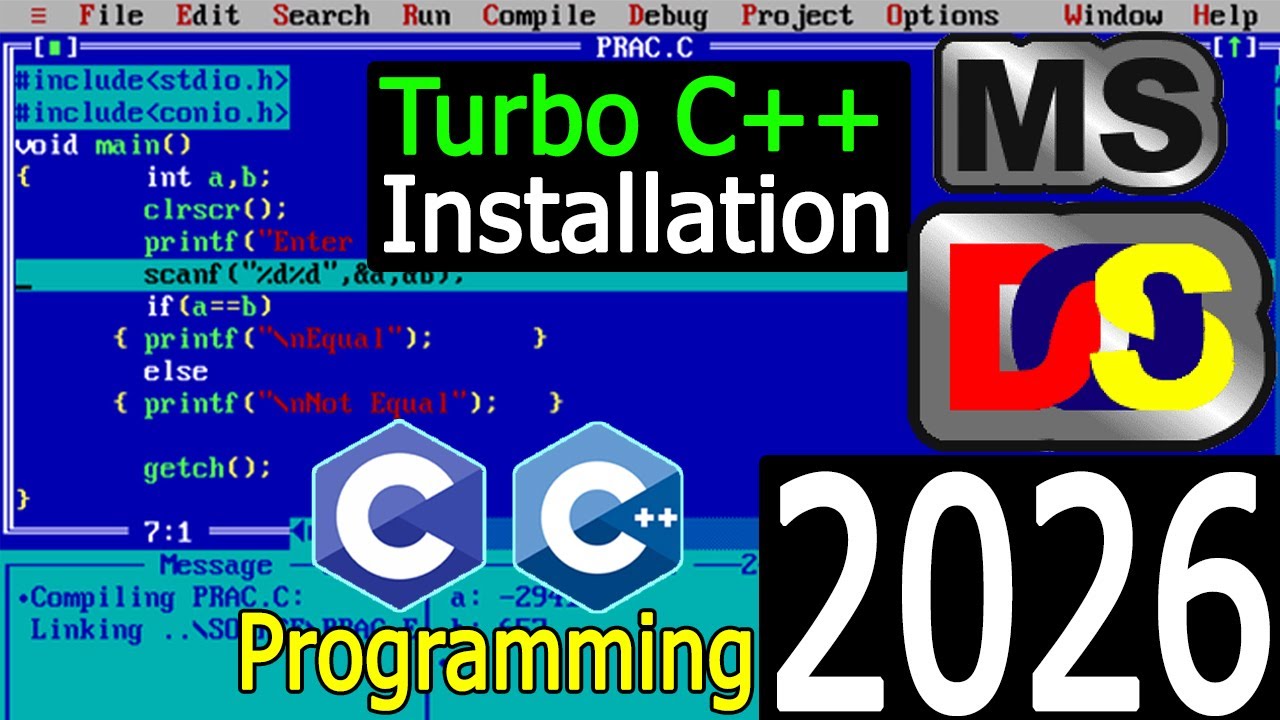
Hello Everyone! Today in this video I am going to step by step guide you How to download and install Turbo C++ for C and C++ programming on Windows 10/11. Windows (64-bit).
► Follow me on Instagram: https://www.instagram.com/geekyscript/
► Subscribe to Geeky Script Vlog Channel: https://www.youtube.com/@GeekyScriptVlogs?sub_confirmation=1
► Subscribe to Geeky Syntax Channel: https://www.youtube.com/@geekysyntax?sub_confirmation=1
After that, I am also going to show you How to Create your First Hello World Program in both C programming and C++ Programming Languages.
Geeky Script ( @GeekyScript) is a Computer Science - Educational Videos Creator 🎉
You can support us by buying a coffee ☕️ here —
https://www.buymeacoffee.com/geekyscript
✻ I really hope you find this video useful. ♥
✻ Please click on the CC button to read the subtitles of this video.
Step 1. First You need to download Turbo C++ for Windows 10/11. For that just go to the following link:
https://developerinsider.co/download-turbo-c-for-windows-7-8-8-1-and-windows-10-32-64-bit-full-screen/
This page will lead to the Turbo C++ download page.
Here find the Turbo C++ zip file, and then extract it to get the .exe installation file as shown in the video and click on it to download.
Now after downloading Turbo C++ save the file to the disk and follow the next step for installation.
Step 2. Install Turbo C++
Double-click to run the Turbo C++ installation file. Just follow the prompt as shown in the video (https://youtu.be/xjSQ_2Ml2uw) and install Turbo C++ in your OS. And there You go! You are now ready to program your c/cpp program!
What’s the Turbo C++?
- Code::Blocks is a free, open-source cross-platform IDE that supports multiple compilers including GCC, Clang, and Visual C++. It is developed in C++ using wxWidgets as the GUI toolkit. Using a plugin architecture, its capabilities, and features are defined by the provided plugins.
#Turbo C++ #gccCompiler #C #C++ #C++tutorialforbeginners #Ctutorial #Cprogramming #Cprogrammingtutorial #Cppbasicsforbeginners #Windows10
Topics addressed in this tutorial:
Best C++ Compiler: How to Install Turbo C++ in Windows 10/11, Windows
c++ - Setting up MingW and Code::Blocks in Windows 11 64
Searches related to install Turbo C++ on Windows 11
how to install Turbo C++ on mac
download Turbo C++ for windows
download Turbo C++ for windows 10/11 64 bit
download Turbo C++ for windows 8
install gcc windows
🔗 Related Videos:
🎙️ Turn Text into Realistic Speech Using Python in 5 Lines! [ 2025 Update ] ft. edge-tts – https://youtu.be/ik1jY22PlP4
🔥 Complete Python Project Tutorials [2025 Update]: ►https://www.youtube.com/watch?v=spSpaFCaWO8&list=PLFaWDe_XIA4rJCL6nOuvvUcg7-ER8yMyn&index=2
🔥 Build Python Face Detector in Just 10 Lines [2025 Update] OpenCV: https://youtu.be/spSpaFCaWO8
🔗 Related Articles on Complete Python Projects:
👉https://geekyscript.com/turn-your-python-text-into-handwritten-notes-with-just-one-script/
👉https://geekyscript.com/turned-jpgs-into-pdfs-in-seconds/
👉https://geekyscript.com/insane-qr-code-generator-with-gui-logo-python-magic/
👉https://geekyscript.com/this-10-line-python-script-can-detect-faces-like-magic-you-wont-believe-how-easy-it-is/
👉https://geekyscript.com/turn-text-into-realistic-speech-using-python-in-5-lines/
MY RELATED VIDEOS:
✻ All about WordPress: https://youtube.com/playlist?list=PLFaWDe_XIA4ru1KDALhCtO5utnC9LfQeu&si=hdxNaeqBPIYx2RI_
✻ All about ECommerce WordPress: https://youtu.be/76E2QmjhRtQ
✻ All about Portfolio Website WordPress: https://youtu.be/Z6m6gxP3qlE
✻ All about Android Studio: https://youtu.be/10IvxreBoIA
✻ All about PostgreSQL: https://youtu.be/F99TVfE7daM
✻ All about MongoDB: https://youtu.be/kgIIpsZvFHg
✻ All about MySQL: https://youtu.be/x-kA7JoV6xw
✻ All about eBook: https://youtu.be/-7f2HqSSeo0
✻ All about React: https://youtu.be/c38i0f0Q08o
✻ All about NextJS: https://youtu.be/pCzofI8vPo4
✻ All about Angular: https://youtu.be/UeRaz971X4U
✻ All about Microsoft SQL Server: https://youtu.be/tGqhlV-kaFU
✻ All about Wamp: https://youtu.be/91RfoD2A1Lo
✻ All about Visual Studio: https://youtu.be/SViilF85ues
THANK YOU so much for watching!
Please make sure to LIKE and SHARE the video and SUBSCRIBE to the channel for more such videos :)
CONNECT WITH ME ON:
✻ Website: https://geekyscript.com/
✻ Instagram: https://www.instagram.com/geekyscript/
✻ LinkedIn: https://www.linkedin.com/in/geekyscript/
✻ X: https://x.com/GeekyScript
✻ Email: geekyscript@outlook.com
✻ YouTube channel: https://www.youtube.com/c/geekyscript/
Affiliate Disclaimer: Some of the links above are affiliate (referral) links which means if you do click and purchase through them, then I may receive a commission. This helps support the free content on this channel.
► Follow me on Instagram: https://www.instagram.com/geekyscript/
► Subscribe to Geeky Script Vlog Channel: https://www.youtube.com/@GeekyScriptVlogs?sub_confirmation=1
► Subscribe to Geeky Syntax Channel: https://www.youtube.com/@geekysyntax?sub_confirmation=1
After that, I am also going to show you How to Create your First Hello World Program in both C programming and C++ Programming Languages.
Geeky Script ( @GeekyScript) is a Computer Science - Educational Videos Creator 🎉
You can support us by buying a coffee ☕️ here —
https://www.buymeacoffee.com/geekyscript
✻ I really hope you find this video useful. ♥
✻ Please click on the CC button to read the subtitles of this video.
Step 1. First You need to download Turbo C++ for Windows 10/11. For that just go to the following link:
https://developerinsider.co/download-turbo-c-for-windows-7-8-8-1-and-windows-10-32-64-bit-full-screen/
This page will lead to the Turbo C++ download page.
Here find the Turbo C++ zip file, and then extract it to get the .exe installation file as shown in the video and click on it to download.
Now after downloading Turbo C++ save the file to the disk and follow the next step for installation.
Step 2. Install Turbo C++
Double-click to run the Turbo C++ installation file. Just follow the prompt as shown in the video (https://youtu.be/xjSQ_2Ml2uw) and install Turbo C++ in your OS. And there You go! You are now ready to program your c/cpp program!
What’s the Turbo C++?
- Code::Blocks is a free, open-source cross-platform IDE that supports multiple compilers including GCC, Clang, and Visual C++. It is developed in C++ using wxWidgets as the GUI toolkit. Using a plugin architecture, its capabilities, and features are defined by the provided plugins.
#Turbo C++ #gccCompiler #C #C++ #C++tutorialforbeginners #Ctutorial #Cprogramming #Cprogrammingtutorial #Cppbasicsforbeginners #Windows10
Topics addressed in this tutorial:
Best C++ Compiler: How to Install Turbo C++ in Windows 10/11, Windows
c++ - Setting up MingW and Code::Blocks in Windows 11 64
Searches related to install Turbo C++ on Windows 11
how to install Turbo C++ on mac
download Turbo C++ for windows
download Turbo C++ for windows 10/11 64 bit
download Turbo C++ for windows 8
install gcc windows
🔗 Related Videos:
🎙️ Turn Text into Realistic Speech Using Python in 5 Lines! [ 2025 Update ] ft. edge-tts – https://youtu.be/ik1jY22PlP4
🔥 Complete Python Project Tutorials [2025 Update]: ►https://www.youtube.com/watch?v=spSpaFCaWO8&list=PLFaWDe_XIA4rJCL6nOuvvUcg7-ER8yMyn&index=2
🔥 Build Python Face Detector in Just 10 Lines [2025 Update] OpenCV: https://youtu.be/spSpaFCaWO8
🔗 Related Articles on Complete Python Projects:
👉https://geekyscript.com/turn-your-python-text-into-handwritten-notes-with-just-one-script/
👉https://geekyscript.com/turned-jpgs-into-pdfs-in-seconds/
👉https://geekyscript.com/insane-qr-code-generator-with-gui-logo-python-magic/
👉https://geekyscript.com/this-10-line-python-script-can-detect-faces-like-magic-you-wont-believe-how-easy-it-is/
👉https://geekyscript.com/turn-text-into-realistic-speech-using-python-in-5-lines/
MY RELATED VIDEOS:
✻ All about WordPress: https://youtube.com/playlist?list=PLFaWDe_XIA4ru1KDALhCtO5utnC9LfQeu&si=hdxNaeqBPIYx2RI_
✻ All about ECommerce WordPress: https://youtu.be/76E2QmjhRtQ
✻ All about Portfolio Website WordPress: https://youtu.be/Z6m6gxP3qlE
✻ All about Android Studio: https://youtu.be/10IvxreBoIA
✻ All about PostgreSQL: https://youtu.be/F99TVfE7daM
✻ All about MongoDB: https://youtu.be/kgIIpsZvFHg
✻ All about MySQL: https://youtu.be/x-kA7JoV6xw
✻ All about eBook: https://youtu.be/-7f2HqSSeo0
✻ All about React: https://youtu.be/c38i0f0Q08o
✻ All about NextJS: https://youtu.be/pCzofI8vPo4
✻ All about Angular: https://youtu.be/UeRaz971X4U
✻ All about Microsoft SQL Server: https://youtu.be/tGqhlV-kaFU
✻ All about Wamp: https://youtu.be/91RfoD2A1Lo
✻ All about Visual Studio: https://youtu.be/SViilF85ues
THANK YOU so much for watching!
Please make sure to LIKE and SHARE the video and SUBSCRIBE to the channel for more such videos :)
CONNECT WITH ME ON:
✻ Website: https://geekyscript.com/
✻ Instagram: https://www.instagram.com/geekyscript/
✻ LinkedIn: https://www.linkedin.com/in/geekyscript/
✻ X: https://x.com/GeekyScript
✻ Email: geekyscript@outlook.com
✻ YouTube channel: https://www.youtube.com/c/geekyscript/
Affiliate Disclaimer: Some of the links above are affiliate (referral) links which means if you do click and purchase through them, then I may receive a commission. This helps support the free content on this channel.
Tags and Topics
Browse our collection to discover more content in these categories.
Video Information
Views
11.1K
Likes
84
Duration
4:47
Published
Jan 19, 2026
User Reviews
4.2
(2)