How to Install the Full Kali Linux on Raspberry Pi 3 🚀
Learn step-by-step how to install and fully set up Kali Linux on your Raspberry Pi 3, including updates and upgrades for maximum performance and features.
georgehoward5233
2 views • May 19, 2018
About this video
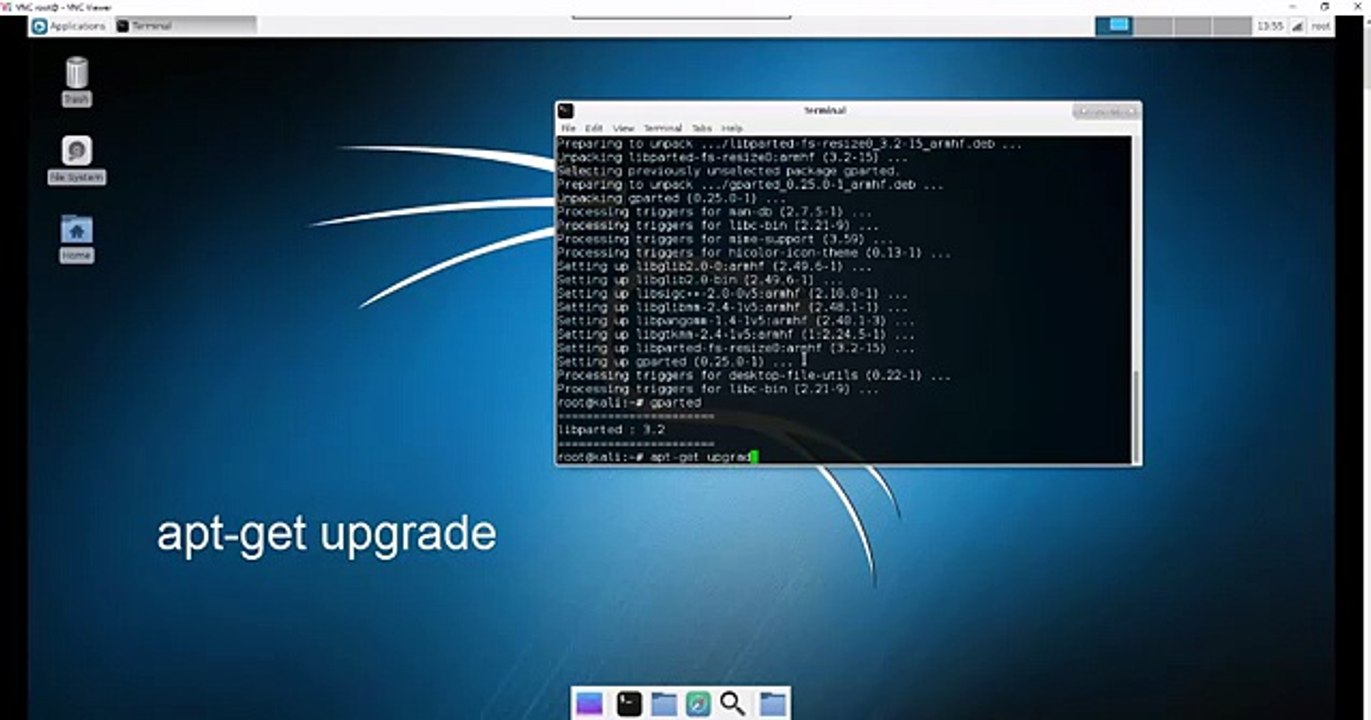
If you just installed Kali Linux onto your Raspberry Pi then you will want to apply updates and upgrades to get access to its full capabilities. This video will show you how to update your current version of Kali as well as apply upgrades. We go over how to resize your partition and get access to your entire SD card. Then we will go over how to install the full version of Kali Linux.\r<br>\r<br>NOTE: SOME VIEWERS HAVE STATED THAT YOU MUST RUN apt-get install kali-linux-full BEFORE RUNNING apt-get upgrade.\r<br>\r<br>See this on our website:
Video Information
Views
2
Duration
7:53
Published
May 19, 2018
Related Trending Topics
LIVE TRENDSRelated trending topics. Click any trend to explore more videos.
No specific trending topics match this video yet.
Explore All Trends