How to Install Pokémon Legends Z-A (XCI) on PC – Step-by-Step Guide
Learn how to easily install Pokémon Legends Z-A (XCI) on your PC with this detailed, step-by-step tutorial. Discover if this new game truly revolutionizes the Pokémon battle system! 🎮
Tabibitonians
1.9K views • Sep 26, 2025
About this video
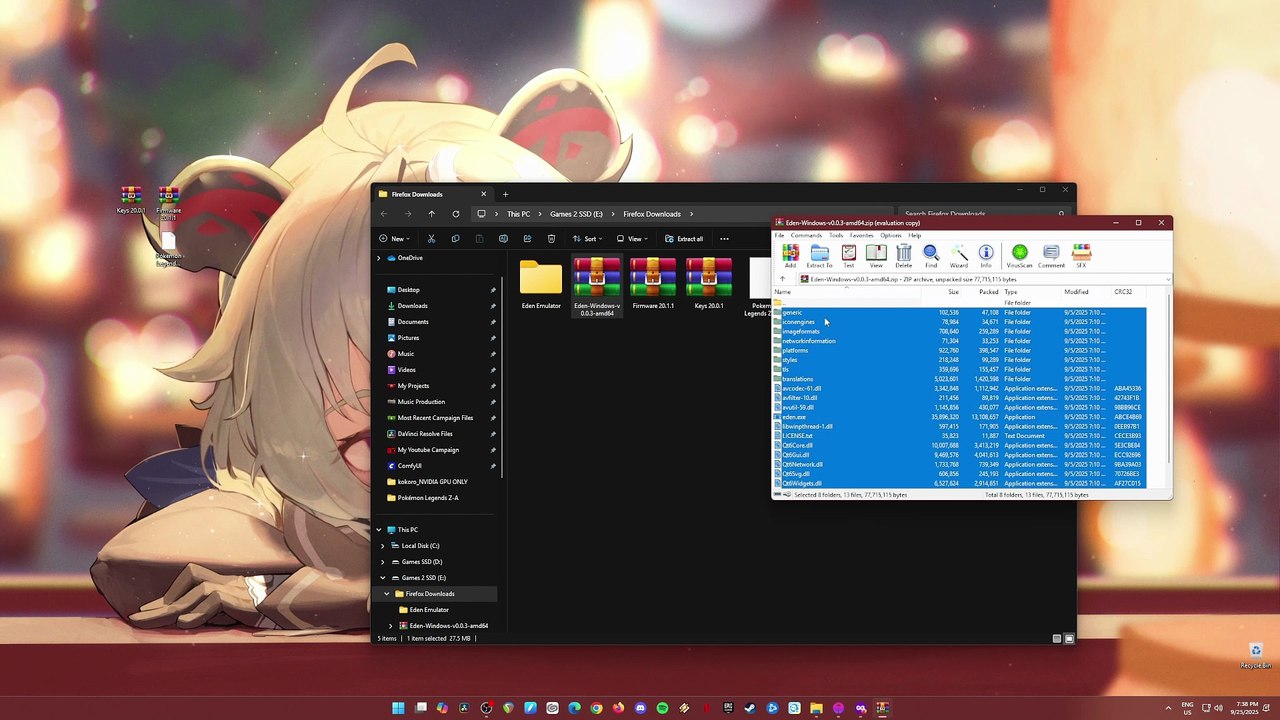
Could be the all new Pokemon Legends game revolutionize the games battle system? or everything about the game is bland now? Experience it first hand by testing out the game into your PC using the latest build of Eden Emulator for Windows PC. Just watch this video tutorial and I'll guide you through everything you need to get started.<br /><br /><br />Official Site https://approms.com/pokelegendszaryuzu/<br /><br /><br />Eden EMU System Requirements:<br /><br /><br />Desktop CPU:<br /><br />Minimum: Intel Core i5-4430 / AMD Ryzen 3 1200<br /><br />Recommended: Intel Core i5-11400 / AMD Ryzen 5 3600 / Snapdragon X Plus<br /><br />Optimal: Intel Core i9-13900K / AMD Ryzen 7 7800X3D / Snapdragon X Elite<br /><br /><br />Laptop CPU:<br /><br />Recommended: Intel Core i5-13420H / AMD Ryzen 7 5700U<br /><br />Optimal: Intel Core Ultra 7 265H / AMD Ryzen AI 9 HX 370<br /><br /><br />Graphics: OpenGL 4.6 or Vulkan 1.1 compatible hardware and drivers are mandatory. Half-float support and VP9 decoding support are recommended.<br /><br /><br />-----------------------------------------------------------------------------------------------------------------------------------------------------------------------<br /><br />DEDICATED GRAPHICS CARD:<br /><br /><br />Minimum for Linux:<br /><br />NVIDIA GeForce GT 1050 4GB / AMD Radeon R7 240 4GB<br /><br /><br />Minimum for Windows:<br /><br />NVIDIA GeForce GT 1050 4GB / AMD Radeon RX 550 4GB<br /><br /><br />Recommended:<br /><br />NVIDIA GeForce GTX 1660 6GB / AMD Radeon RX 5500 8GB<br /><br /><br />AMD GPUs: Enable "Force maximum clocks"<br /><br /><br /><br />Optimal:<br /><br />NVIDIA Geforce RTX 3060 12GB / AMD Radeon RX 6700 10GB<br /><br /><br />AMD GPUs: Enable "Force maximum clocks"<br /><br /><br />INTEGRATED GRAPHICS:<br /><br /><br /><br />Minimum For Windows:<br /><br />Intel UHD Graphics 730 / AMD Radeon Vega 3<br /><br /><br />Minimum For Linux:<br /><br />Intel HD Graphics 4400 / AMD Radeon R5 Graphics<br /><br /><br />Recommended:<br /><br />Intel Iris Xe Graphics / AMD Radeon 680M<br /><br /><br />Optimal:<br /><br />Latest Intel Graphics / AMD Radeon 8060S<br /><br /><br />-----------------------------------------------------------------------------------------------------------------------------------------------------------------------<br /><br /><br />RAM REQUIREMENTS:<br /><br /><br />Dedicated Graphics Card:<br /><br /><br />Minimum: 8GB<br /><br />Recommended: 16GB<br /><br />Optimal: 32GB<br /><br /><br />Laptop/iGPU Desktop:<br /><br /><br />Minimum: 8GB<br /><br />Recommended: 16GB<br /><br />Optimal: 32GB<br /><br /><br />#pokemonlegendsza #edenemulator #pokemonlegends
Video Information
Views
1.9K
Duration
5:09
Published
Sep 26, 2025
User Reviews
3.7
(1) Related Trending Topics
LIVE TRENDSRelated trending topics. Click any trend to explore more videos.
Trending Now