Install One UI 8 Glass Icon on Samsung 📱
Learn how to easily install the One UI 8 Glass Icon Pack to give your Samsung phone a sleek, transparent, premium look.

XFix
344.9K views • Aug 27, 2025
About this video
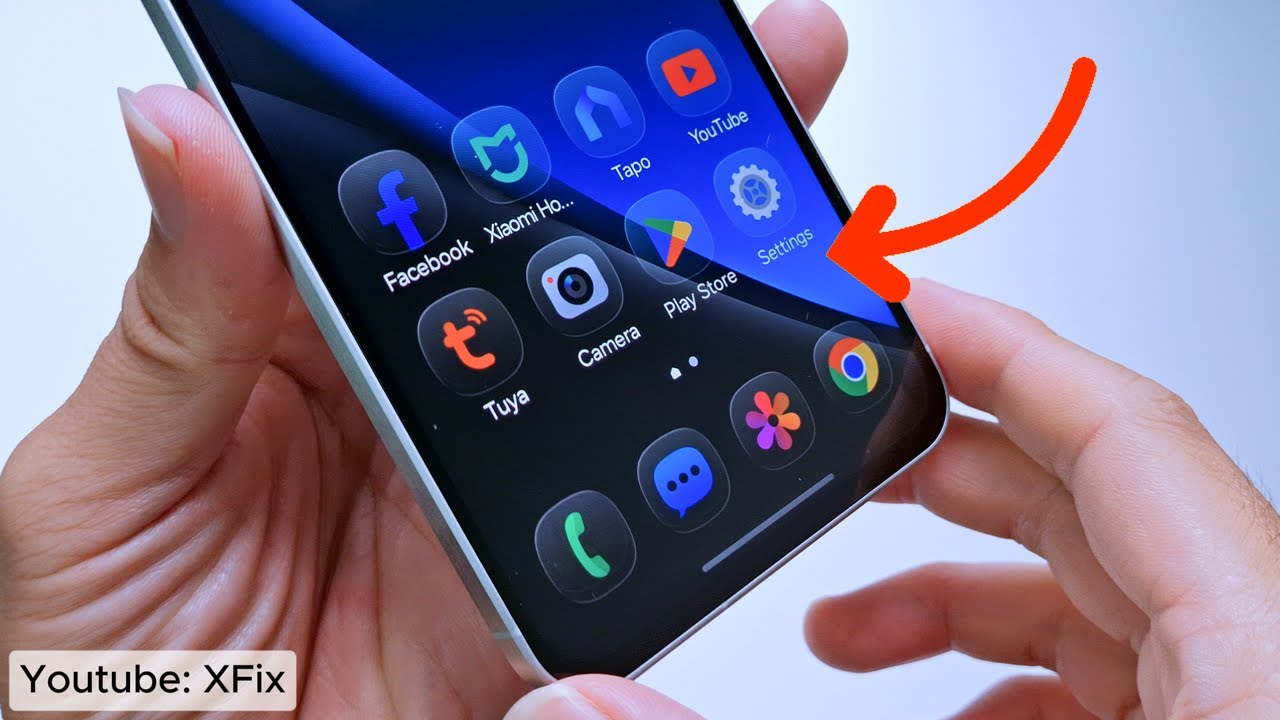
How to Install One UI 8 Glass Icon on Samsung – Want to give your Samsung phone a premium glassy look? The One UI 8 Glass Icon Pack brings a stunning transparent style that makes your Galaxy device stand out instantly.
With the new One UI 8 Glass Icon on Samsung, your home screen becomes stylish, modern, and completely refreshed.
What You’ll Learn:
How One UI 8 Glass Icon on Samsung changes your phone’s interface
The unique effects of the One UI 8 Glass Icon Pack
Samsung customization tips to make your device look amazing
📌 Don’t forget to like, share, and subscribe for more Samsung tips!
Email: nguyentuananh1004@gmail.com
#OneUI8 #SamsungTips #liquidglass
With the new One UI 8 Glass Icon on Samsung, your home screen becomes stylish, modern, and completely refreshed.
What You’ll Learn:
How One UI 8 Glass Icon on Samsung changes your phone’s interface
The unique effects of the One UI 8 Glass Icon Pack
Samsung customization tips to make your device look amazing
📌 Don’t forget to like, share, and subscribe for more Samsung tips!
Email: nguyentuananh1004@gmail.com
#OneUI8 #SamsungTips #liquidglass
Tags and Topics
Browse our collection to discover more content in these categories.
Video Information
Views
344.9K
Likes
2.9K
Duration
1:39
Published
Aug 27, 2025
User Reviews
4.4
(68) Related Trending Topics
LIVE TRENDSRelated trending topics. Click any trend to explore more videos.
No specific trending topics match this video yet.
Explore All Trends