Install Node.js 20 on Windows 10/11 from ZIP 📦
Learn how to install Node.js 20.0.0 on Windows 10/11 using a ZIP archive and run sample programs easily.

java frm
11.5K views • May 2, 2023
About this video
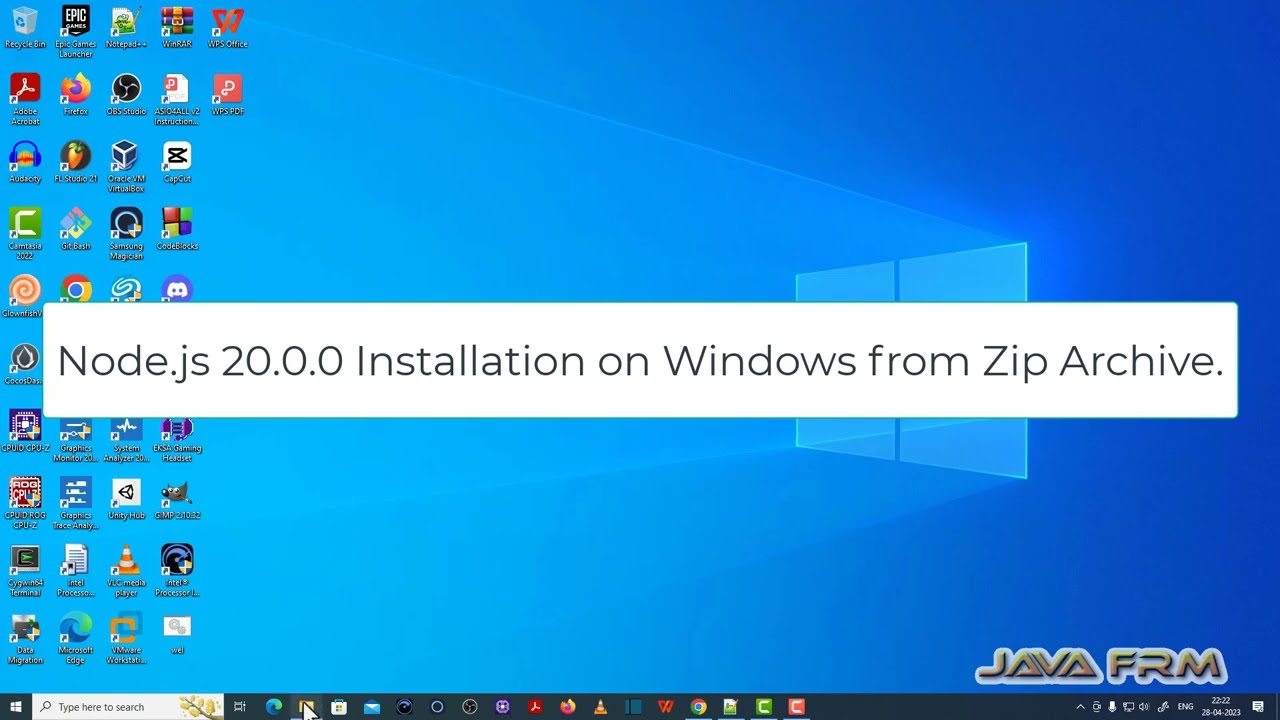
In this video we are going to see How to install Node.js 20.0.0 on Windows 10 from Zip archive file and run some sample programs.
You can download Node.js from
https://nodejs.org/en
https://nodejs.org/download/release/v20.0.0/
Node JS program that prints the Operating System details and Machine Information.
IMPORTANT NOTE on SOURCE CODE: only source code that are acceptable by the youtube description box will be displayed.
#########################SOURCE CODE STARTS HERE##############################
var os = require('os');
console.log("Platform: " + os.platform());
console.log("Architecture: " + os.arch());
console.log("OS Type: " +os.type());
console.log("CPU Cores: ");
console.log(os.cpus());
console.log("Free Memory: " +os.freemem());
console.log("Uptime: " +os.uptime());
console.log("UserInfo: ");
console.log(os.userInfo());
console.log("Platform: " +os.platform());
console.log("OS Release version: " +os.release());
console.log("Total Memory: " +os.totalmem());
console.log("Network Interfaces: ");
console.log(os.networkInterfaces());
console.log("Endianness: " +os.endianness());
console.log("Load Average: " +os.loadavg());
console.log("Temp Directory: " +os.tmpdir());
#########################END OF SOURCE CODE##############################
Node JS program that sorts the array of numbers and print in ascending order and descending order.
#########################SOURCE CODE STARTS HERE##############################
const arr = [35,13,8,25,2,15,887,23,58,23,57,22,67];
arr.sort(function(a, b){return a-b});
console.log("Sorted array in Ascending Order");
console.log(arr);
console.log("Sorted array in Descending Order");
arr.sort(function(a, b){return b-a});
console.log(arr);
#########################END OF SOURCE CODE##############################
#nodejs #nodejstutorial #nodejs20 #nodejswindows #installnodejs
You can download Node.js from
https://nodejs.org/en
https://nodejs.org/download/release/v20.0.0/
Node JS program that prints the Operating System details and Machine Information.
IMPORTANT NOTE on SOURCE CODE: only source code that are acceptable by the youtube description box will be displayed.
#########################SOURCE CODE STARTS HERE##############################
var os = require('os');
console.log("Platform: " + os.platform());
console.log("Architecture: " + os.arch());
console.log("OS Type: " +os.type());
console.log("CPU Cores: ");
console.log(os.cpus());
console.log("Free Memory: " +os.freemem());
console.log("Uptime: " +os.uptime());
console.log("UserInfo: ");
console.log(os.userInfo());
console.log("Platform: " +os.platform());
console.log("OS Release version: " +os.release());
console.log("Total Memory: " +os.totalmem());
console.log("Network Interfaces: ");
console.log(os.networkInterfaces());
console.log("Endianness: " +os.endianness());
console.log("Load Average: " +os.loadavg());
console.log("Temp Directory: " +os.tmpdir());
#########################END OF SOURCE CODE##############################
Node JS program that sorts the array of numbers and print in ascending order and descending order.
#########################SOURCE CODE STARTS HERE##############################
const arr = [35,13,8,25,2,15,887,23,58,23,57,22,67];
arr.sort(function(a, b){return a-b});
console.log("Sorted array in Ascending Order");
console.log(arr);
console.log("Sorted array in Descending Order");
arr.sort(function(a, b){return b-a});
console.log(arr);
#########################END OF SOURCE CODE##############################
#nodejs #nodejstutorial #nodejs20 #nodejswindows #installnodejs
Tags and Topics
Browse our collection to discover more content in these categories.
Video Information
Views
11.5K
Likes
64
Duration
3:18
Published
May 2, 2023
User Reviews
4.1
(2) Related Trending Topics
LIVE TRENDSRelated trending topics. Click any trend to explore more videos.
No specific trending topics match this video yet.
Explore All Trends