Install Multiple OS on 1 NVMe in Mac Pro 5,1 🖥️
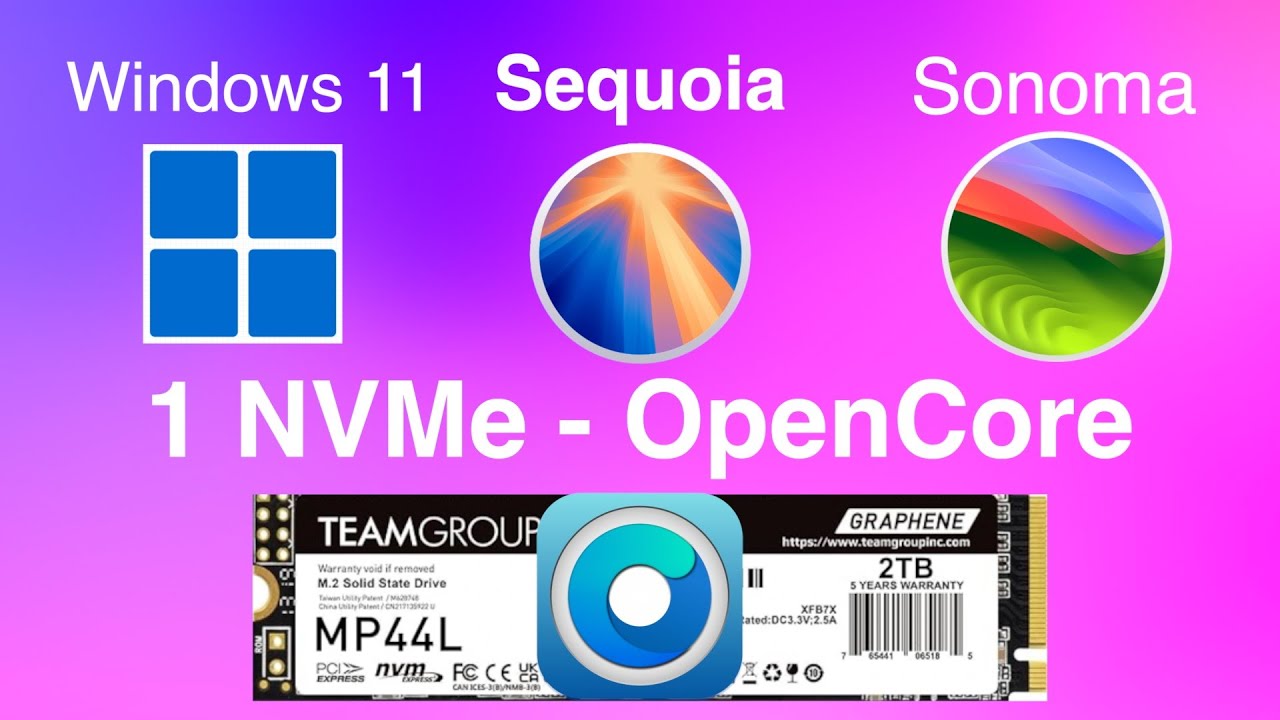
Learn how to set up Windows 11, macOS Sequoia & Sonoma on one NVMe and others on SATA drives using Opencore Legacy Patcher.
Mac Sound Solutions inc.
31.3K views • Oct 7, 2024
About this video
I figured out how to install Windows 11, macOS Sequoia and Sonoma on a single NVMe. Plus Mojave and a Beta version of Sequoia on internal Sata drives
If this helped you out you can help me out with a small donation,
by my a coffee or a beer :) https://www.paypal.com/paypalme/macsoundsolutions
or click on my amazon links I am an amazon affiliate and get a small commission.
TEAMGROUP NVMe 2T 400MBps
https://amzn.to/3XWlLDJ
Cheap M.2 NVME to PCIe 3.0 x4 Adapter 1500 MBps
https://amzn.to/3TSv86c
NVMe Heat Syncs for Mac Pro 5,1 and 6,1
https://amzn.to/4gNneFd
Sonnet Dual PCIe card up to 3500MBps
https://amzn.to/4dAa37F
Sonnet McFiver PCIe Card
https://amzn.to/4dz82su
0:00 Intro
01:28 FOrmat NVMe
02:20 Partiion NVMe
04:17 Install Oopencore Legacy Patcher
07:19 Install Windows 11
08:53 Delete WiIndows Partition
12:22 Install macOS Sequoia
13:14 All OS installed on my Mac Pro 5,1 Mojave, Sequoia Beta, Windows 11, Sequoia, Sonoma
13:32 Summary all steps to do the install. Check out all my links and storefronts! https://beacons.ai/macsoundsolutions
Disclaimer: Some links may be affiliate links. I may earn a small commission at no extra cost to you — thanks for supporting the channel!
If this helped you out you can help me out with a small donation,
by my a coffee or a beer :) https://www.paypal.com/paypalme/macsoundsolutions
or click on my amazon links I am an amazon affiliate and get a small commission.
TEAMGROUP NVMe 2T 400MBps
https://amzn.to/3XWlLDJ
Cheap M.2 NVME to PCIe 3.0 x4 Adapter 1500 MBps
https://amzn.to/3TSv86c
NVMe Heat Syncs for Mac Pro 5,1 and 6,1
https://amzn.to/4gNneFd
Sonnet Dual PCIe card up to 3500MBps
https://amzn.to/4dAa37F
Sonnet McFiver PCIe Card
https://amzn.to/4dz82su
0:00 Intro
01:28 FOrmat NVMe
02:20 Partiion NVMe
04:17 Install Oopencore Legacy Patcher
07:19 Install Windows 11
08:53 Delete WiIndows Partition
12:22 Install macOS Sequoia
13:14 All OS installed on my Mac Pro 5,1 Mojave, Sequoia Beta, Windows 11, Sequoia, Sonoma
13:32 Summary all steps to do the install. Check out all my links and storefronts! https://beacons.ai/macsoundsolutions
Disclaimer: Some links may be affiliate links. I may earn a small commission at no extra cost to you — thanks for supporting the channel!
Video Information
Views
31.3K
Likes
1.1K
Duration
13:53
Published
Oct 7, 2024
User Reviews
4.6
(6) Related Trending Topics
LIVE TRENDSRelated trending topics. Click any trend to explore more videos.
No specific trending topics match this video yet.
Explore All Trends