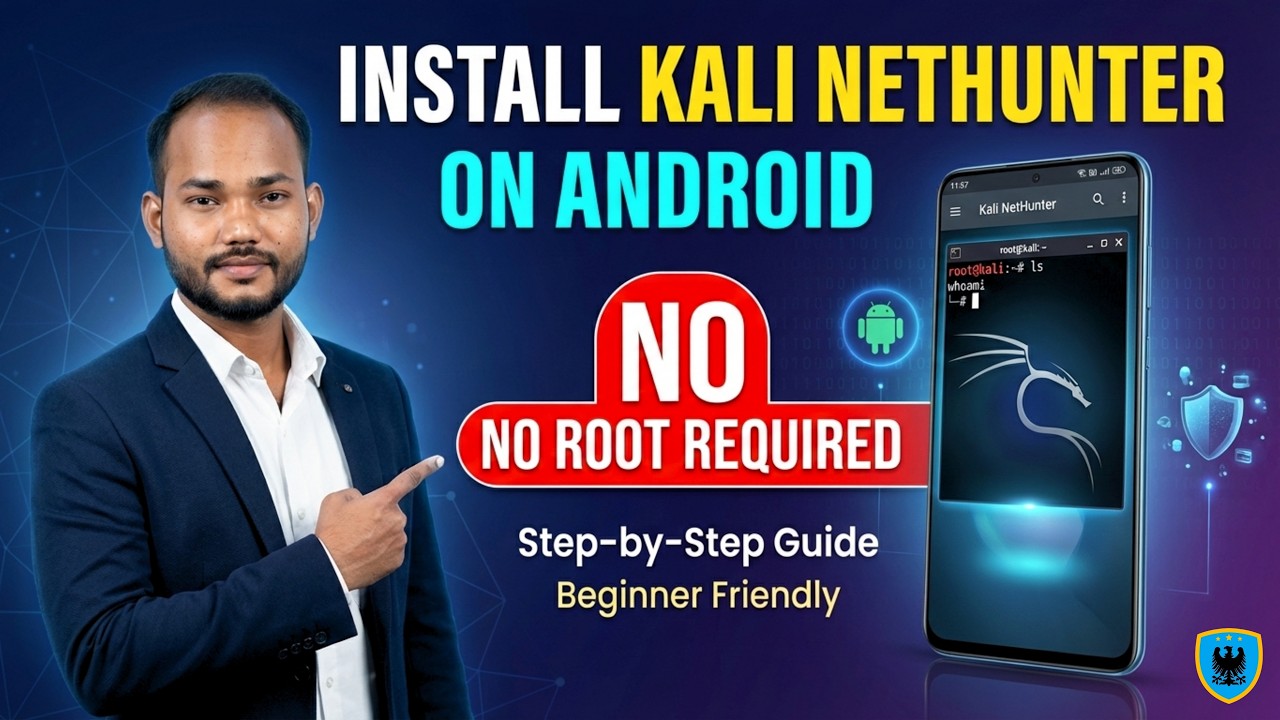
Install Kali NetHunter on Android (No Root) 📱
Learn how to install Kali NetHunter on your Android device without root in this easy step-by-step guide by Cyber Gita.

Cyber Gita
2.8K views • Feb 25, 2026
About this video
Welcome to Cyber Gita 👨💻
In this complete step-by-step tutorial, you will learn how to install Kali NetHunter on your Android device — without root access.
Yes, you heard it right
No rooting. No warranty void. 100% safe method.
This guide will help you transform your everyday Android smartphone into a powerful portable cybersecurity lab using the official rootless method backed by Offensive Security — the creators of Kali Linux.
📱 What is Kali NetHunter?
Kali NetHunter is:
• A mobile penetration testing platform
• Official Android adaptation of Kali Linux
• Packed with ethical hacking & security testing tools
• Designed for cybersecurity students & professionals
With NetHunter Rootless (Termux Edition), you can practice:
✔ Network analysis
✔ Ethical hacking tools
✔ Security testing
✔ Linux command line
✔ Cybersecurity learning
Directly from your phone.
🔐 Why Choose the No Root Method?
Rootless Kali NetHunter offers:
✅ Safe installation
✅ No risk of bricking your device
✅ Warranty remains intact
✅ Easy uninstall anytime
✅ Perfect for beginners
Rooting can be risky and complicated. The Termux-based method gives essential tools without dangerous bootloader unlocking.
📋 Requirements Before Installation
Make sure you have:
• Android 10 or higher
• Minimum 10GB free storage
• Strong Wi-Fi connection
• 30–40 minutes of time
• Fully charged battery
🛠 What You’ll Learn in This Video
Step-by-step:-
1️⃣ Downloading NetHunter Store (Not Play Store Termux)
2️⃣ Installing Termux & NetHunter KeX
3️⃣ Setting up Termux environment
4️⃣ Downloading official NetHunter installation script
5️⃣ Installing Full or Minimal version
6️⃣ Starting Kali Linux CLI
7️⃣ Setting KeX password
8️⃣ Connecting to full graphical desktop (GUI)
By the end, you’ll have a fully functional Kali Linux desktop running on Android.
💻 Important Commands Covered
• termux-setup-storage
• pkg update && pkg upgrade
• pkg install wget
• wget official NetHunter script
• nh (start Kali)
• nh kex passwd
• nh kex &
• nh kex stop
• sudo apt update && sudo apt upgrade
🎯 Who Should Watch This?
✔ Ethical Hacking Beginners
✔ Cybersecurity Students
✔ Bug Bounty Hunters
✔ SOC Analysts
✔ IT Security Enthusiasts
✔ Linux Learners
⚠ Important Disclaimer
This tutorial is for educational purposes only.
Always test security tools on networks and devices you own or have permission to test.
Cybersecurity Rule #1: Hack ethically. 🔐
🔎 SEO Keywords
Kali NetHunter install
Kali Linux on Android
NetHunter no root method
Kali NetHunter rootless
Install Kali Linux without root
Android penetration testing
Ethical hacking on mobile
Termux Kali installation
NetHunter KeX setup
Cybersecurity lab on phone
In this complete step-by-step tutorial, you will learn how to install Kali NetHunter on your Android device — without root access.
Yes, you heard it right
No rooting. No warranty void. 100% safe method.
This guide will help you transform your everyday Android smartphone into a powerful portable cybersecurity lab using the official rootless method backed by Offensive Security — the creators of Kali Linux.
📱 What is Kali NetHunter?
Kali NetHunter is:
• A mobile penetration testing platform
• Official Android adaptation of Kali Linux
• Packed with ethical hacking & security testing tools
• Designed for cybersecurity students & professionals
With NetHunter Rootless (Termux Edition), you can practice:
✔ Network analysis
✔ Ethical hacking tools
✔ Security testing
✔ Linux command line
✔ Cybersecurity learning
Directly from your phone.
🔐 Why Choose the No Root Method?
Rootless Kali NetHunter offers:
✅ Safe installation
✅ No risk of bricking your device
✅ Warranty remains intact
✅ Easy uninstall anytime
✅ Perfect for beginners
Rooting can be risky and complicated. The Termux-based method gives essential tools without dangerous bootloader unlocking.
📋 Requirements Before Installation
Make sure you have:
• Android 10 or higher
• Minimum 10GB free storage
• Strong Wi-Fi connection
• 30–40 minutes of time
• Fully charged battery
🛠 What You’ll Learn in This Video
Step-by-step:-
1️⃣ Downloading NetHunter Store (Not Play Store Termux)
2️⃣ Installing Termux & NetHunter KeX
3️⃣ Setting up Termux environment
4️⃣ Downloading official NetHunter installation script
5️⃣ Installing Full or Minimal version
6️⃣ Starting Kali Linux CLI
7️⃣ Setting KeX password
8️⃣ Connecting to full graphical desktop (GUI)
By the end, you’ll have a fully functional Kali Linux desktop running on Android.
💻 Important Commands Covered
• termux-setup-storage
• pkg update && pkg upgrade
• pkg install wget
• wget official NetHunter script
• nh (start Kali)
• nh kex passwd
• nh kex &
• nh kex stop
• sudo apt update && sudo apt upgrade
🎯 Who Should Watch This?
✔ Ethical Hacking Beginners
✔ Cybersecurity Students
✔ Bug Bounty Hunters
✔ SOC Analysts
✔ IT Security Enthusiasts
✔ Linux Learners
⚠ Important Disclaimer
This tutorial is for educational purposes only.
Always test security tools on networks and devices you own or have permission to test.
Cybersecurity Rule #1: Hack ethically. 🔐
🔎 SEO Keywords
Kali NetHunter install
Kali Linux on Android
NetHunter no root method
Kali NetHunter rootless
Install Kali Linux without root
Android penetration testing
Ethical hacking on mobile
Termux Kali installation
NetHunter KeX setup
Cybersecurity lab on phone
Tags and Topics
Browse our collection to discover more content in these categories.
Video Information
Views
2.8K
Likes
54
Duration
21:36
Published
Feb 25, 2026
User Reviews
4.5
(2) Related Trending Topics
LIVE TRENDSRelated trending topics. Click any trend to explore more videos.
No specific trending topics match this video yet.
Explore All Trends