How to Install Kali Linux on Windows 11 Using WSL2 (Step-by-Step Guide)
Learn how to install Kali Linux on Windows 11 using WSL2 (Windows Subsystem for Linux) — the fastest and easiest way to run Kali without dual-booting or usin...

TI9ANY
114 views • Mar 13, 2026
About this video
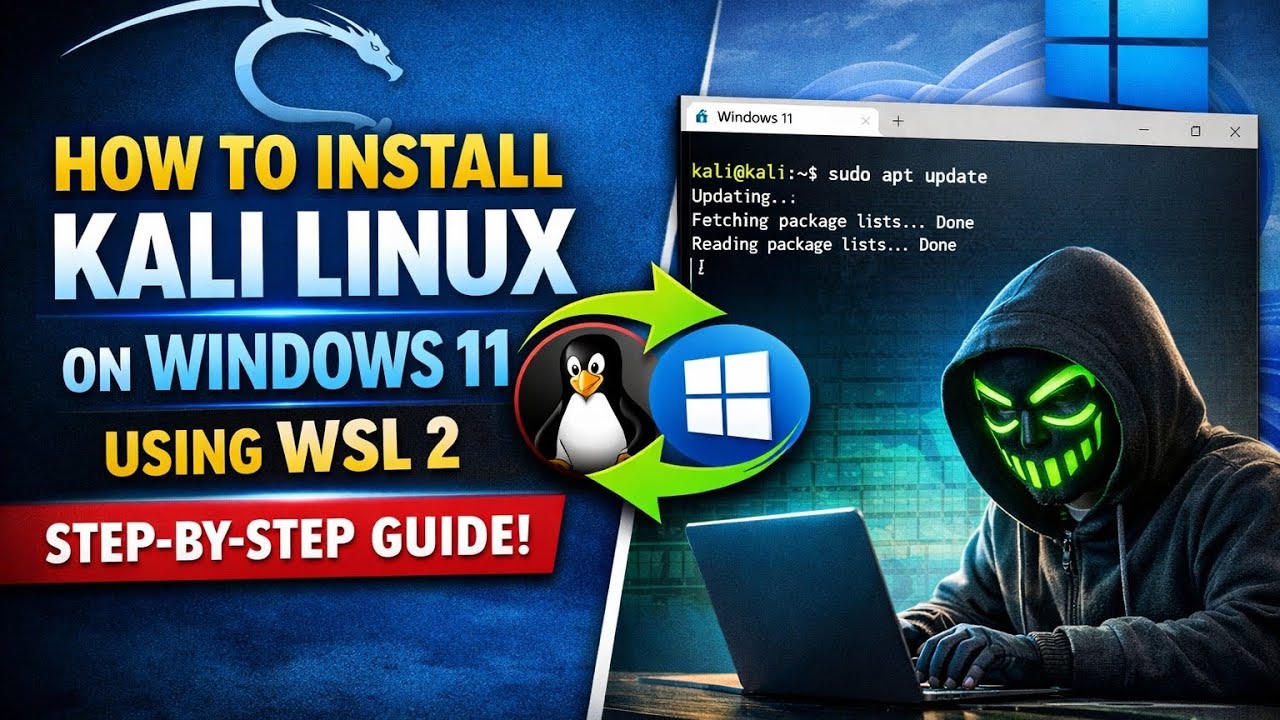
Learn how to install Kali Linux on Windows 11 using WSL2 (Windows Subsystem for Linux) — the fastest and easiest way to run Kali without dual-booting or using a virtual machine.
In this tutorial, you’ll set up a full Kali Linux environment directly inside Windows, allowing you to use powerful cybersecurity and penetration-testing tools with minimal system resources.
This method is perfect for beginners and advanced users who want a lightweight Linux setup for learning cybersecurity, scripting, or ethical hacking.
What you'll learn in this video:
• What WSL and WSL2 are and how they work
• How to enable Windows Subsystem for Linux on Windows 11
• How to install Kali Linux from the Microsoft Store
• Updating and upgrading your Kali environment
• Installing essential penetration-testing tools
• Running Kali Linux commands directly inside Windows
By the end of this tutorial, your Windows 11 system will have a fully functional Kali Linux terminal ready for cybersecurity practice, CTF challenges, scripting, and learning Linux tools.
Helpful resources:
Hackerr: https://hackerr.io
⚠️ Disclaimer
This video is for educational purposes only. Always use cybersecurity tools responsibly and only on systems you own or have permission to test.
#kalilinux #windows11 #wsl #cybersecurity #ethicalhacking
In this tutorial, you’ll set up a full Kali Linux environment directly inside Windows, allowing you to use powerful cybersecurity and penetration-testing tools with minimal system resources.
This method is perfect for beginners and advanced users who want a lightweight Linux setup for learning cybersecurity, scripting, or ethical hacking.
What you'll learn in this video:
• What WSL and WSL2 are and how they work
• How to enable Windows Subsystem for Linux on Windows 11
• How to install Kali Linux from the Microsoft Store
• Updating and upgrading your Kali environment
• Installing essential penetration-testing tools
• Running Kali Linux commands directly inside Windows
By the end of this tutorial, your Windows 11 system will have a fully functional Kali Linux terminal ready for cybersecurity practice, CTF challenges, scripting, and learning Linux tools.
Helpful resources:
Hackerr: https://hackerr.io
⚠️ Disclaimer
This video is for educational purposes only. Always use cybersecurity tools responsibly and only on systems you own or have permission to test.
#kalilinux #windows11 #wsl #cybersecurity #ethicalhacking
Video Information
Views
114
Likes
3
Duration
6:45
Published
Mar 13, 2026
Related Trending Topics
LIVE TRENDSRelated trending topics. Click any trend to explore more videos.