Install Kali Linux on Windows 11 Easily
Learn how to install Kali Linux on Windows 11 using administrator commands for ethical hacking and testing purposes. 🔧

Hacking pro plus s
25.1K views • Jan 27, 2025
About this video
how to install kali linux on windows 11 #ethicalhackingtutorial #tech #learnethicalhacking #coding #bruteforceattack
Inside a Administrator command prompt, run the following command which will setup WSL if it has not already and inInside a Administrator command prompt, run the following command which will setup WSL if it has not already and install Kali WSL:
First of all press win+R and type optionalfeatures Scroll down and enable Windows subsystem for Linux and ok
Now restart your system
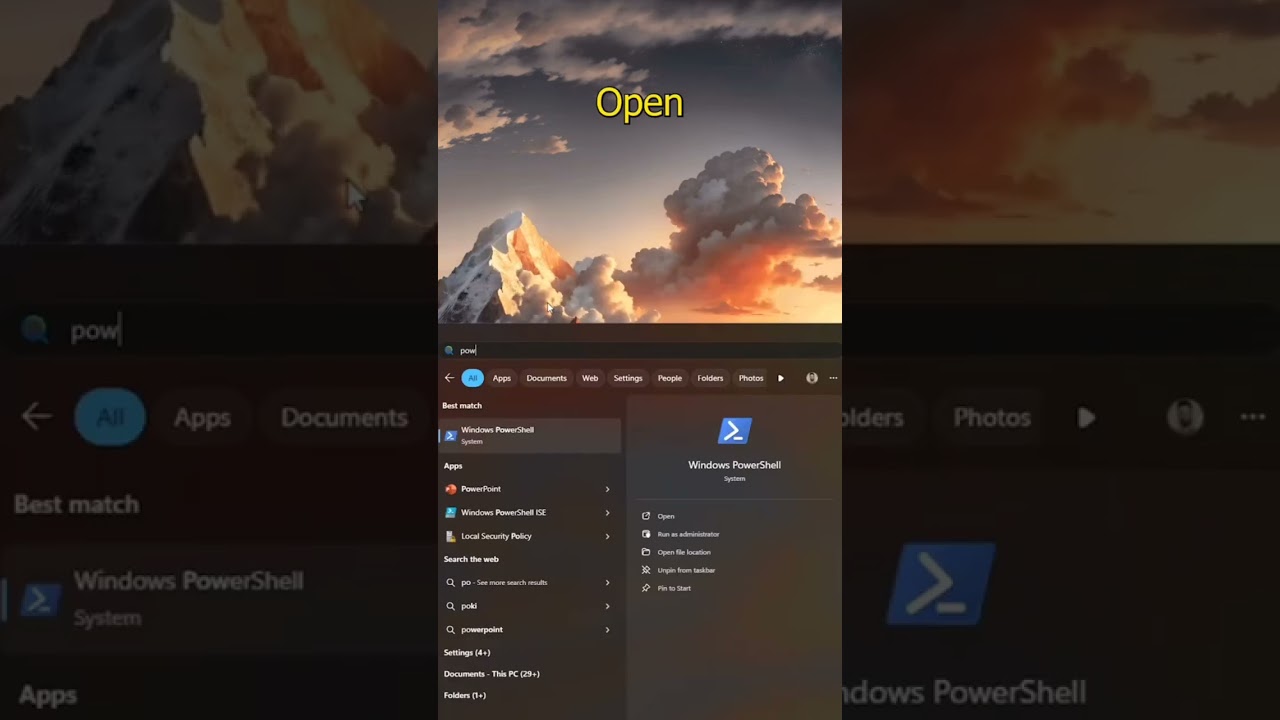
Now open Powershell and type
C:\Windows\system32wsl --install
C:\Windows\system32wsl --install -d kali-linux
Installing, this may take a few minutes...
Please create a default UNIX user account. The username does not need to match your Windows username.
For more information visit: https://aka.ms/wslusers
Enter new UNIX username: kali
New password:
Retype new password:
passwd: password updated successfully
Installation successful!
kali@DESKTOP-AJVAG8O:~$ uname -a
Linux DESKTOP-AJVAG8O 5.10.16.3-microsoft-standard-WSL2 #1 SMP Fri Apr 2 22:23:49 UTC 2021 x86_64 GNU/Linux
kali@DESKTOP-AJVAG8O:~$
NOTE: You will not see anything when typing the password.stall Kali WSL:
Inside a Administrator command prompt, run the following command which will setup WSL if it has not already and inInside a Administrator command prompt, run the following command which will setup WSL if it has not already and install Kali WSL:
First of all press win+R and type optionalfeatures Scroll down and enable Windows subsystem for Linux and ok
Now restart your system
Now open Powershell and type
C:\Windows\system32wsl --install
C:\Windows\system32wsl --install -d kali-linux
Installing, this may take a few minutes...
Please create a default UNIX user account. The username does not need to match your Windows username.
For more information visit: https://aka.ms/wslusers
Enter new UNIX username: kali
New password:
Retype new password:
passwd: password updated successfully
Installation successful!
kali@DESKTOP-AJVAG8O:~$ uname -a
Linux DESKTOP-AJVAG8O 5.10.16.3-microsoft-standard-WSL2 #1 SMP Fri Apr 2 22:23:49 UTC 2021 x86_64 GNU/Linux
kali@DESKTOP-AJVAG8O:~$
NOTE: You will not see anything when typing the password.stall Kali WSL:
Tags and Topics
Browse our collection to discover more content in these categories.
Video Information
Views
25.1K
Likes
595
Duration
0:34
Published
Jan 27, 2025
User Reviews
4.6
(5) Related Trending Topics
LIVE TRENDSRelated trending topics. Click any trend to explore more videos.
No specific trending topics match this video yet.
Explore All Trends