How to Hide Secret Messages in Audio Using Steganography
Learn techniques to conceal secret messages within audio files through steganography, ensuring secure communication and privacy.
Shake the Future
53.7K views • Jul 4, 2014
About this video
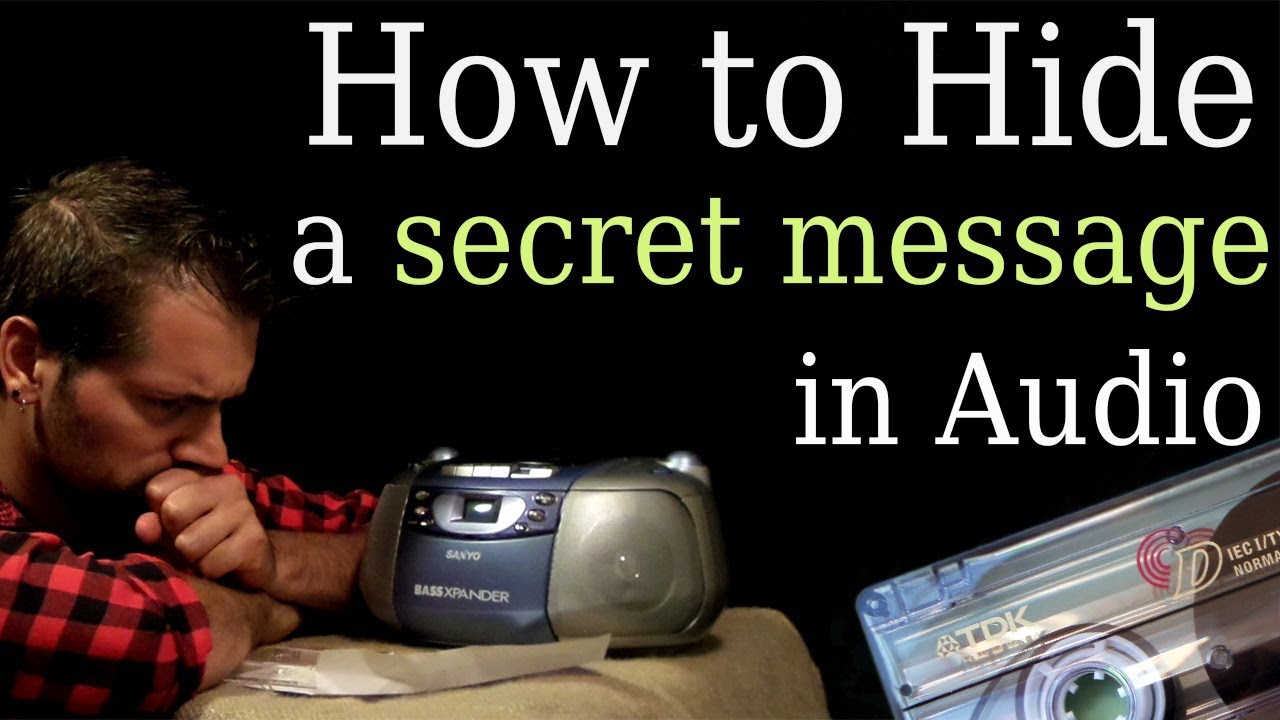
Are you a spy? Do you need to send a message to somebody, but you are afraid that they can take it over?
----------------------------------------------
From Wikipedia:
Steganography - is the art or practice of concealing a message, image, or file within another message, image, or file.
Maybe not the most practical way, but definitely fun way to do it, is by hiding your message in audio file. Not just an audio file like mp3 or Wav. You can hide your message in an actual audio. It can be recorded on tape, DVD or played on radio.
For most of people it will sound like a noise or like a CD, that has been recorded badly.
To read the message, you need to get that sound into your computer.
If it's a file that has been send over the internet, it's easy. If you have the message on tape, just like we did, you will need to transfer it to computer first.
Once the message is in computer, import it into "Audacity" and select "spectogram" view.
http://audacity.sourceforge.net/download/
You should see your hidden message.
To make your own message, create a "bmp" file in Ms Paint, Photoshop or other photo editor.
Use black background and white letters.
Position the text at very top of the image.
Once saved, download the software called "Coagula"
http://www.sonicspot.com/coagula/coagula.html
Import the image in "Coagula", and click on the button that looks like two cogwheels.
That will generate audio file from the image.
Once saved, use it to communicate with your secret team :)
-----------------------------------------------------------------------------------------
Music:Kevin MacLeod
Title: Cool Rock
Cool Rock, Kevin MacLeod (incompetech.com)
Licensed under Creative Commons: By Attribution 3.0
http://creativecommons.org/licenses/by/3.0/
And "Dub_Zap" from Youtube library.
----------------------------------------------
From Wikipedia:
Steganography - is the art or practice of concealing a message, image, or file within another message, image, or file.
Maybe not the most practical way, but definitely fun way to do it, is by hiding your message in audio file. Not just an audio file like mp3 or Wav. You can hide your message in an actual audio. It can be recorded on tape, DVD or played on radio.
For most of people it will sound like a noise or like a CD, that has been recorded badly.
To read the message, you need to get that sound into your computer.
If it's a file that has been send over the internet, it's easy. If you have the message on tape, just like we did, you will need to transfer it to computer first.
Once the message is in computer, import it into "Audacity" and select "spectogram" view.
http://audacity.sourceforge.net/download/
You should see your hidden message.
To make your own message, create a "bmp" file in Ms Paint, Photoshop or other photo editor.
Use black background and white letters.
Position the text at very top of the image.
Once saved, download the software called "Coagula"
http://www.sonicspot.com/coagula/coagula.html
Import the image in "Coagula", and click on the button that looks like two cogwheels.
That will generate audio file from the image.
Once saved, use it to communicate with your secret team :)
-----------------------------------------------------------------------------------------
Music:Kevin MacLeod
Title: Cool Rock
Cool Rock, Kevin MacLeod (incompetech.com)
Licensed under Creative Commons: By Attribution 3.0
http://creativecommons.org/licenses/by/3.0/
And "Dub_Zap" from Youtube library.
Tags and Topics
Browse our collection to discover more content in these categories.
Video Information
Views
53.7K
Likes
574
Duration
4:09
Published
Jul 4, 2014
User Reviews
4.4
(10) Related Trending Topics
LIVE TRENDSRelated trending topics. Click any trend to explore more videos.
No specific trending topics match this video yet.
Explore All Trends