Hide 'Refreshing Download Recommendations' on YouTube
Learn how to hide the notification about refreshing download recommendations on YouTube for a cleaner notification panel. 🚫

Teconz
46.3K views • Nov 12, 2019
About this video
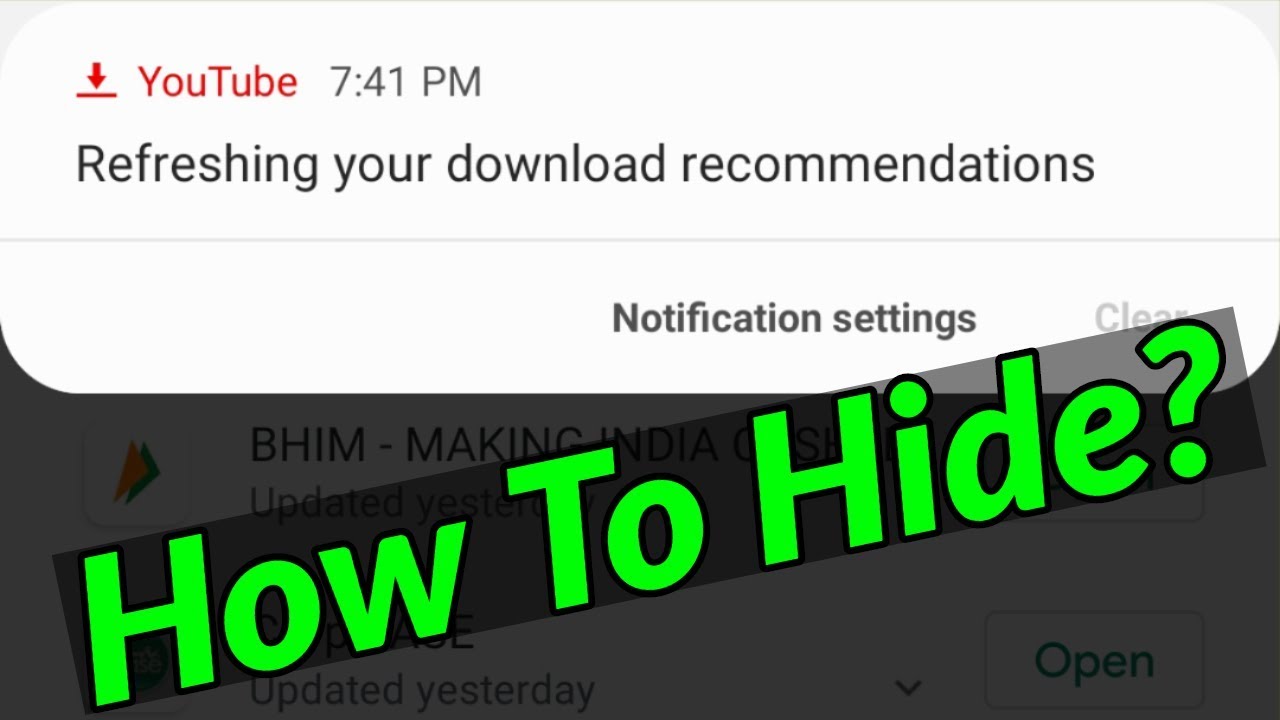
I get the following notification message while try to tab my notification panel :
Refreshing your download recommendations.
----------------------------------------------------------------------------------------------------------
This trick also works on ios iphone,but the setting location is may varrying.
Once you follow my tutorial this type of error is hide in permanently.
----------------------------------------------------------------------------------------------------------
►How To Enable Dark Mode On Twitter Android : https://youtu.be/0J3SihC3AXs
►How To Make Group Chat In Facebook Messenger : https://youtu.be/4_hEUEOiGfM
►How To Install Tik Tok App In Windows 10 Pc : https://youtu.be/iYC_o9HifvE
----------------------------------------------------------------------------------------------------------
How to fix refreshing your download recommendation :
1.This is coming from youtube application.
2.So first of all disable two setting in your app section.
3.Just open your app and then click to sign in your account details.
4.In home page section you can press your profile icon and then goto "Settings".
5.Here you can press "Downloads" and then click to turn off "Recommend downloads".
6.And go back to main menu,now this time you can select "Notifications".
7.Finally click to deactivate "Recommended videos".
8.Don't forget to restart your android mobile.
----------------------------------------------------------------------------------------------------------
#recommendedvideos #youtubenotifications #youtubeerror
Refreshing your download recommendations.
----------------------------------------------------------------------------------------------------------
This trick also works on ios iphone,but the setting location is may varrying.
Once you follow my tutorial this type of error is hide in permanently.
----------------------------------------------------------------------------------------------------------
►How To Enable Dark Mode On Twitter Android : https://youtu.be/0J3SihC3AXs
►How To Make Group Chat In Facebook Messenger : https://youtu.be/4_hEUEOiGfM
►How To Install Tik Tok App In Windows 10 Pc : https://youtu.be/iYC_o9HifvE
----------------------------------------------------------------------------------------------------------
How to fix refreshing your download recommendation :
1.This is coming from youtube application.
2.So first of all disable two setting in your app section.
3.Just open your app and then click to sign in your account details.
4.In home page section you can press your profile icon and then goto "Settings".
5.Here you can press "Downloads" and then click to turn off "Recommend downloads".
6.And go back to main menu,now this time you can select "Notifications".
7.Finally click to deactivate "Recommended videos".
8.Don't forget to restart your android mobile.
----------------------------------------------------------------------------------------------------------
#recommendedvideos #youtubenotifications #youtubeerror
Tags and Topics
Browse our collection to discover more content in these categories.
Video Information
Views
46.3K
Likes
408
Duration
2:37
Published
Nov 12, 2019
User Reviews
4.3
(9) Related Trending Topics
LIVE TRENDSRelated trending topics. Click any trend to explore more videos.
Trending Now