How to Hide Meta AI on WhatsApp Permanently! (Step by Step)
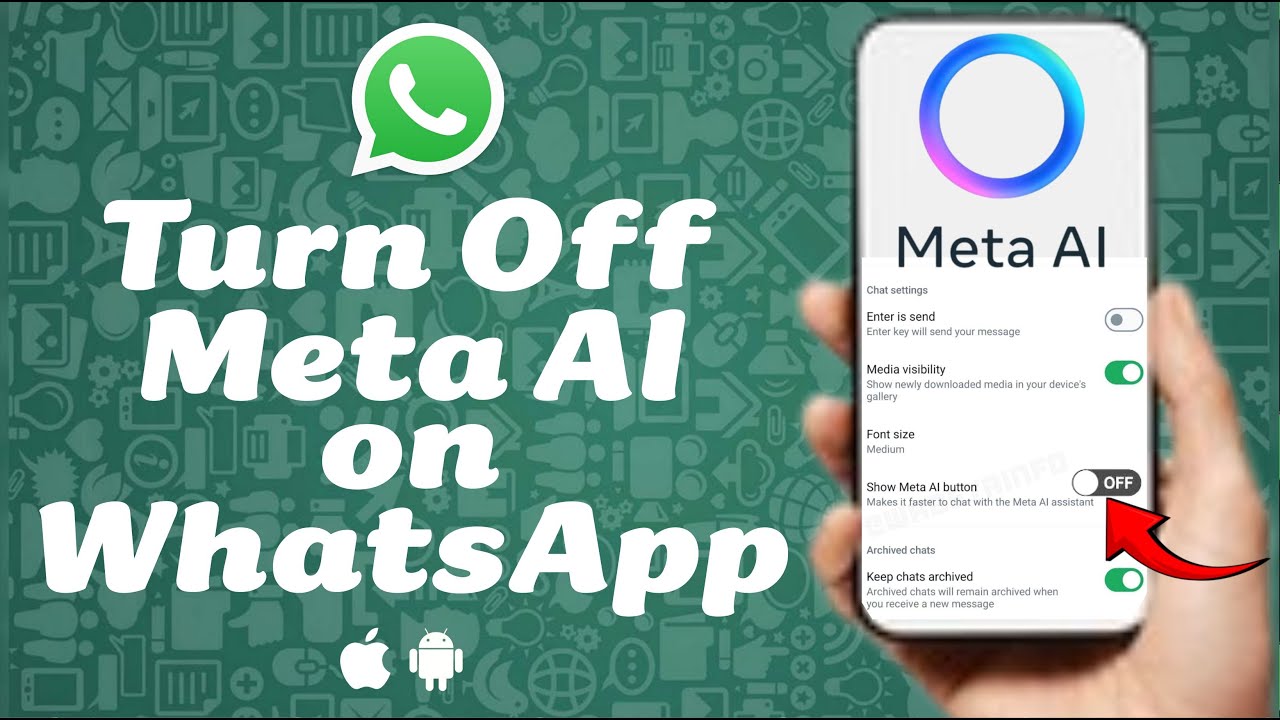
This video tutorial explains in detail how to turn off Meta AI on WhatsApp, ensuring you can use the app without unnecessary AI interruptions. - Subscribe ...

3 Minutes Fix
81.3K views • Mar 27, 2025
About this video
This video tutorial explains in detail how to turn off Meta AI on WhatsApp, ensuring you can use the app without unnecessary AI interruptions.
- Subscribe to 3 Minutes Fix Channel:
https://www.youtube.com/@3MinutesFix?sub_confirmation=1
- How to Remove Meta AI from WhatsApp (iPhone & Android)
https://youtu.be/bJKxQh4QwY0
- More WhatsApp Tips
https://www.youtube.com/playlist?list=PLOPMiS-wRlEp665e55XaMxJehD9mJZXpF
Whether you're frustrated by AI responses popping up in search or simply want a cleaner chat experience, this guide will walk you through the steps to mute, hide, and minimize Meta AI. We’ll also cover alternative ways to stop Meta AI on WhatsApp group chats, giving you full control over your messaging experience.
For iPhone users, we’ll show you how to turn off Meta AI on WhatsApp iOS, making it easy to disable AI suggestions on your device. If you're using an Android phone, don’t worry—we also cover how to turn off Meta AI WhatsApp Android with a step-by-step approach. By the end of this tutorial, you’ll know exactly how to adjust your settings to reduce Meta AI’s presence on your WhatsApp app.
Still seeing AI prompts? We’ll explain how to turn off Meta AI from WhatsApp using additional workarounds to keep it from interfering with your chats. While WhatsApp doesn’t currently allow full removal, these methods will help minimize distractions. If a future update provides a permanent solution, we’ll update this guide, so be sure to subscribe for the latest tips. Watch the full video now and take back control of your WhatsApp experience!
#WhatsApp #MetaAI #TurnOffMetaAI #WhatsAppTips #DisableMetaAI #WhatsAppSettings #TechTutorial #WhatsAppUpdate #PrivacySettings #MuteMetaAI #WhatsAppGuide #iPhoneTips #AndroidGuide #StopMetaAI #3MinutesFix
------------------------------
DISCLAIMER: The information and opinions shared in this content are intended solely for informational purposes. The guidance provided reflects personal interpretations and should not be considered legal or financial advice.
AFFILIATE DISCLOSURE: Some of the links on this page may be affiliate links. This means that, at no extra cost to you, we may earn a commission if you click through and make a purchase or subscription. While this may influence the products we review and create content about, it does not impact our recommendations or reviews.
- Subscribe to 3 Minutes Fix Channel:
https://www.youtube.com/@3MinutesFix?sub_confirmation=1
- How to Remove Meta AI from WhatsApp (iPhone & Android)
https://youtu.be/bJKxQh4QwY0
- More WhatsApp Tips
https://www.youtube.com/playlist?list=PLOPMiS-wRlEp665e55XaMxJehD9mJZXpF
Whether you're frustrated by AI responses popping up in search or simply want a cleaner chat experience, this guide will walk you through the steps to mute, hide, and minimize Meta AI. We’ll also cover alternative ways to stop Meta AI on WhatsApp group chats, giving you full control over your messaging experience.
For iPhone users, we’ll show you how to turn off Meta AI on WhatsApp iOS, making it easy to disable AI suggestions on your device. If you're using an Android phone, don’t worry—we also cover how to turn off Meta AI WhatsApp Android with a step-by-step approach. By the end of this tutorial, you’ll know exactly how to adjust your settings to reduce Meta AI’s presence on your WhatsApp app.
Still seeing AI prompts? We’ll explain how to turn off Meta AI from WhatsApp using additional workarounds to keep it from interfering with your chats. While WhatsApp doesn’t currently allow full removal, these methods will help minimize distractions. If a future update provides a permanent solution, we’ll update this guide, so be sure to subscribe for the latest tips. Watch the full video now and take back control of your WhatsApp experience!
#WhatsApp #MetaAI #TurnOffMetaAI #WhatsAppTips #DisableMetaAI #WhatsAppSettings #TechTutorial #WhatsAppUpdate #PrivacySettings #MuteMetaAI #WhatsAppGuide #iPhoneTips #AndroidGuide #StopMetaAI #3MinutesFix
------------------------------
DISCLAIMER: The information and opinions shared in this content are intended solely for informational purposes. The guidance provided reflects personal interpretations and should not be considered legal or financial advice.
AFFILIATE DISCLOSURE: Some of the links on this page may be affiliate links. This means that, at no extra cost to you, we may earn a commission if you click through and make a purchase or subscription. While this may influence the products we review and create content about, it does not impact our recommendations or reviews.
Tags and Topics
Browse our collection to discover more content in these categories.
Video Information
Views
81.3K
Likes
186
Duration
2:28
Published
Mar 27, 2025
User Reviews
4.0
(16) Related Trending Topics
LIVE TRENDSRelated trending topics. Click any trend to explore more videos.
No specific trending topics match this video yet.
Explore All Trends