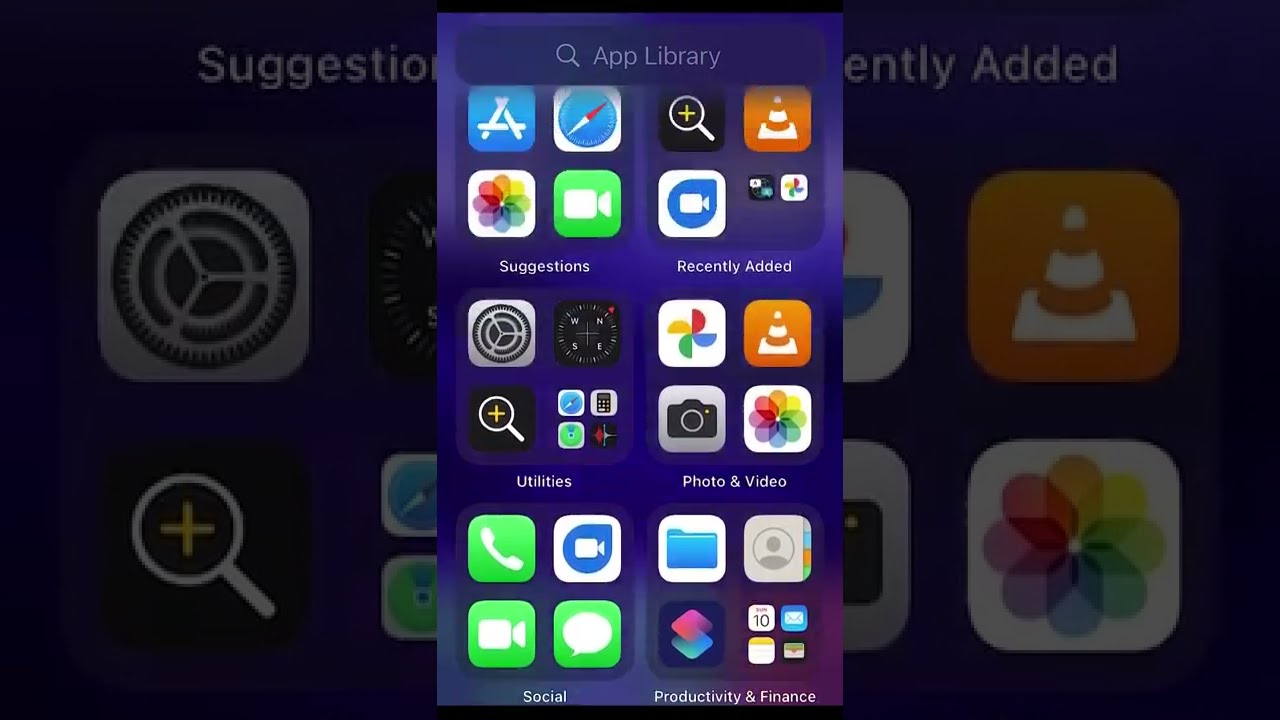
How to Hide Apps from App Library and Home Screen on iPhone
A simple, step-by-step #shorts guide on how to hide apps like Tinder, Snapchat, and others from your iPhone's app library and home screen.

Simple Tech
343.3K views • Jul 10, 2022
About this video
Simple and very #shorts step-by-step video how to How to hide apps from the app library and home screen on iPhone!
Here’s what you need to do to make this work:
Go to settings, find the screen time section
create a screen time password
Go to "content & privacy restrictions"
Next "Content Restrictions", Apps
Lower the level to hide apps from your app library and home screen.
To display apps again, increase the level.
Here’s what you need to do to make this work:
Go to settings, find the screen time section
create a screen time password
Go to "content & privacy restrictions"
Next "Content Restrictions", Apps
Lower the level to hide apps from your app library and home screen.
To display apps again, increase the level.
Tags and Topics
Browse our collection to discover more content in these categories.
Video Information
Views
343.3K
Likes
4.0K
Duration
0:37
Published
Jul 10, 2022
User Reviews
4.5
(68) Related Trending Topics
LIVE TRENDSRelated trending topics. Click any trend to explore more videos.
No specific trending topics match this video yet.
Explore All Trends