Grant Access to Power BI App Easily 🚀
Learn simple steps to give the right users access to your Power BI app with this quick tutorial.

Sarah Gonzalez
17 views • Jul 9, 2025
About this video
🚀 Want to grant access to your Power BI App but not sure how? No worries, I got you! Follow these simple steps to make sure the right users have the access they need! ✅
1️⃣ Navigate to the Power BI Service 🖥️
2️⃣ Open the Workspace containing the App 📂
3️⃣ Click 'Update App' in the Workspace 🔄
4️⃣ Go to the 'Permissions' tab 🔑
5️⃣ Choose 'Entire Organization' or 'Specific Users' 🏢👤
6️⃣ Enter the email addresses of users to grant access ✉️
7️⃣ Assign appropriate roles (Admin, Member, Contributor, Viewer) ⚡
8️⃣ Click 'Add' to confirm user access ➕✅
9️⃣ Share the App link with users 🔗
🔟 Enable 'Allow Recipients to Share' if needed 🔄👥
1️⃣1️⃣ Enable 'Allow Recipients to Build Content' if required 🏗️📊
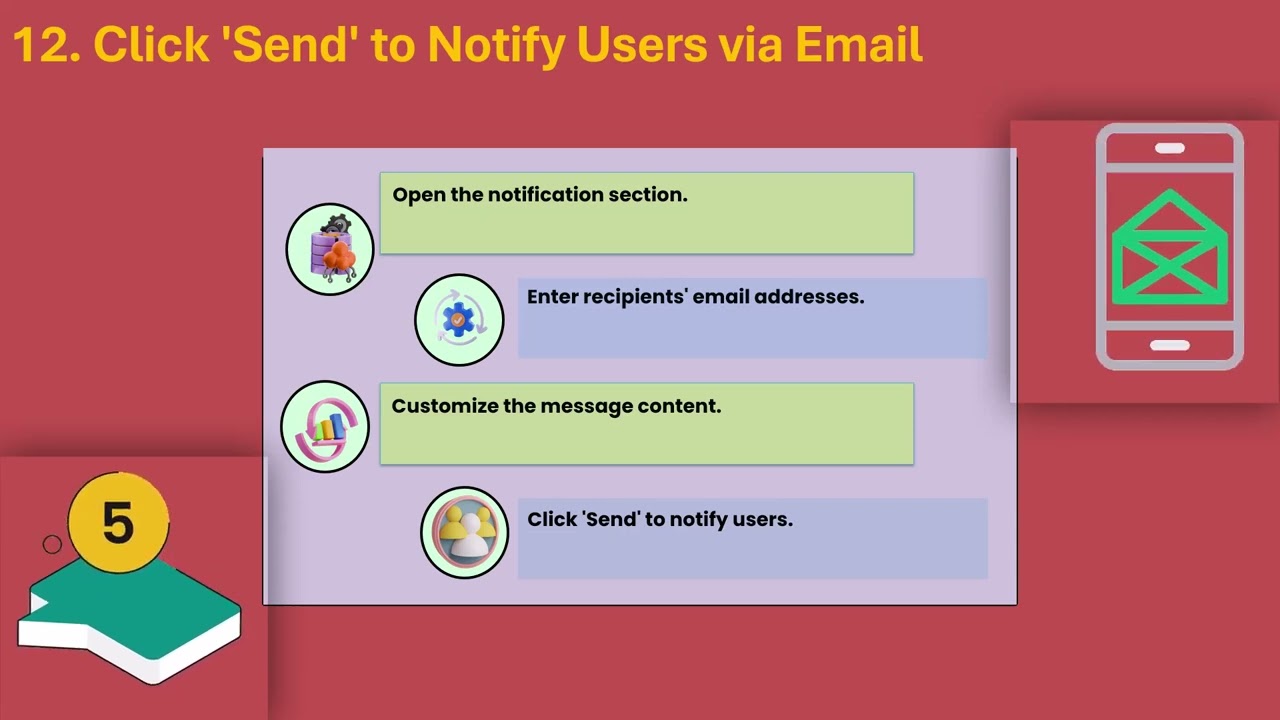
1️⃣2️⃣ Click 'Send' to notify users via email 📩
1️⃣3️⃣ Manage permissions via 'Manage Permissions' option 🎛️
1️⃣4️⃣ Modify access levels if necessary 🎯
1️⃣5️⃣ Monitor user activity and access logs 📜👀
🚨 Ensure users have the correct Power BI license for access 🛡️
💡 Want to upskill further? imatix.com has top-tier Power BI training courses 🎓! You can master Power BI through structured learning paths designed by industry experts 💼. Don't wait— boost your IT skills today with imatix.com ! 🔥🔥🔥
📢 Make sure to like, comment, and subscribe! Stay ahead with more Power BI tips and tricks! 👍🔔
#PowerBI #BI #PowerBITraining #PowerBITutorial #DataAnalytics #BusinessIntelligence #PowerBIApp #PowerBIWorkspace #BIExperts #MicrosoftBI #DataVisualization #PowerBIHowTo
1️⃣ Navigate to the Power BI Service 🖥️
2️⃣ Open the Workspace containing the App 📂
3️⃣ Click 'Update App' in the Workspace 🔄
4️⃣ Go to the 'Permissions' tab 🔑
5️⃣ Choose 'Entire Organization' or 'Specific Users' 🏢👤
6️⃣ Enter the email addresses of users to grant access ✉️
7️⃣ Assign appropriate roles (Admin, Member, Contributor, Viewer) ⚡
8️⃣ Click 'Add' to confirm user access ➕✅
9️⃣ Share the App link with users 🔗
🔟 Enable 'Allow Recipients to Share' if needed 🔄👥
1️⃣1️⃣ Enable 'Allow Recipients to Build Content' if required 🏗️📊
1️⃣2️⃣ Click 'Send' to notify users via email 📩
1️⃣3️⃣ Manage permissions via 'Manage Permissions' option 🎛️
1️⃣4️⃣ Modify access levels if necessary 🎯
1️⃣5️⃣ Monitor user activity and access logs 📜👀
🚨 Ensure users have the correct Power BI license for access 🛡️
💡 Want to upskill further? imatix.com has top-tier Power BI training courses 🎓! You can master Power BI through structured learning paths designed by industry experts 💼. Don't wait— boost your IT skills today with imatix.com ! 🔥🔥🔥
📢 Make sure to like, comment, and subscribe! Stay ahead with more Power BI tips and tricks! 👍🔔
#PowerBI #BI #PowerBITraining #PowerBITutorial #DataAnalytics #BusinessIntelligence #PowerBIApp #PowerBIWorkspace #BIExperts #MicrosoftBI #DataVisualization #PowerBIHowTo
Tags and Topics
Browse our collection to discover more content in these categories.
Video Information
Views
17
Duration
4:05
Published
Jul 9, 2025
Related Trending Topics
LIVE TRENDSRelated trending topics. Click any trend to explore more videos.
No specific trending topics match this video yet.
Explore All Trends