How to Access XM Radio in Your Car 🎶
Learn how to get XM Satellite Radio in your vehicle for music, news, and more. Watch the full guide for tips and setup.
Howcast
10.4K views • Feb 18, 2011
About this video
Watch more How to Make the Most of Your Car videos: http://www.howcast.com/videos/404186-How-to-Get-XM-Radio
XM Satellite Radio offers hours of music, news, and sports in over 120 non-commercial program formats. Get XM Radio in your car, at home, or in a wide variety of locations.
Step 1: Get a free XM Radio Online trial
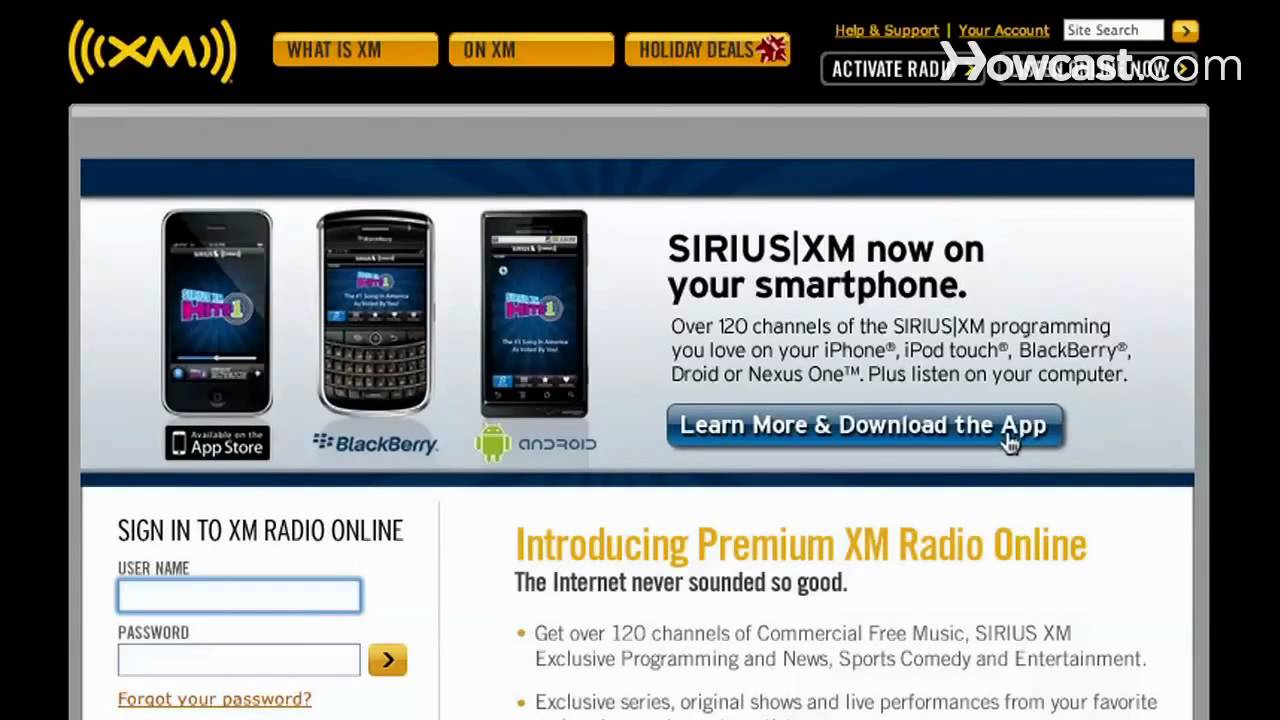
Sign up for a free 7-day XM Radio Online trial online. No credit card is needed. Sample most XM programs before you decide to buy.
Tip
Although XM Satellite Radio is not available in Europe, radio programming from BBC1 is included in the XM listening package.
Step 2: Decide how you want to listen to XM
Decide how you want to listen to XM Radio. Listen online with a paying account; or listen in your car, on your smartphone, or at home with a tuner.
Tip
XM Radio-ready smartphones and devices include the Apple iPhone, iPod Touch, and Blackberry.
Step 3: Buy an XM car radio
Buy an XM car radio at a retail store, or online via the XM Radio Shop. Or if you have recently bought a new car, you may be able to get an XM Radio through the dealer.
Step 4: Activate XM Radio in your car
Call XM Radio's Listener Care Service to activate XM Radio in your car. If you don't have XM radio built-in, have your car retailer recommend an installer.
Step 5: Activate your XM Radio account online
Activate your XM Radio account online. Create a username and password, and enter your XM Radio ID. Also include credit card or other payment info.
Tip
The 8-digit XM Radio ID can be found on the back of your XM Radio.
Step 6: Check if the activation process is complete
Check if the activation process is complete. Scroll through the channels in sequence. For a home XM radio, point the antenna at a south-facing window.
Did You Know?
In 2006, SIRIUS bought 23,000 hours of uncensored Howard Stern radio shows from his 20 years at CBS.
XM Satellite Radio offers hours of music, news, and sports in over 120 non-commercial program formats. Get XM Radio in your car, at home, or in a wide variety of locations.
Step 1: Get a free XM Radio Online trial
Sign up for a free 7-day XM Radio Online trial online. No credit card is needed. Sample most XM programs before you decide to buy.
Tip
Although XM Satellite Radio is not available in Europe, radio programming from BBC1 is included in the XM listening package.
Step 2: Decide how you want to listen to XM
Decide how you want to listen to XM Radio. Listen online with a paying account; or listen in your car, on your smartphone, or at home with a tuner.
Tip
XM Radio-ready smartphones and devices include the Apple iPhone, iPod Touch, and Blackberry.
Step 3: Buy an XM car radio
Buy an XM car radio at a retail store, or online via the XM Radio Shop. Or if you have recently bought a new car, you may be able to get an XM Radio through the dealer.
Step 4: Activate XM Radio in your car
Call XM Radio's Listener Care Service to activate XM Radio in your car. If you don't have XM radio built-in, have your car retailer recommend an installer.
Step 5: Activate your XM Radio account online
Activate your XM Radio account online. Create a username and password, and enter your XM Radio ID. Also include credit card or other payment info.
Tip
The 8-digit XM Radio ID can be found on the back of your XM Radio.
Step 6: Check if the activation process is complete
Check if the activation process is complete. Scroll through the channels in sequence. For a home XM radio, point the antenna at a south-facing window.
Did You Know?
In 2006, SIRIUS bought 23,000 hours of uncensored Howard Stern radio shows from his 20 years at CBS.
Video Information
Views
10.4K
Likes
15
Duration
2:05
Published
Feb 18, 2011
User Reviews
3.9
(2) Related Trending Topics
LIVE TRENDSRelated trending topics. Click any trend to explore more videos.
No specific trending topics match this video yet.
Explore All Trends