Get Meta AI on WhatsApp: 4 Easy Methods 📱
Learn 4 simple ways to access Meta AI on WhatsApp for iPhone and Android. Unlock its full features with this step-by-step guide.

3 Minutes Fix
11.6K views • Sep 6, 2024
About this video
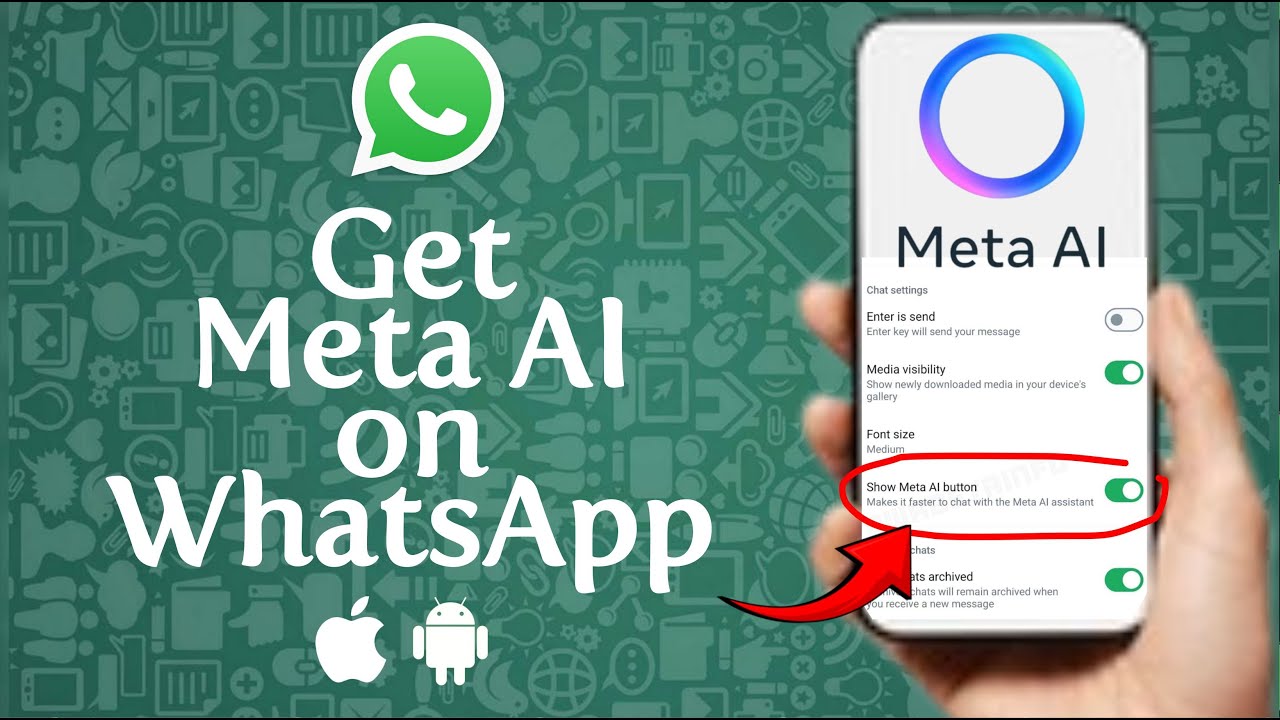
This video tutorial explains in detail how to get Meta AI on your WhatsApp and unlock its full potential. We’ll walk you through the steps to update your WhatsApp Meta AI settings, ensuring you have the latest version to enjoy all the AI-driven features. Whether you're on iPhone or Android, we’ve got you covered with easy-to-follow instructions.
- Subscribe to 3 Minutes Fix Channel:
https://www.youtube.com/@3MinutesFix?sub_confirmation=1
Learn how to get AI chat on WhatsApp by updating your phone’s operating system and clearing cache to fix any glitches. We’ll also guide you through troubleshooting methods if the Meta AI option is not showing on your WhatsApp. This ensures you get early access to this powerful feature.
For those who prefer a more traditional messaging experience, we also show you how to remove Meta AI on WhatsApp entirely. Stay tuned for tips and tricks to customize your WhatsApp AI experience to your liking. Make sure to subscribe for more helpful updates on WhatsApp's new features.
#WhatsAppMetaAI #MetaAIWhatsApp #HowToGetMetaAIChatOnWhatsApp #HowToUseMetaAIInWhatsApp #WhatsAppAI #FixMetaAIWhatsApp #WhatsAppNewFeature #MetaAIWhatsAppOptionNotShowing #HowToChatWithMetaAIOnWhatsApp #GetMetaAIOnYourWhatsApp #HowToRemoveMetaAIOnWhatsApp #WhatsAppAIChatUpdate #HowToFixMetaAINotShowingOnWhatsApp #HowToGetMetaAIOptionOnWhatsApp #WhatsAppNewUpdateMetaAI #MetaAIChatbot #MetaAIOptionNotShowingOnWhatsApp #3MinutesFix
------------------------------
DISCLAIMER: The information and opinions shared in this content are intended solely for informational purposes. The guidance provided reflects personal interpretations and should not be considered legal or financial advice.
AFFILIATE DISCLOSURE: Some of the links on this page may be affiliate links. This means that, at no extra cost to you, we may earn a commission if you click through and make a purchase or subscription. While this may influence the products we review and create content about, it does not impact our recommendations or reviews.
- Subscribe to 3 Minutes Fix Channel:
https://www.youtube.com/@3MinutesFix?sub_confirmation=1
Learn how to get AI chat on WhatsApp by updating your phone’s operating system and clearing cache to fix any glitches. We’ll also guide you through troubleshooting methods if the Meta AI option is not showing on your WhatsApp. This ensures you get early access to this powerful feature.
For those who prefer a more traditional messaging experience, we also show you how to remove Meta AI on WhatsApp entirely. Stay tuned for tips and tricks to customize your WhatsApp AI experience to your liking. Make sure to subscribe for more helpful updates on WhatsApp's new features.
#WhatsAppMetaAI #MetaAIWhatsApp #HowToGetMetaAIChatOnWhatsApp #HowToUseMetaAIInWhatsApp #WhatsAppAI #FixMetaAIWhatsApp #WhatsAppNewFeature #MetaAIWhatsAppOptionNotShowing #HowToChatWithMetaAIOnWhatsApp #GetMetaAIOnYourWhatsApp #HowToRemoveMetaAIOnWhatsApp #WhatsAppAIChatUpdate #HowToFixMetaAINotShowingOnWhatsApp #HowToGetMetaAIOptionOnWhatsApp #WhatsAppNewUpdateMetaAI #MetaAIChatbot #MetaAIOptionNotShowingOnWhatsApp #3MinutesFix
------------------------------
DISCLAIMER: The information and opinions shared in this content are intended solely for informational purposes. The guidance provided reflects personal interpretations and should not be considered legal or financial advice.
AFFILIATE DISCLOSURE: Some of the links on this page may be affiliate links. This means that, at no extra cost to you, we may earn a commission if you click through and make a purchase or subscription. While this may influence the products we review and create content about, it does not impact our recommendations or reviews.
Tags and Topics
Browse our collection to discover more content in these categories.
Video Information
Views
11.6K
Likes
37
Duration
5:03
Published
Sep 6, 2024
User Reviews
4.0
(2) Related Trending Topics
LIVE TRENDSRelated trending topics. Click any trend to explore more videos.
No specific trending topics match this video yet.
Explore All Trends