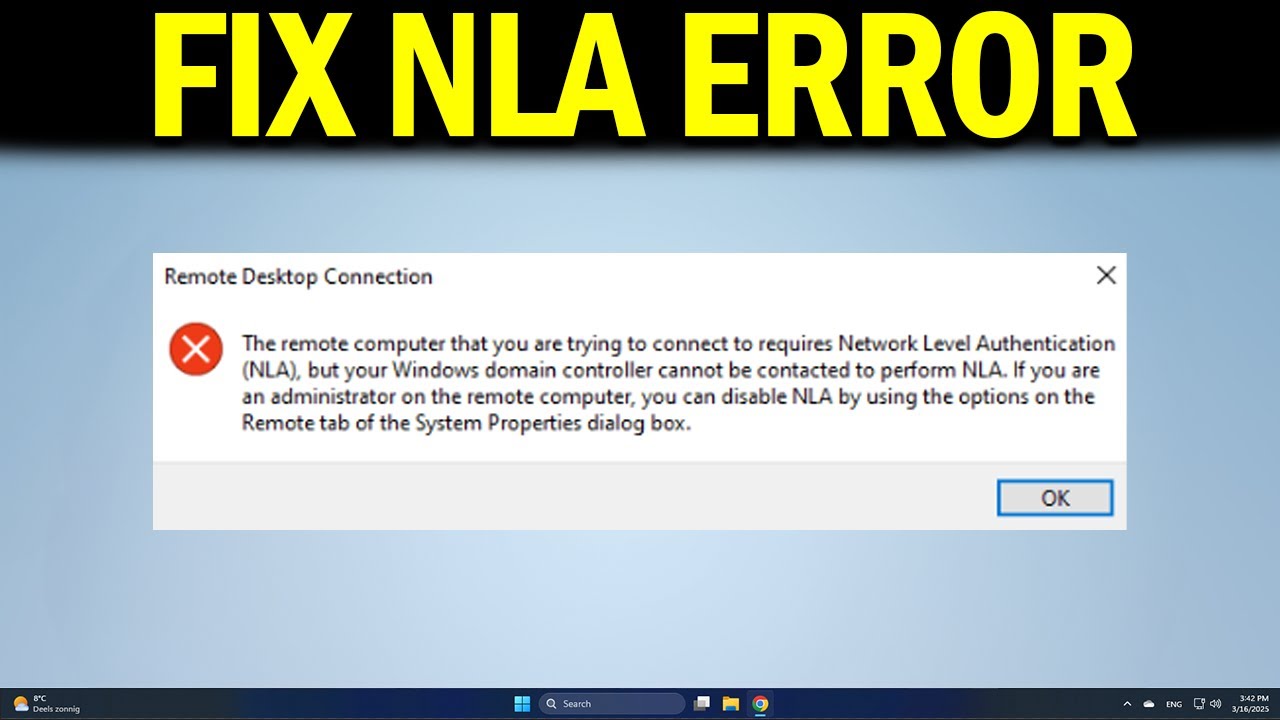
Fix NLA Error When Connecting Remotely 🔧
Learn quick steps to resolve the 'Remote computer requires Network Level Authentication' error and connect smoothly.

How to Simplify Tech
89 views • Dec 27, 2024
About this video
If you see the error “The remote computer requires Network Level Authentication (NLA)” when trying to connect, this video shows you how to fix it. You’ll learn how to disable or configure NLA, adjust Remote Desktop settings, and connect without running into authentication issues.
🔹 fix “remote computer requires NLA” error in Windows
🔹 disable Network Level Authentication for Remote Desktop in Windows
🔹 allow RDP connection without NLA in Windows
🔹 change Remote Desktop settings to bypass NLA in Windows
🔹 enable proper credentials for NLA in Windows Remote Desktop
🔹 resolve authentication error when using Remote Desktop in Windows
Applies to: Windows PCs and laptops (Remote Desktop).
🔹 fix “remote computer requires NLA” error in Windows
🔹 disable Network Level Authentication for Remote Desktop in Windows
🔹 allow RDP connection without NLA in Windows
🔹 change Remote Desktop settings to bypass NLA in Windows
🔹 enable proper credentials for NLA in Windows Remote Desktop
🔹 resolve authentication error when using Remote Desktop in Windows
Applies to: Windows PCs and laptops (Remote Desktop).
Tags and Topics
Browse our collection to discover more content in these categories.
Video Information
Views
89
Likes
1
Duration
1:24
Published
Dec 27, 2024
Related Trending Topics
LIVE TRENDSRelated trending topics. Click any trend to explore more videos.
No specific trending topics match this video yet.
Explore All Trends