Fix Full Hard Drive with No Files on Windows 10 🖴
Learn 8 methods to fix a full C drive on Windows 10 when no files are visible. Easy solutions to free up space!

Wondershare Recoverit Data Recovery
266.5K views • Apr 14, 2021
About this video
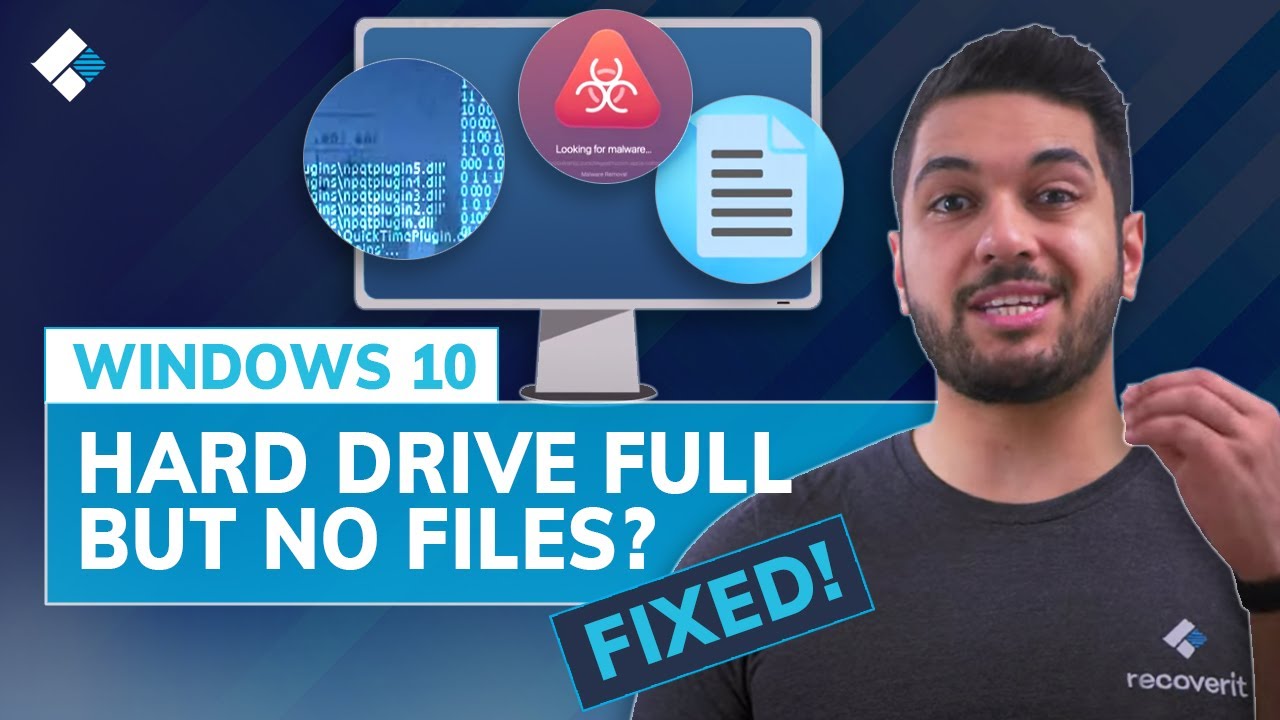
Hard disk full but no files? Or c drive is full without reason in windows 10? Fixed now! In this video, you will learn 8 methods on how to fix hard drive full for no reason issues: https://bit.ly/32fSVBS
Many users are confronted with a “hard drive full for no reason or c drive is full without reason in Windows 10” issue. When the hard drive is full, your computer may run slower, and you possibly can't store new files or data. To fix this issue, there are 8 methods for reference.
Timestamps:
0:00 Intro
1:51 Method 1: Check if it is a virus
2:44 Method 2. Empty Windows Recycle Bin
3:40 Method 3. Show hidden files & folders
4:37 Method 4. Clean Up Junk Files and Large Files
5:13 Method 5. Delete temporary files
6:07 Method 6. Check disk errors
6:55 Method 7. Delete an Unused Partition to Free Memory
7:34 Method 8. Replace a drive
I hope all the solutions in this video can help you to fix the Windows 10 c drive full problem. Don’t forget to subscribe to our channel for more useful fixes and tutorials and also, comment down below for suggestions for new episodes.
#Wondershare #WondershareRecoveritDataRecovery
SUBSCRIBE to get more solutions: https://www.youtube.com/c/RecoveritDataRecoverySoftware?sub_confirmation=1
Follow us on Facebook https://www.facebook.com/RecoveritDataRecovery/
Follow us on Twitter https://twitter.com/WS_Recoverit
Follow us on Instagram https://www.instagram.com/recoverit_datarecovery/
Follow us on Quora Space: https://www.quora.com/q/recoverit
Follow us on our Quora account: https://www.quora.com/profile/Recoverit-Data-Recovery-7
Many users are confronted with a “hard drive full for no reason or c drive is full without reason in Windows 10” issue. When the hard drive is full, your computer may run slower, and you possibly can't store new files or data. To fix this issue, there are 8 methods for reference.
Timestamps:
0:00 Intro
1:51 Method 1: Check if it is a virus
2:44 Method 2. Empty Windows Recycle Bin
3:40 Method 3. Show hidden files & folders
4:37 Method 4. Clean Up Junk Files and Large Files
5:13 Method 5. Delete temporary files
6:07 Method 6. Check disk errors
6:55 Method 7. Delete an Unused Partition to Free Memory
7:34 Method 8. Replace a drive
I hope all the solutions in this video can help you to fix the Windows 10 c drive full problem. Don’t forget to subscribe to our channel for more useful fixes and tutorials and also, comment down below for suggestions for new episodes.
#Wondershare #WondershareRecoveritDataRecovery
SUBSCRIBE to get more solutions: https://www.youtube.com/c/RecoveritDataRecoverySoftware?sub_confirmation=1
Follow us on Facebook https://www.facebook.com/RecoveritDataRecovery/
Follow us on Twitter https://twitter.com/WS_Recoverit
Follow us on Instagram https://www.instagram.com/recoverit_datarecovery/
Follow us on Quora Space: https://www.quora.com/q/recoverit
Follow us on our Quora account: https://www.quora.com/profile/Recoverit-Data-Recovery-7
Tags and Topics
Browse our collection to discover more content in these categories.
Video Information
Views
266.5K
Likes
2.6K
Duration
8:21
Published
Apr 14, 2021
User Reviews
4.4
(53) Related Trending Topics
LIVE TRENDSRelated trending topics. Click any trend to explore more videos.
No specific trending topics match this video yet.
Explore All Trends