Fix Missing App Shortcut Icons on Chrome 🛠️
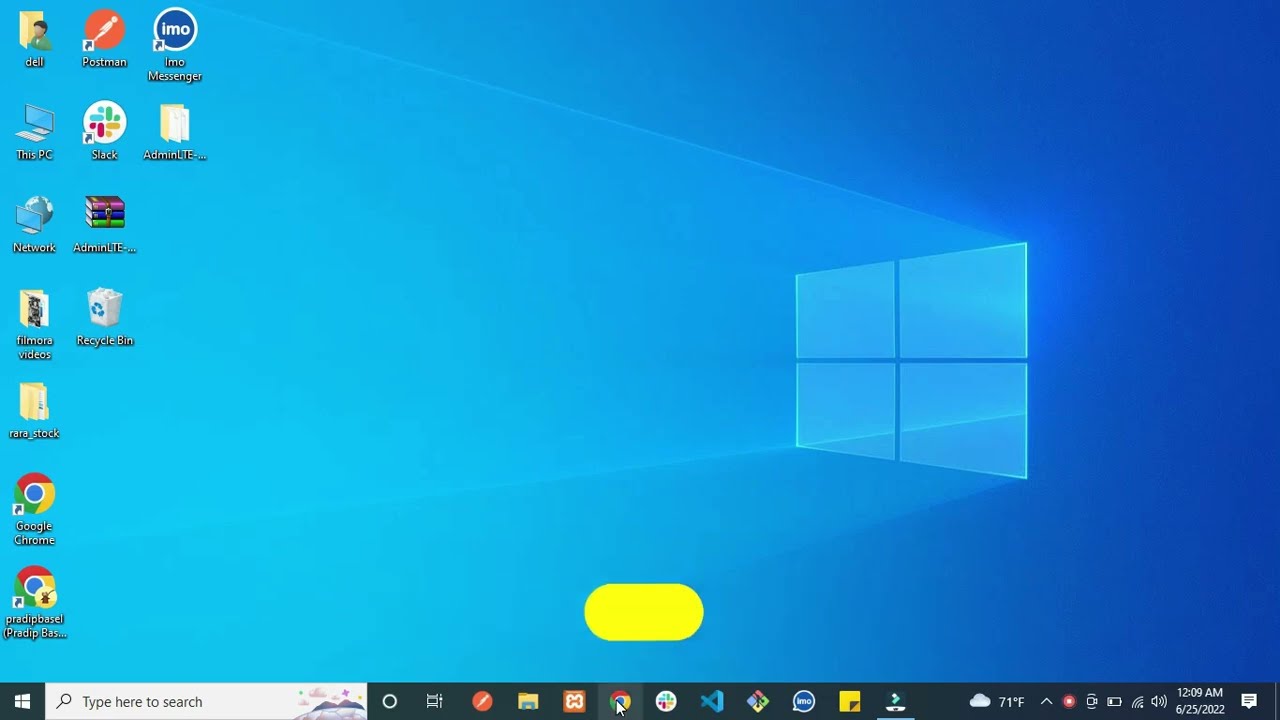
Learn how to restore missing app shortcut icons in Chrome by customizing shortcuts and clicking Done. Easy step-by-step guide.

Web Hat Developers
125.9K views • Jun 24, 2022
About this video
let's fix this issue
1: Open Google Chrome Browser
2: Click on Customize Chrome
3: Click on Shortcuts
4: Click on My Shortcuts
5:Click on Done
thank you for watching (;
1: Open Google Chrome Browser
2: Click on Customize Chrome
3: Click on Shortcuts
4: Click on My Shortcuts
5:Click on Done
thank you for watching (;
Tags and Topics
Browse our collection to discover more content in these categories.
Video Information
Views
125.9K
Likes
277
Duration
0:27
Published
Jun 24, 2022
User Reviews
4.0
(25) Related Trending Topics
LIVE TRENDSRelated trending topics. Click any trend to explore more videos.
No specific trending topics match this video yet.
Explore All Trends