How to Filter and Back Up Only Image Files 📁
Learn simple steps to include only your image files in backups, whether they are stored in custom locations or specific formats. Ensure your precious photos are safely backed up effortlessly!
Backup4all
29 views • Mar 22, 2012
About this video
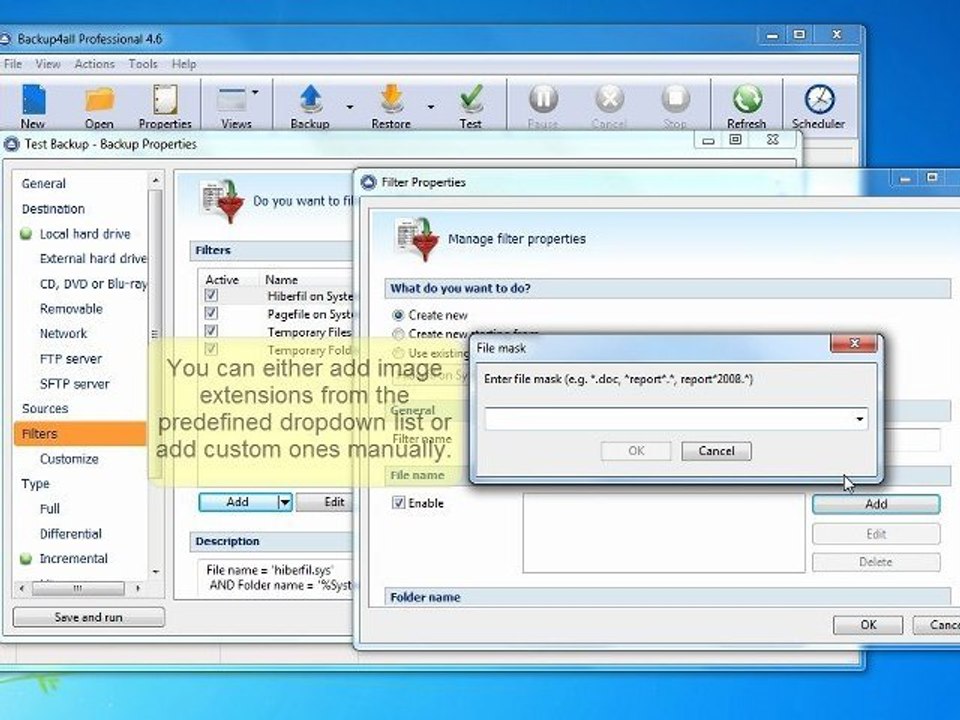
If you have a custom location for your image files or you want to back up only some file types, you should follow the indications below. In this example, we mention the most frequently used file types for images: bmp, jpg, jpeg. kodak, png, psd, raw, gif, tiff, wmf, ai. An extended tutorial on adding filters to the backup jobs is available to be read here: http://www.backup4all.com/kb/how-to-filter-a-backup-899.html
Video Information
Views
29
Duration
1:10
Published
Mar 22, 2012
Related Trending Topics
LIVE TRENDSRelated trending topics. Click any trend to explore more videos.
No specific trending topics match this video yet.
Explore All Trends