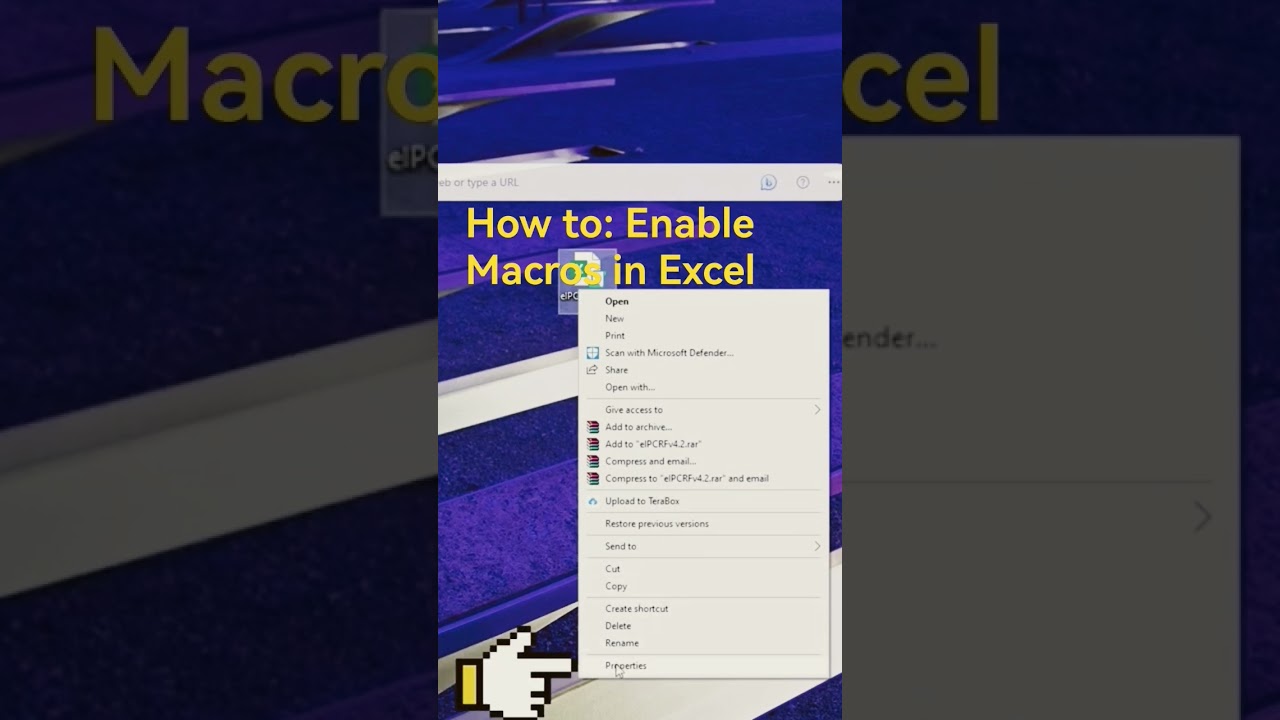
Enable Macros in Excel 2023 🔧
Learn how to enable macros in Excel 2023 to automate tasks and streamline your workflow easily.

ICT SUPPORT 101
9.4K views • Jul 14, 2023
About this video
In Excel, a macro is a set of instructions or commands that automate repetitive tasks. It is a way to record a sequence of actions performed in Excel and play them back later with a single click. Macros can be used to automate tasks like formatting data, generating reports, applying calculations, and performing various other operations.
By recording and running macros, users can save time and effort by eliminating the need to manually perform repetitive actions. Excel macros are created using the Visual Basic for Applications (VBA) programming language, which allows users to write custom code to enhance the functionality and flexibility of their macros.
Enabling macros in Excel is important as it allows the execution of these recorded or custom-made automated actions. Excel has built-in security features to prevent potentially malicious or harmful macros from running by default. Users can choose to enable macros either by adjusting the security settings or by granting permission to specific macros when prompted.
In summary, macros in Excel provide a way to automate repetitive tasks by recording and running a sequence of commands. They help improve efficiency, save time, and simplify complex operations in Excel.
macro
enable
eipcrf
automation
automated
security content
trusted settings
unblock
#eipcrf #macro #excel
By recording and running macros, users can save time and effort by eliminating the need to manually perform repetitive actions. Excel macros are created using the Visual Basic for Applications (VBA) programming language, which allows users to write custom code to enhance the functionality and flexibility of their macros.
Enabling macros in Excel is important as it allows the execution of these recorded or custom-made automated actions. Excel has built-in security features to prevent potentially malicious or harmful macros from running by default. Users can choose to enable macros either by adjusting the security settings or by granting permission to specific macros when prompted.
In summary, macros in Excel provide a way to automate repetitive tasks by recording and running a sequence of commands. They help improve efficiency, save time, and simplify complex operations in Excel.
macro
enable
eipcrf
automation
automated
security content
trusted settings
unblock
#eipcrf #macro #excel
Tags and Topics
Browse our collection to discover more content in these categories.
Video Information
Views
9.4K
Likes
77
Duration
0:16
Published
Jul 14, 2023
User Reviews
4.2
(1) Related Trending Topics
LIVE TRENDSRelated trending topics. Click any trend to explore more videos.
No specific trending topics match this video yet.
Explore All Trends