How to Enable Developer Mode for Orange Monkey Extension in Google Chrome
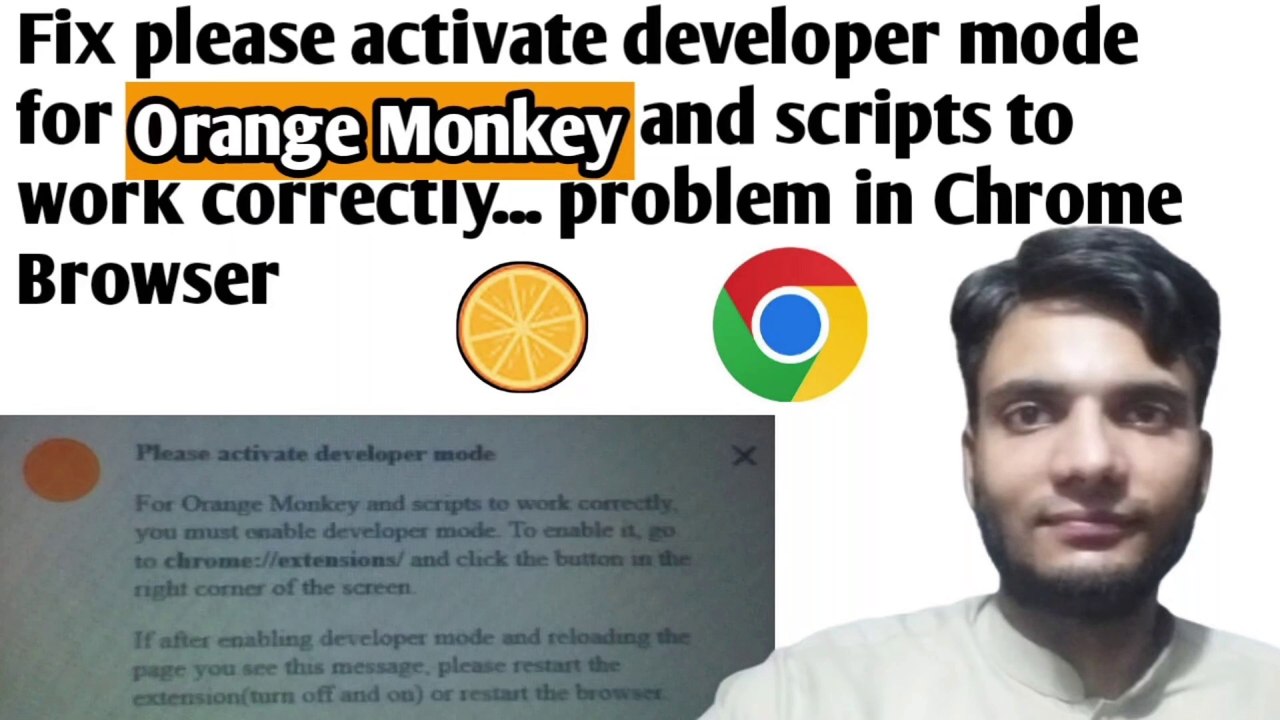
In this video, learn how to enable developer mode for the Orange Monkey extension in Google Chrome to ensure it functions properly when visiting websites.
GET INFORMATION AND KNOWLEDGE
321 views • Sep 25, 2024
About this video
Hi, viewers in this video I am going to show you that if you’re using the Google Chrome Browser with Orange Monkey extension enabled and visited a website and suddenly a pop up appears which shows up the message “Please activate developer mode”. For Orange Monkey and scripts to work correctly, you must enable developer mode. To enable it, go to chrome://extensions/ and click the button in the right corner of the screen. If after enabling developer mode and reloading the page you see this message, please restart the extension(turn off and on) or restart the browser so to fix this problem watch this video till the end. <br /><br />#getinformationandknowledge
Video Information
Views
321
Duration
3:03
Published
Sep 25, 2024
Related Trending Topics
LIVE TRENDSRelated trending topics. Click any trend to explore more videos.
No specific trending topics match this video yet.
Explore All Trends