Master Video Editing to Captivate Viewers 🎥
Learn 5 editing rules top creators use to boost viewer retention and make your videos irresistible.

Gavin Herman
44.1K views • Sep 17, 2025
About this video
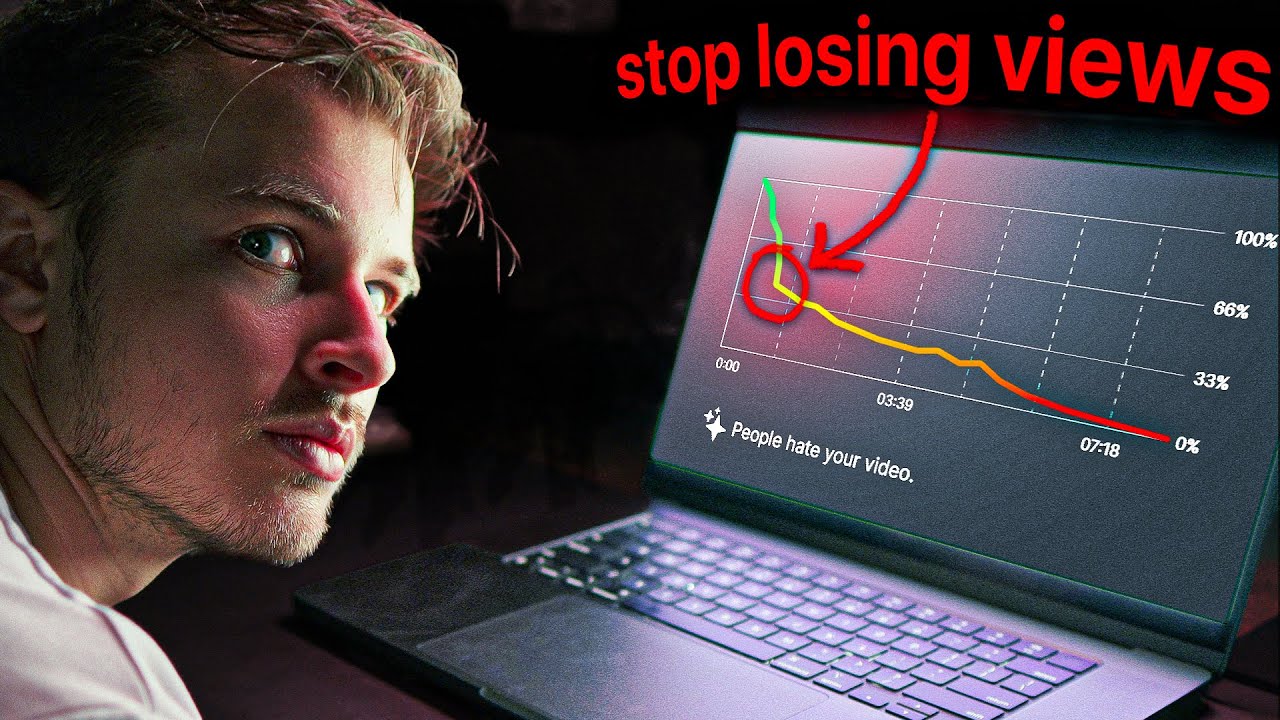
Struggling to keep viewers from clicking away after just a few seconds? In this video, I’ll reveal five editing rules that top creators use to boost retention, along with the hidden mistakes that sabotage your videos without you realizing it.
✅ WHERE I GET MY CREATIVE ASSETS (ENVATO):
→ https://1.envato.market/LK3yDY
(23M+ Assets and UNLIMITED AI Video Generators Until Sept 30!)
🌱 Join Editor Kickstart (🏷️ You Can Still Join For 10% OFF!)
Join 50+ members and access educational courses, resources, and community calls to learn from professionals and start making $ with editing and content!
→ https://editorkickstart.com/
🎬 EDITING/CREATIVE SOFTWARE I USE (ADOBE CC)
→ https://bit.ly/TryAdobeCC
(FREE 7 Day Trial + 65% OFF For Students AND Teachers!)
▶ SUBSCRIBE: @GavinHerman
Thank you for all your support :)
GAVIN
___________________________________________________________________________
00:00 Why viewers click away too soon
00:22 Editing rule #1: Control the pace like a storyteller
01:13 When to speed up vs slow down
01:45 Using pattern breaks to grab attention
01:55 Editing rule #2: Every medium must belong
02:27 Assets and AI tools from Envato
03:05 Making different assets feel natural together
03:34 Editing rule #3: Make every frame beautiful
04:19 The 8 design principles every editor needs
05:36 Editing rule #4: Motion design should serve a purpose
06:06 Animations that explain and engage
06:35 Editing rule #5: Sound design is the glue
07:00 Fixing vocals, reverb, and background noise
07:32 Using music and sound effects the right way
08:00 Timing and balancing audio with visuals
08:13 Layering sounds for immersion
08:28 Join 50+ Members in the Editor Kickstart community!
DISCLAIMER: This video and description contains affiliate links. So when you click on one of the product links, I’ll receive a small commission.
✅ WHERE I GET MY CREATIVE ASSETS (ENVATO):
→ https://1.envato.market/LK3yDY
(23M+ Assets and UNLIMITED AI Video Generators Until Sept 30!)
🌱 Join Editor Kickstart (🏷️ You Can Still Join For 10% OFF!)
Join 50+ members and access educational courses, resources, and community calls to learn from professionals and start making $ with editing and content!
→ https://editorkickstart.com/
🎬 EDITING/CREATIVE SOFTWARE I USE (ADOBE CC)
→ https://bit.ly/TryAdobeCC
(FREE 7 Day Trial + 65% OFF For Students AND Teachers!)
▶ SUBSCRIBE: @GavinHerman
Thank you for all your support :)
GAVIN
___________________________________________________________________________
00:00 Why viewers click away too soon
00:22 Editing rule #1: Control the pace like a storyteller
01:13 When to speed up vs slow down
01:45 Using pattern breaks to grab attention
01:55 Editing rule #2: Every medium must belong
02:27 Assets and AI tools from Envato
03:05 Making different assets feel natural together
03:34 Editing rule #3: Make every frame beautiful
04:19 The 8 design principles every editor needs
05:36 Editing rule #4: Motion design should serve a purpose
06:06 Animations that explain and engage
06:35 Editing rule #5: Sound design is the glue
07:00 Fixing vocals, reverb, and background noise
07:32 Using music and sound effects the right way
08:00 Timing and balancing audio with visuals
08:13 Layering sounds for immersion
08:28 Join 50+ Members in the Editor Kickstart community!
DISCLAIMER: This video and description contains affiliate links. So when you click on one of the product links, I’ll receive a small commission.
Tags and Topics
Browse our collection to discover more content in these categories.
Video Information
Views
44.1K
Likes
2.4K
Duration
8:45
Published
Sep 17, 2025
User Reviews
4.7
(8) Related Trending Topics
LIVE TRENDSRelated trending topics. Click any trend to explore more videos.