Disable Reserved Storage in Windows 10 (2019 Guide)
Learn how to turn off reserved storage in Windows 10 2019 update to free up space and manage your storage better. 💾
Apk Heaven
37.3K views • Jun 26, 2019
About this video
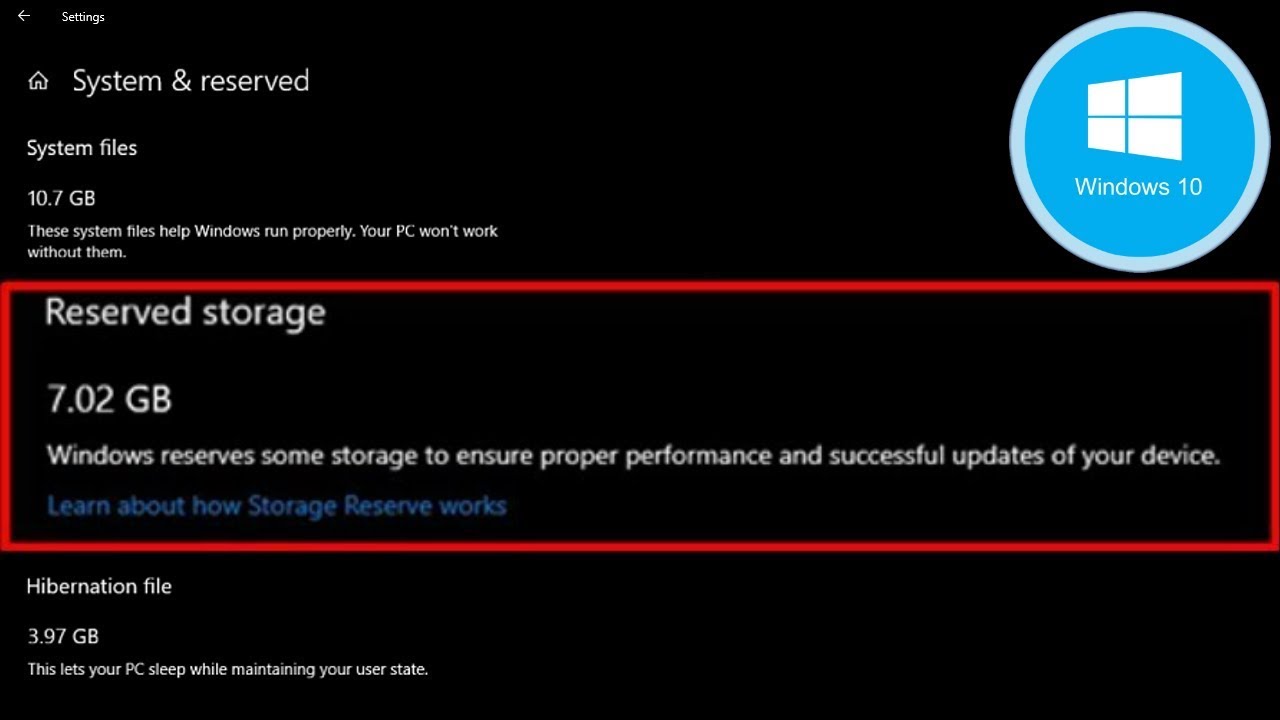
From the May 2019 Update, Windows 10 will reserve around 7 GB of your precious hdd or ssd storage for updates and optional files. This will ensure easy installation of updates in the future but you can recover that space if you want too i will show you how to do that in the easy video guide.
Remember to backup regedit before you change these settings.
The code in the video:
HKEY_LOCAL_MACHINE\SOFTWARE\Microsoft\Windows\CurrentVersion\ReserveManager
What is Reserved Storage?
Windows requires a certain amount of free disk space to update.
With the recent May 2019 Update v1903 microsoft aims to solve this problem by reserving disk space for future updates on your PC HDD or SSD even on your usb flash drive memory stick micro sd card.
Before, if you had insufficient free disk space on your PC, Windows would fail to install updates properly. The only workaround is to free up some storage space before continuing.
With reserved storage, Microsoft makes Windows 10 set aside at least 7 gb of space on your hard drive to ensure updates can download regardless of how much disk space the pc has.
The reason why i am doing this is because i have a very small hard drive a solid state drive of 120gb to be more precise and that this is not going to effect my operating system in any way possible since this doesn't change the fact that it wont update i will only need sufficient space on my drive for the next update but i didn't want more than 7gb of space to be reserved or blocked on my drive since they already took more than 20gb of the ssd for the windows 10 operating system.
Remember to backup regedit before you change these settings.
The code in the video:
HKEY_LOCAL_MACHINE\SOFTWARE\Microsoft\Windows\CurrentVersion\ReserveManager
What is Reserved Storage?
Windows requires a certain amount of free disk space to update.
With the recent May 2019 Update v1903 microsoft aims to solve this problem by reserving disk space for future updates on your PC HDD or SSD even on your usb flash drive memory stick micro sd card.
Before, if you had insufficient free disk space on your PC, Windows would fail to install updates properly. The only workaround is to free up some storage space before continuing.
With reserved storage, Microsoft makes Windows 10 set aside at least 7 gb of space on your hard drive to ensure updates can download regardless of how much disk space the pc has.
The reason why i am doing this is because i have a very small hard drive a solid state drive of 120gb to be more precise and that this is not going to effect my operating system in any way possible since this doesn't change the fact that it wont update i will only need sufficient space on my drive for the next update but i didn't want more than 7gb of space to be reserved or blocked on my drive since they already took more than 20gb of the ssd for the windows 10 operating system.
Tags and Topics
Browse our collection to discover more content in these categories.
Video Information
Views
37.3K
Likes
236
Duration
2:34
Published
Jun 26, 2019
User Reviews
4.2
(7) Related Trending Topics
LIVE TRENDSRelated trending topics. Click any trend to explore more videos.
No specific trending topics match this video yet.
Explore All Trends