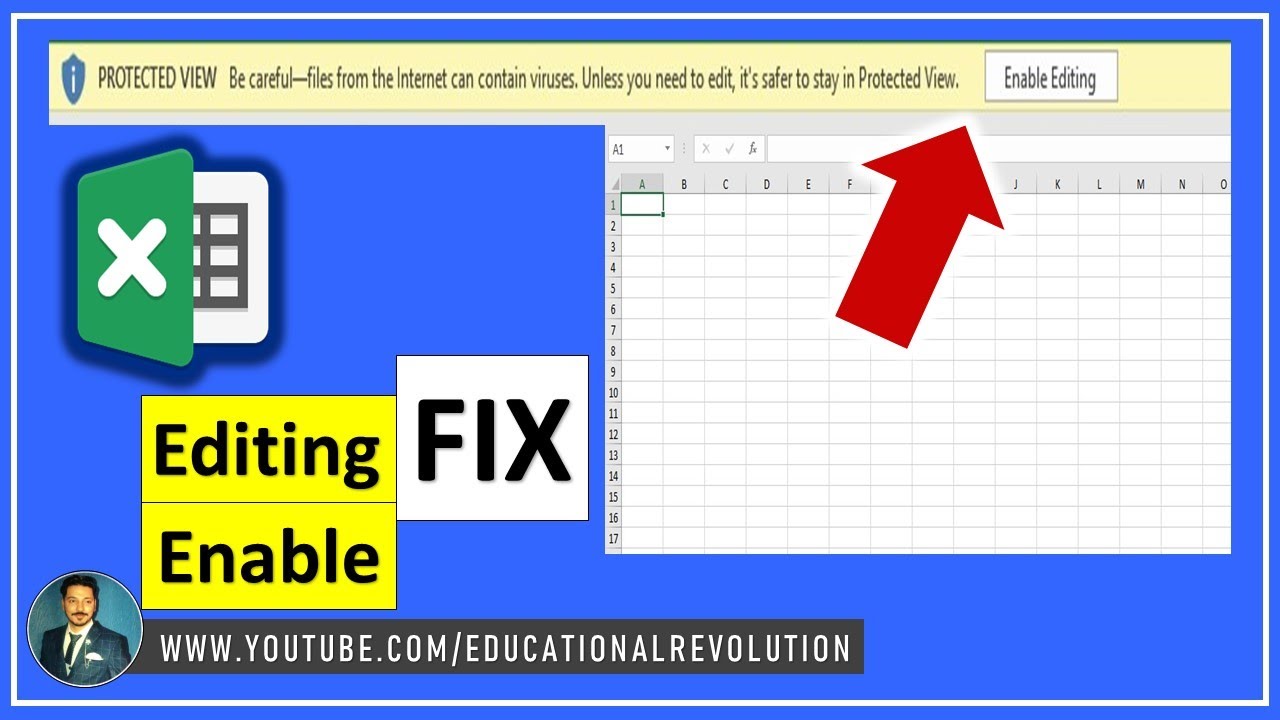
Disable 'Enable Editing' Button in Excel
Learn how to disable or remove the 'Enable Editing' button in Excel to streamline your workflow and improve security. 🔒
Educational Revolution
41.9K views • Feb 21, 2023
About this video
Enable editing in Excel - How To Disable Protected Or Remove Enable Editing Button In Excel
Protected view Office has detected a problem with this file. Editing it may harm your computer. click more details
Step 1 : First open your protected excel document
Step 2 : Top side you getting error message and click that error message
Step 3 : Now you will see " EDIT ANYWAY " box
Step 4: click that box now you can edit your file
Step 5: In future permanently disable this future
step 6: Go to file--option--trust center---trust center settings--protected view
now uncheck following box
* Enable protected view for files orginating from the internet
*Enable protected view for files located in potentially unsafe location
*enable protected view for outlook attachments
Please like, Comment, Share and Subscribe our YouTube Channel Educational Revolution
Email: Educationalrevolution786@gmail.com
My Website Link:
Educationalrevolution786.blogspot.com
Ms Excel Shorts Playlist:
https://youtube.com/playlist?list=PLYfKgvbTcQDIeZE-R--GJ68k41O8W7V06
Convert PDf to MS-word,Excel,Powerpoint:
https://youtu.be/R10DrJ9aPZE
Edit Pdf File no Need to Purchase software:
https://youtu.be/q9SL9hzMgt8
Shirk Your 10 MB File into 1 MB:
https://youtu.be/7uHfprC72I4
Subscribe Us:
https://www.youtube.com/educationalrevolution?sub_confirmation=1
Facebook Page link:
https://www.facebook.com/EducationalRevolution786
Facebook Group Link:
https://web.facebook.com/groups/440078226833339
Protected view Office has detected a problem with this file. Editing it may harm your computer. click more details
Step 1 : First open your protected excel document
Step 2 : Top side you getting error message and click that error message
Step 3 : Now you will see " EDIT ANYWAY " box
Step 4: click that box now you can edit your file
Step 5: In future permanently disable this future
step 6: Go to file--option--trust center---trust center settings--protected view
now uncheck following box
* Enable protected view for files orginating from the internet
*Enable protected view for files located in potentially unsafe location
*enable protected view for outlook attachments
Please like, Comment, Share and Subscribe our YouTube Channel Educational Revolution
Email: Educationalrevolution786@gmail.com
My Website Link:
Educationalrevolution786.blogspot.com
Ms Excel Shorts Playlist:
https://youtube.com/playlist?list=PLYfKgvbTcQDIeZE-R--GJ68k41O8W7V06
Convert PDf to MS-word,Excel,Powerpoint:
https://youtu.be/R10DrJ9aPZE
Edit Pdf File no Need to Purchase software:
https://youtu.be/q9SL9hzMgt8
Shirk Your 10 MB File into 1 MB:
https://youtu.be/7uHfprC72I4
Subscribe Us:
https://www.youtube.com/educationalrevolution?sub_confirmation=1
Facebook Page link:
https://www.facebook.com/EducationalRevolution786
Facebook Group Link:
https://web.facebook.com/groups/440078226833339
Tags and Topics
Browse our collection to discover more content in these categories.
Video Information
Views
41.9K
Likes
135
Duration
2:19
Published
Feb 21, 2023
User Reviews
4.0
(8) Related Trending Topics
LIVE TRENDSRelated trending topics. Click any trend to explore more videos.