Disable Automatic File Encryption in Windows 10 🔓
Learn how to stop Windows 10 from automatically encrypting new files and folders with this quick 3-minute guide.

AjobsTech
25.8K views • Mar 2, 2022
About this video
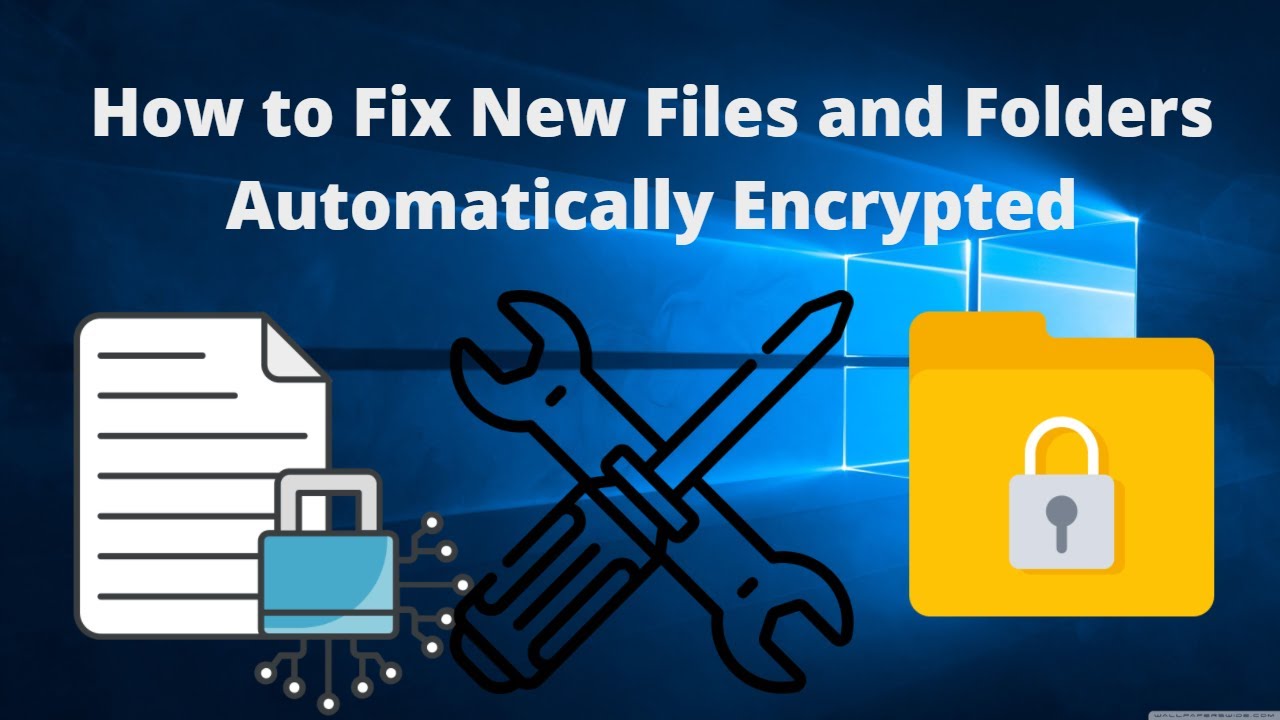
In this tutorial video, I will show you how you can fix the issue of your newly created files or folders on Windows desktop automatically gets automatically encrypted.
How to Remove Lock Icon on Files and Folders
File and Folder encryption means locking it contents from public access. Any other standard user account will not be able to access any information you've encrypted.
How to Create New User Account in Windows 10 - https://youtu.be/DGt4XYSyqyg
Thanks for watching, I hope it was helpful.
If you find this video helpful, kindly hit the SUBSCRIBE button, Like, Comment and Share.
Facebook: Facebook.com/ajobstech
Instagram: Instagram.com/ajobstech
#Fileencryption #Folderencryption #Windows10 #EFS
How to Remove Lock Icon on Files and Folders
File and Folder encryption means locking it contents from public access. Any other standard user account will not be able to access any information you've encrypted.
How to Create New User Account in Windows 10 - https://youtu.be/DGt4XYSyqyg
Thanks for watching, I hope it was helpful.
If you find this video helpful, kindly hit the SUBSCRIBE button, Like, Comment and Share.
Facebook: Facebook.com/ajobstech
Instagram: Instagram.com/ajobstech
#Fileencryption #Folderencryption #Windows10 #EFS
Tags and Topics
Browse our collection to discover more content in these categories.
Video Information
Views
25.8K
Likes
351
Duration
3:52
Published
Mar 2, 2022
User Reviews
4.5
(5) Related Trending Topics
LIVE TRENDSRelated trending topics. Click any trend to explore more videos.
Trending Now