How to Determine If Your Hard Disk Is Encrypted with BitLocker
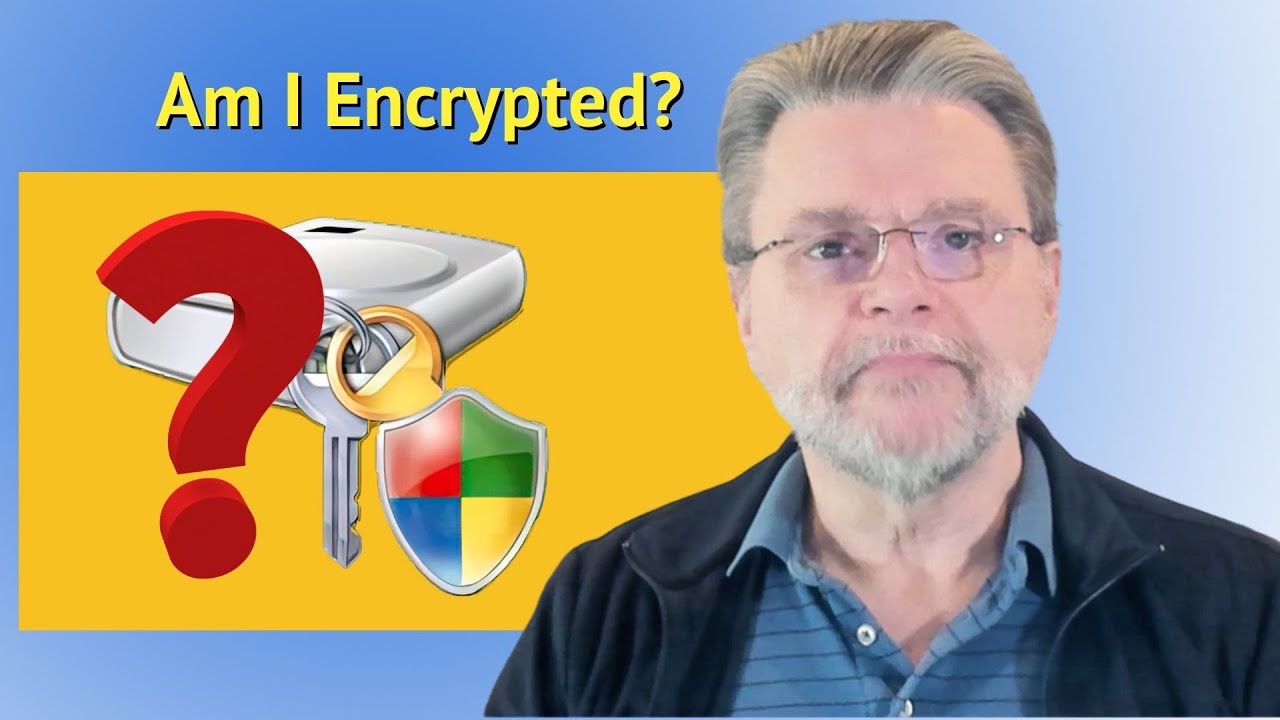
Learn how to identify whether your hard disk is encrypted using BitLocker, ensuring your data's security without your immediate awareness.

Ask Leo!
11.9K views • Apr 24, 2025
About this video
⚜️ Your hard disk could be BitLocker encrypted without your knowledge.
⚜️ Is your hard disk encrypted?
Your computer’s hard drive might be encrypted with BitLocker without you knowing it. In Windows Pro, you’ll see a padlock icon. In Windows Home, check “Device encryption” under Privacy & security settings. Make sure you can access your recovery key at aka.ms/myrecoverykey, or you could lose everything!
Updates, related links, and more discussion: https://askleo.com/179885
🔔 Subscribe to the Ask Leo! YouTube channel for more tech videos & answers: https://go.askleo.com/ytsub
✅ Watch next ▶ I Use BitLocker. Are My Backups Encrypted? ▶ https://youtu.be/iP5pozDQ9hk
Chapters
0:00 Is My Hard Disk BitLocker-Encrypted?
0:30 Start with Windows Pro
1:10 Checking Windows Home
2:00 Encryption set up by default
3:45 Getting the recovery key
5:20 Turn off device encryption
❤️ My best articles: https://go.askleo.com/best
❤️ My Most Important Article: https://go.askleo.com/number1
More Ask Leo!
☑️ https://askleo.com to get your questions answered
☑️ https://newsletter.askleo.com to subscribe to the Confident Computing newsletter.
☑️ https://askleo.com/patron to help support Ask Leo!
☑️ https://askleo.com/all-the-different-ways-to-get-ask-leo/ for even more!
#askleo #encryption #bitlocker
⚜️ Is your hard disk encrypted?
Your computer’s hard drive might be encrypted with BitLocker without you knowing it. In Windows Pro, you’ll see a padlock icon. In Windows Home, check “Device encryption” under Privacy & security settings. Make sure you can access your recovery key at aka.ms/myrecoverykey, or you could lose everything!
Updates, related links, and more discussion: https://askleo.com/179885
🔔 Subscribe to the Ask Leo! YouTube channel for more tech videos & answers: https://go.askleo.com/ytsub
✅ Watch next ▶ I Use BitLocker. Are My Backups Encrypted? ▶ https://youtu.be/iP5pozDQ9hk
Chapters
0:00 Is My Hard Disk BitLocker-Encrypted?
0:30 Start with Windows Pro
1:10 Checking Windows Home
2:00 Encryption set up by default
3:45 Getting the recovery key
5:20 Turn off device encryption
❤️ My best articles: https://go.askleo.com/best
❤️ My Most Important Article: https://go.askleo.com/number1
More Ask Leo!
☑️ https://askleo.com to get your questions answered
☑️ https://newsletter.askleo.com to subscribe to the Confident Computing newsletter.
☑️ https://askleo.com/patron to help support Ask Leo!
☑️ https://askleo.com/all-the-different-ways-to-get-ask-leo/ for even more!
#askleo #encryption #bitlocker
Video Information
Views
11.9K
Likes
493
Duration
7:07
Published
Apr 24, 2025
User Reviews
4.6
(2) Related Trending Topics
LIVE TRENDSRelated trending topics. Click any trend to explore more videos.
No specific trending topics match this video yet.
Explore All Trends