Quickly Delete Apps on iOS 13+ 📱
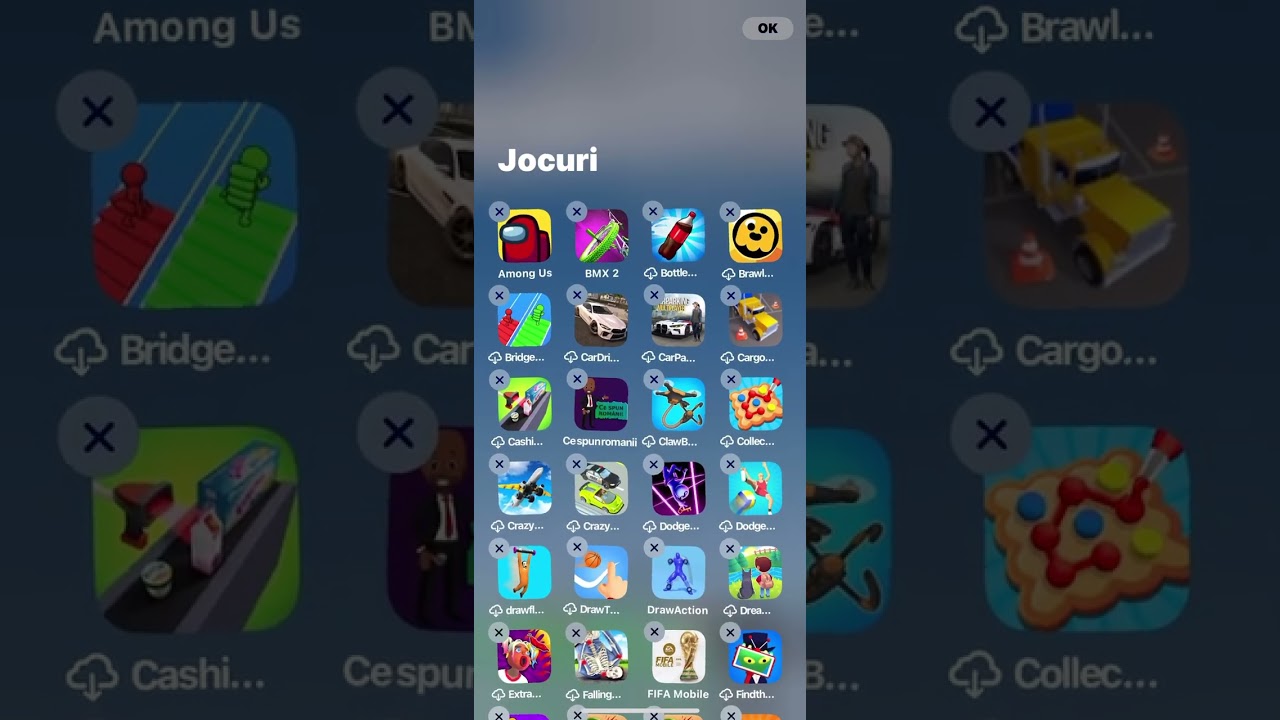
Hold an app to enter edit mode, swipe to App Library, select category, and delete apps faster on iOS 16.

Andrei Sava
69.0K views • Dec 17, 2022
About this video
Basically hold on another app until the edit mode comes on, then go to the app library by swipping to the right and go to the selected category and begin deleting apps.
Video Information
Views
69.0K
Likes
310
Duration
0:14
Published
Dec 17, 2022
User Reviews
4.1
(13) Related Trending Topics
LIVE TRENDSRelated trending topics. Click any trend to explore more videos.
No specific trending topics match this video yet.
Explore All Trends