Excel: Delete a Row with Keyboard Shortcut 🖥️
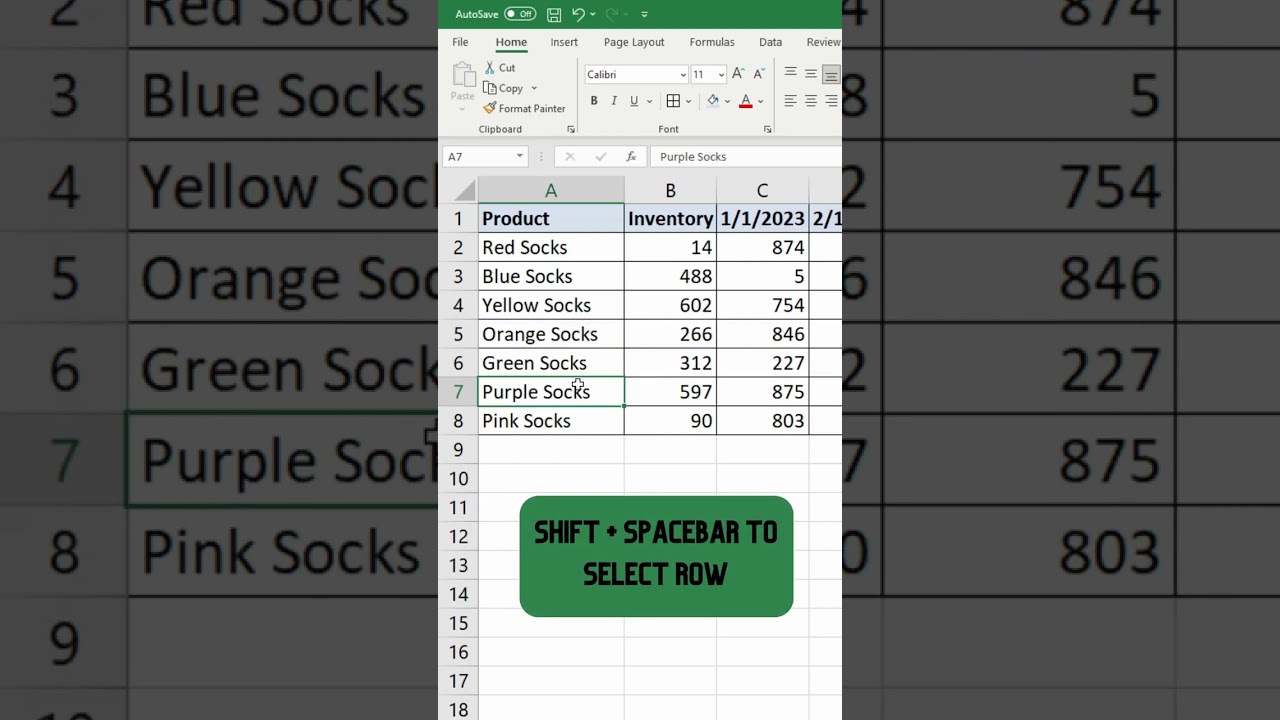
Learn how to quickly delete a row in Excel using keyboard shortcuts: Shift + Spacebar to select, then Ctrl + - to delete.

Modern School Bus
272.1K views • Feb 28, 2023
About this video
In this short tutorial, I show the keyboard shortcut to delete a row in Excel. It is SHIFT + Spacebar to select the row you are in, and CTRL + - symbol to delete the row.
Stay up to date with FREE lessons by subscribing to our newsletter:
https://www.modernschoolbus.com/free-newsletter/
#shorts #exceltips #exceltutorial
Stay up to date with FREE lessons by subscribing to our newsletter:
https://www.modernschoolbus.com/free-newsletter/
#shorts #exceltips #exceltutorial
Tags and Topics
Browse our collection to discover more content in these categories.
Video Information
Views
272.1K
Likes
1.1K
Duration
0:11
Published
Feb 28, 2023
User Reviews
4.1
(54) Related Trending Topics
LIVE TRENDSRelated trending topics. Click any trend to explore more videos.
No specific trending topics match this video yet.
Explore All Trends